

Revolutionary Backups · version 0.6.12
Backups you can actually restore.
Revolutionary Backups copies your files and database on a schedule, sends them to storage you already own, and checks every set before it is restored. If a restore fails partway, the plugin attempts to restore its pre-restore snapshot.
- Ten off-site destinations, including Backblaze B2 and Cloudflare R2
- SHA-256 checksums and optional AES-256-GCM encryption
- Automatic rollback if a restore fails
Released version 0.6.10
What the current release includes
Schedule file and database backups, keep off-site copies and verify a backup before restoring it.
- Choose from ten destinations, including dedicated Backblaze B2 and Cloudflare R2 entries.
- SFTP / SCP uses bundled phpseclib and no longer needs the PHP ssh2 extension.
Why it exists
A backup only counts if the restore works.
Plenty of plugins make archives. Far fewer tell you whether an archive is intact, or protect you when a restore goes wrong halfway through. Revolutionary Backups is built around the restore.
See it in action
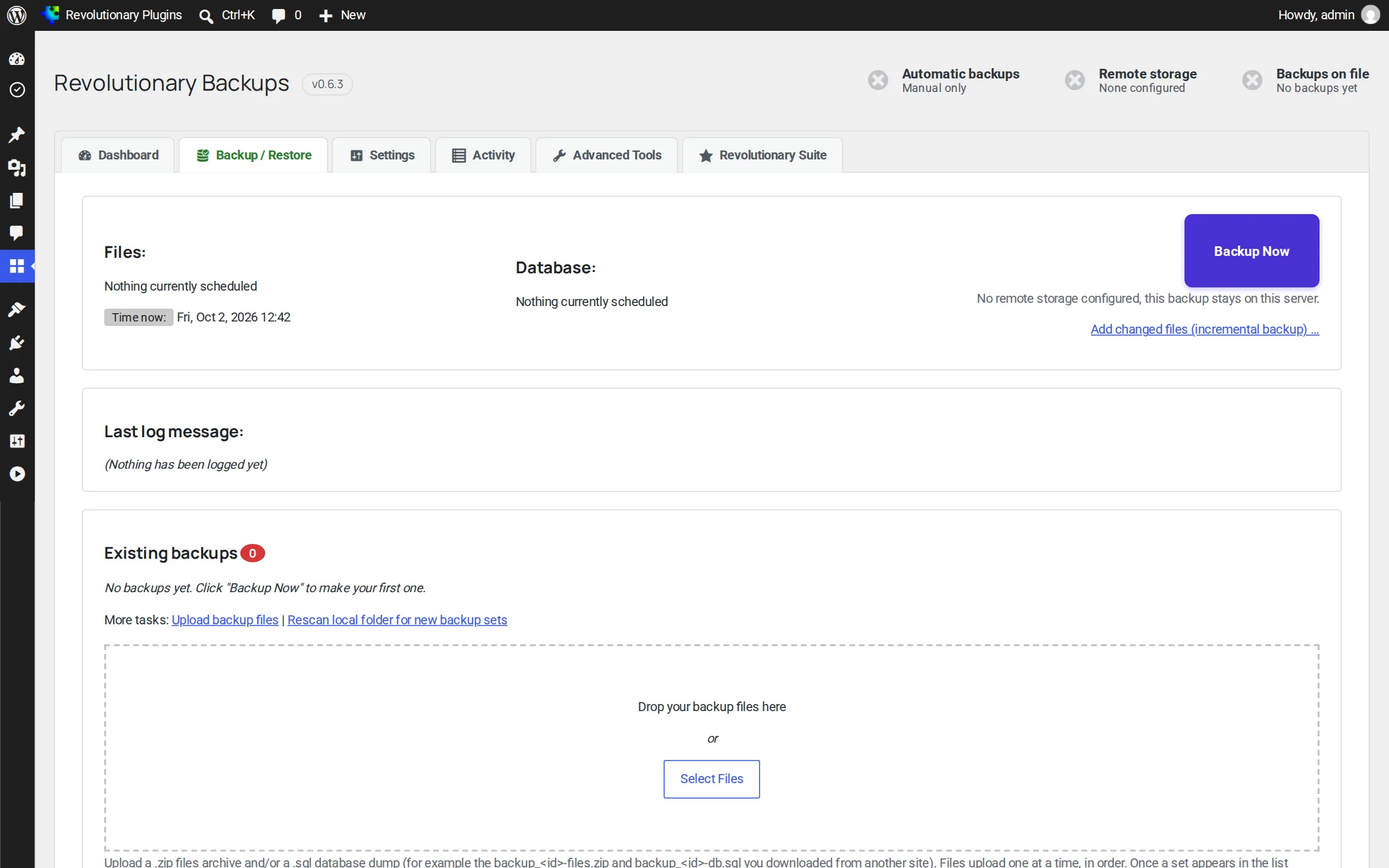
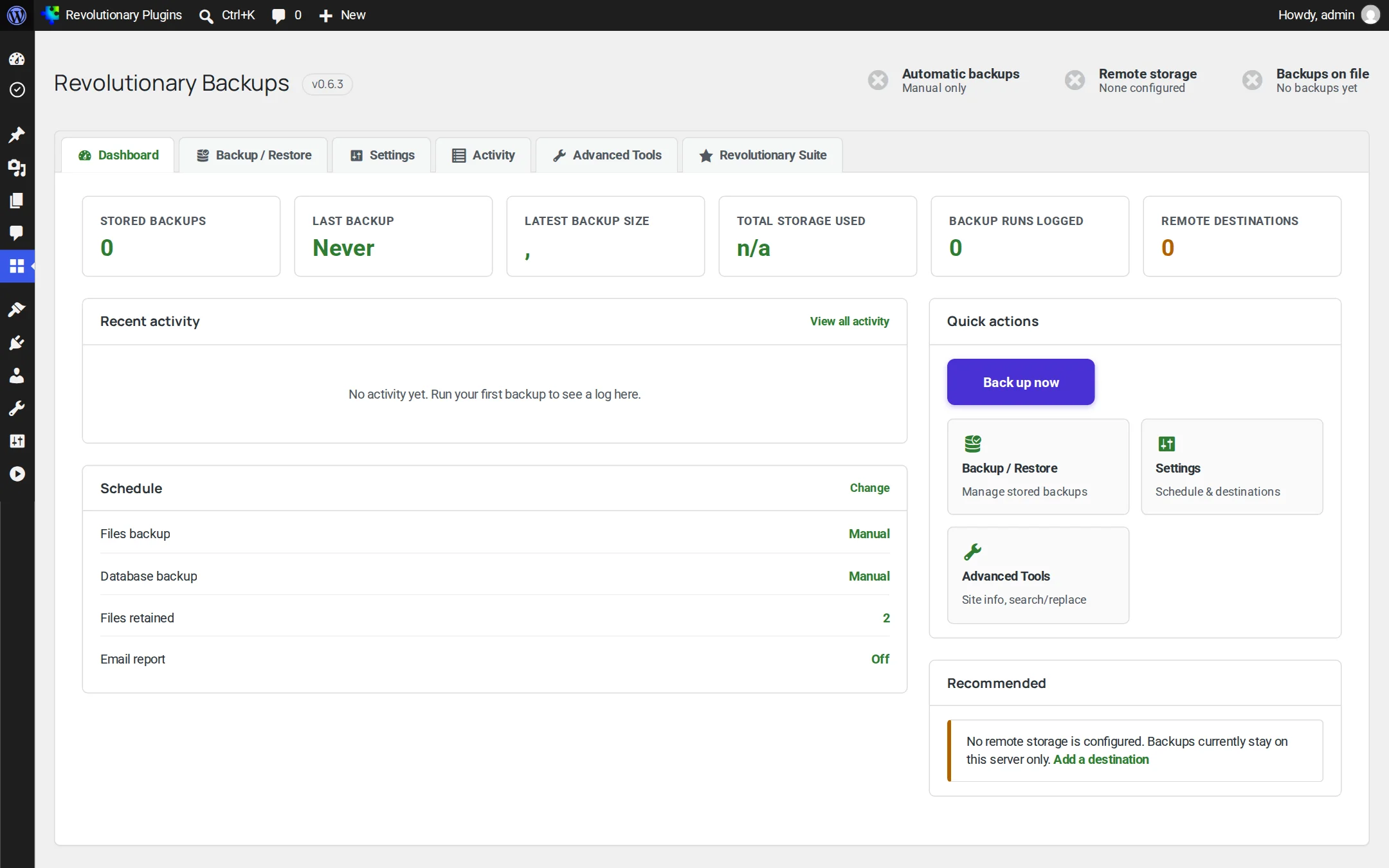
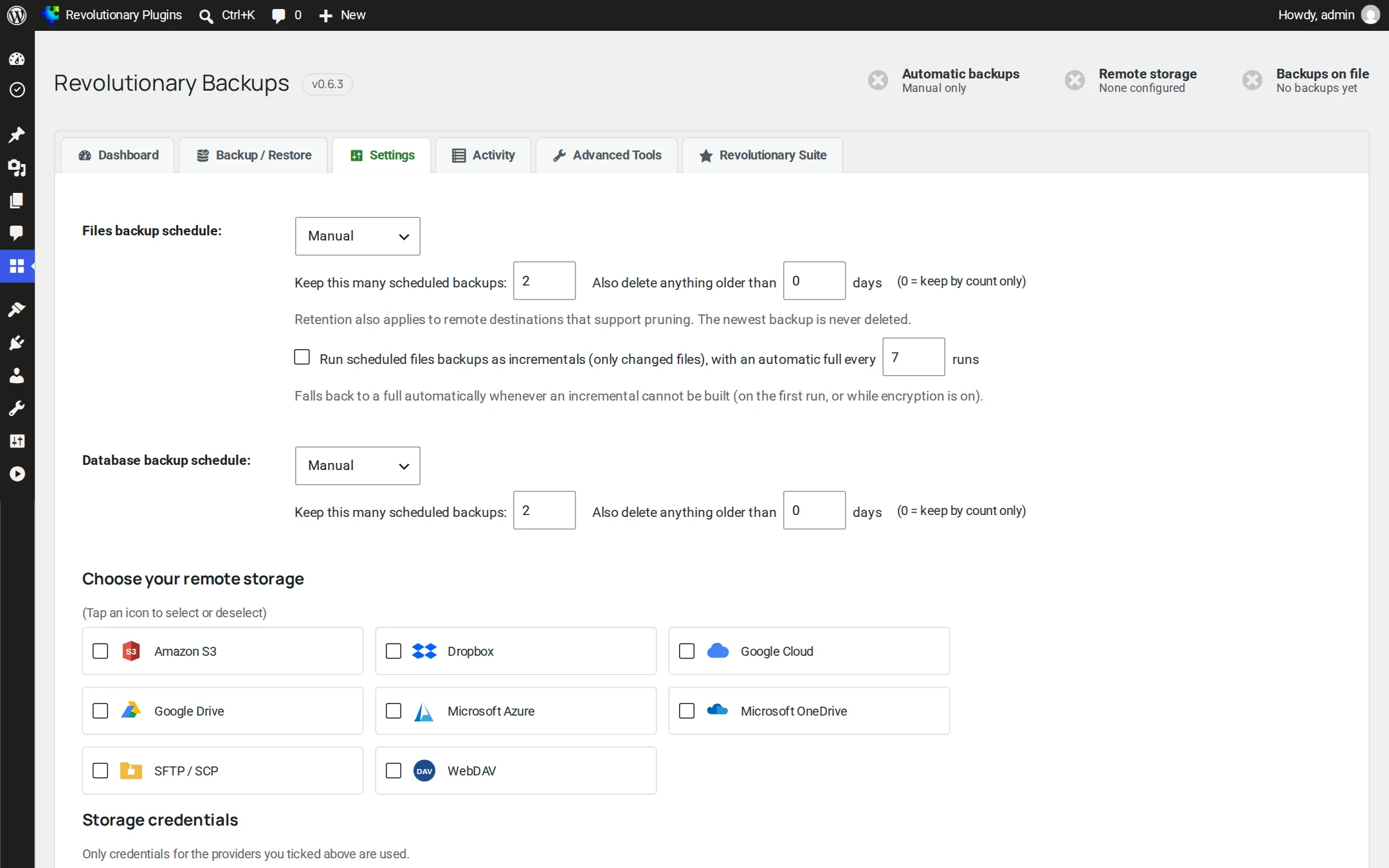
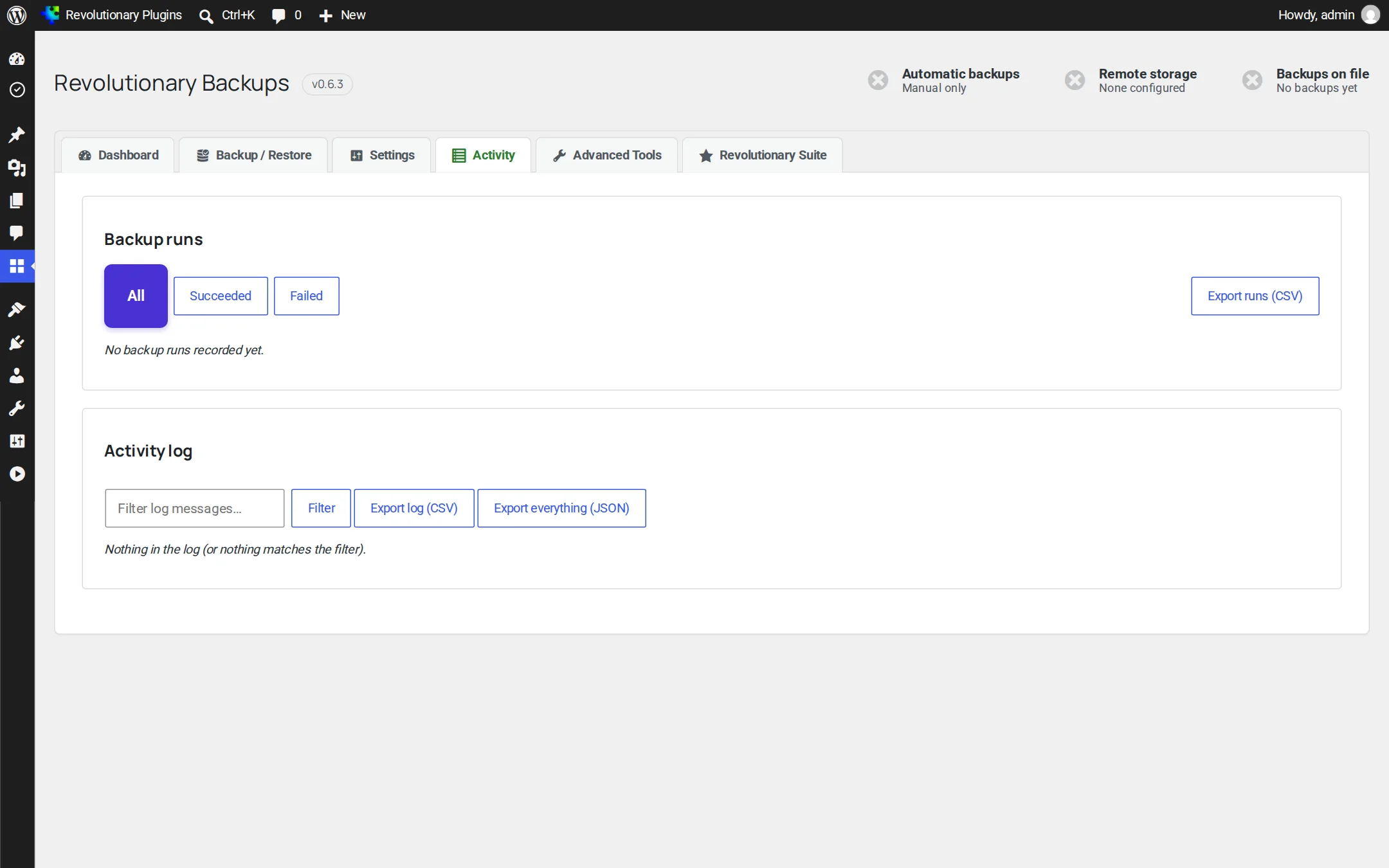
Five tabs. Everything in plain view.
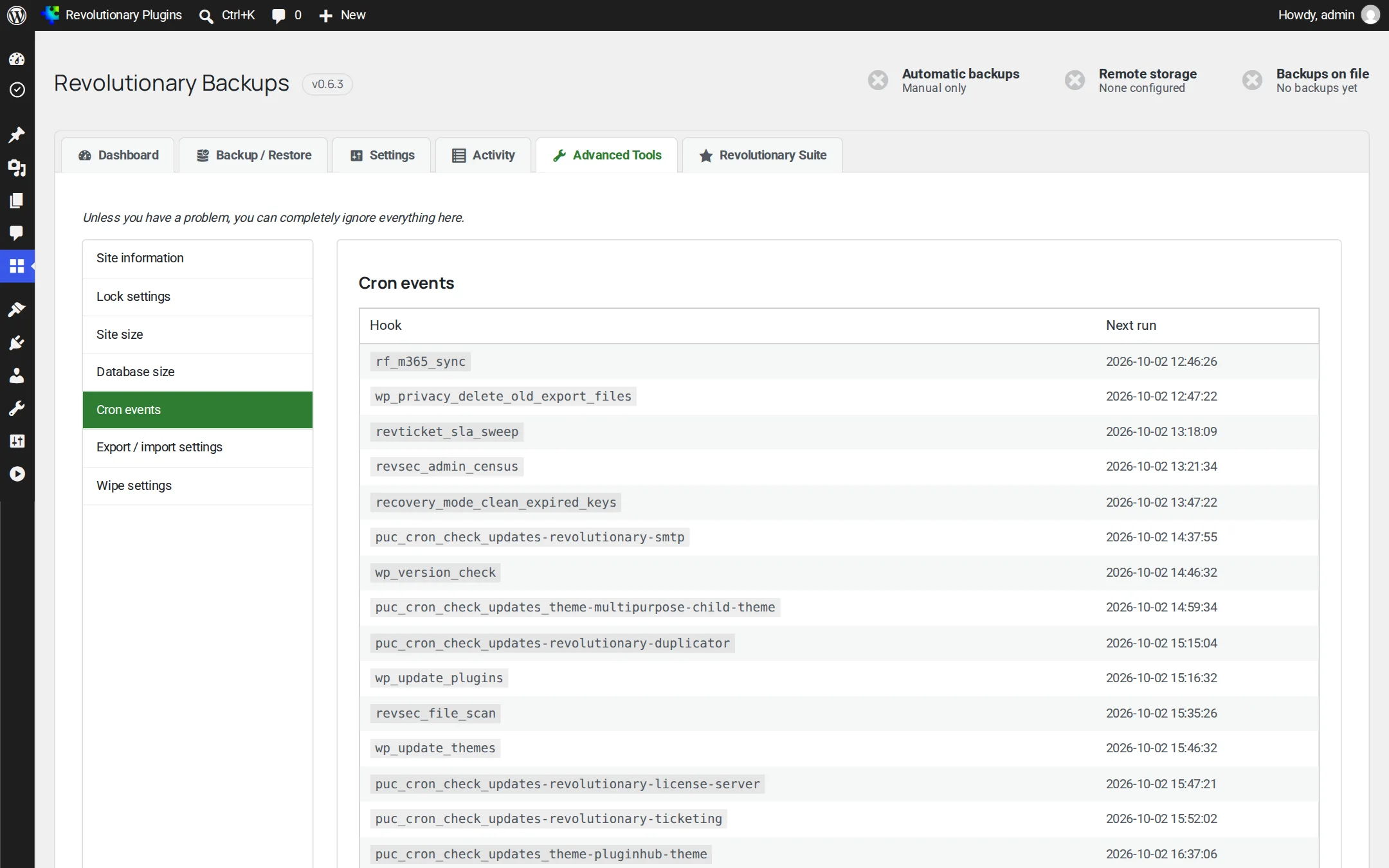
Dashboard, Settings, Backup / Restore, Activity and Advanced Tools. A status chip on every screen turns red if the last run failed.
Pillar 1
Backups that run themselves
Set it once. Schedules, incrementals and retention keep a useful history without filling your storage.
Pillar 2
Off-site, on your terms
Keep a copy somewhere other than the server it protects, using storage you already pay for.
Pillar 3
Safe restores and private archives
The parts of a backup plugin you only notice on your worst day.
Screens
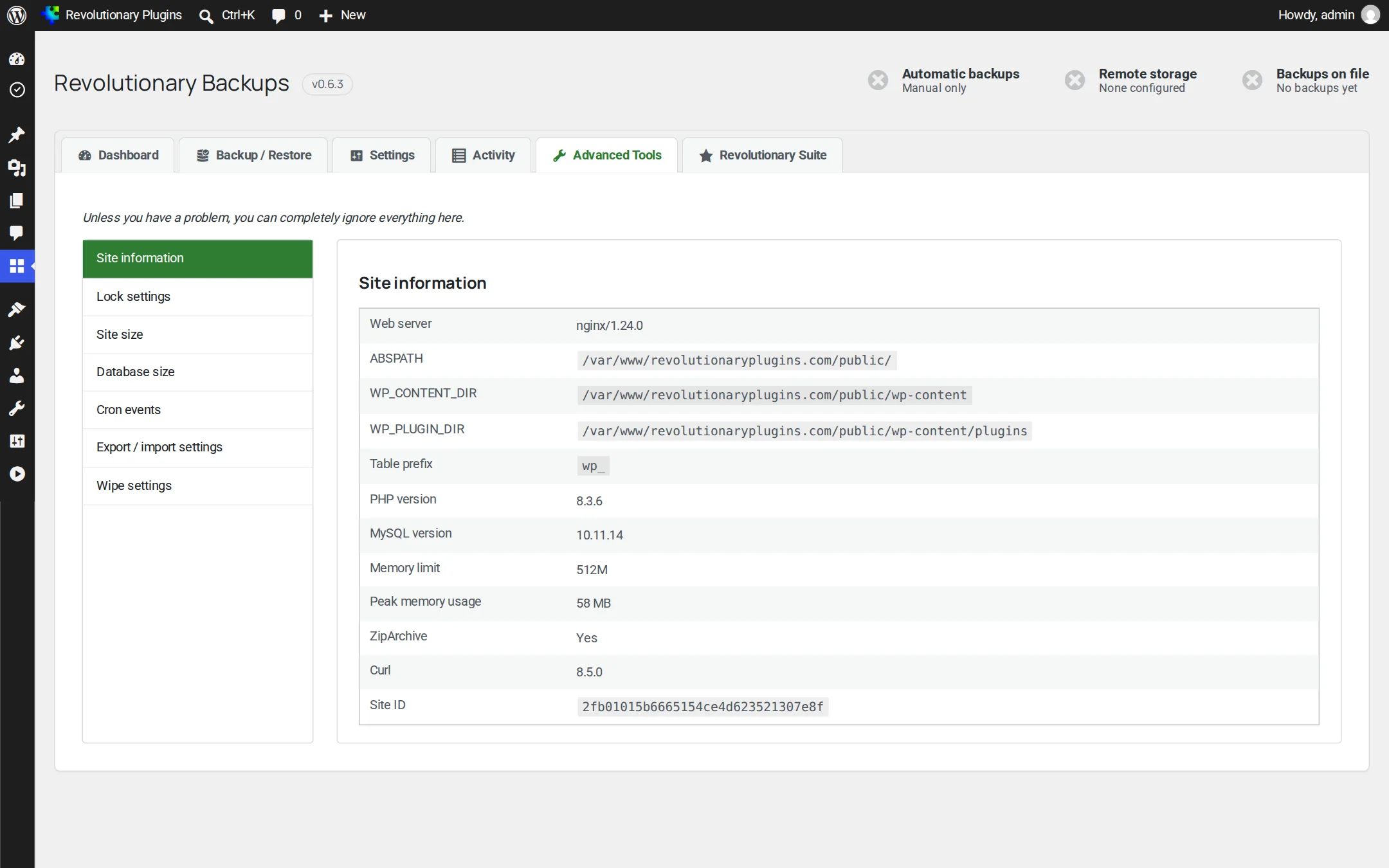
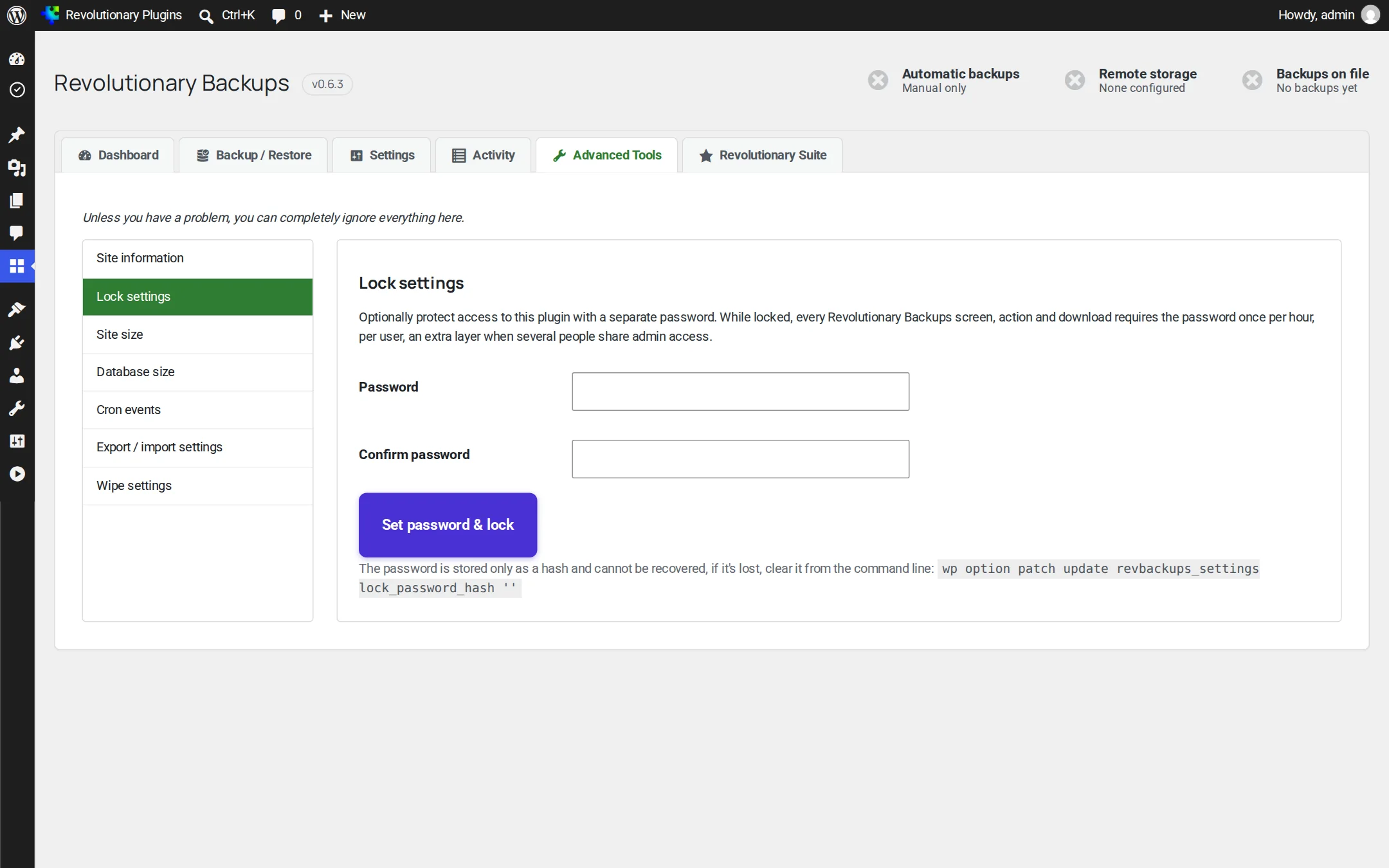
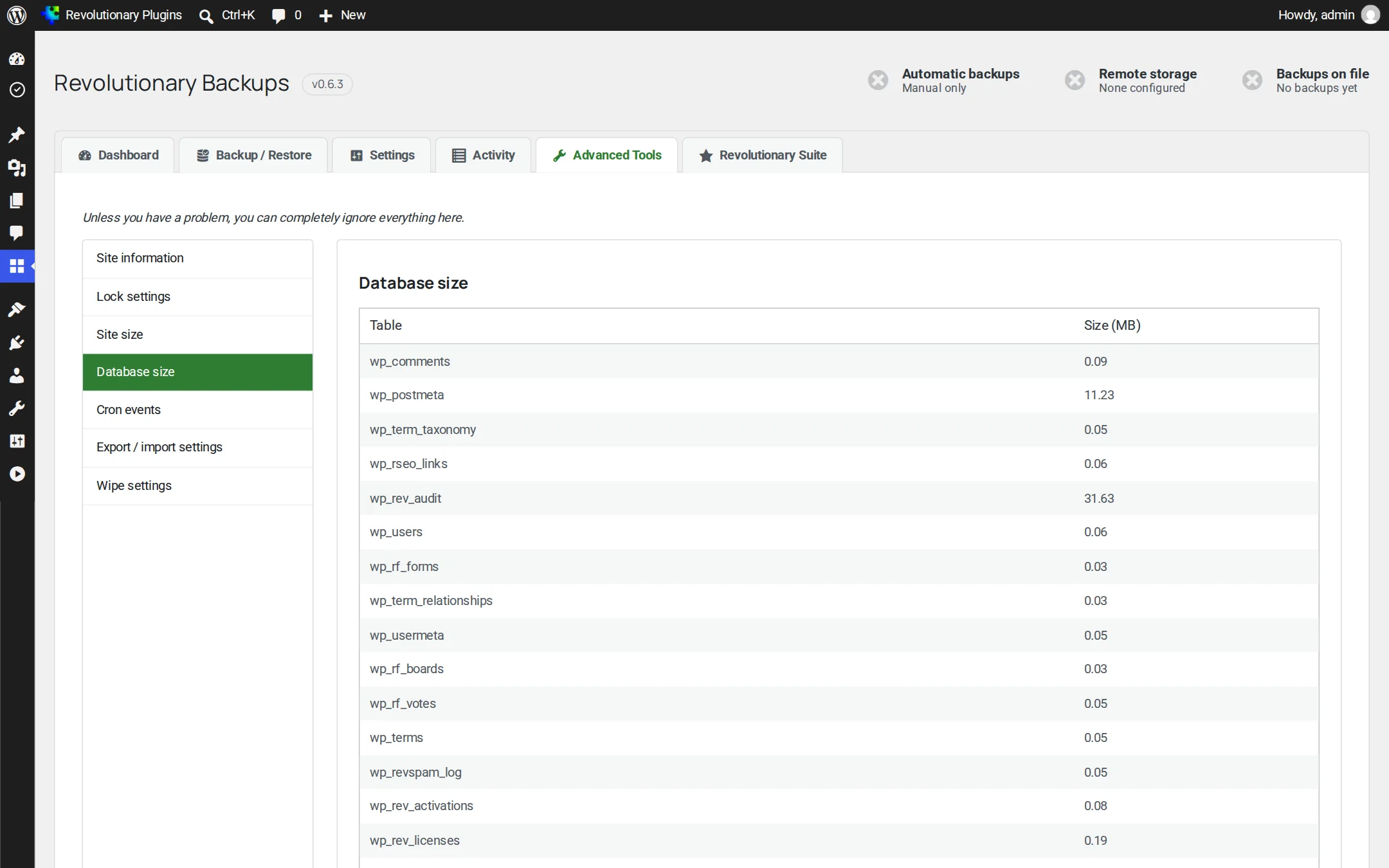
Every screen, up close
Screenshots are examples; the current interface may differ. Click any screenshot to open it full size.
Release highlights
Selected earlier releases
See the full changelog for the latest releases.
Unguessable backup file names
Backup and pre-restore snapshot file names now include a 128-bit random token, protection files are rechecked on every run, and credentials with quotes or backslashes are saved exactly.
Eight focused destinations
Storage now centers on eight widely used destinations, listed alphabetically since 0.6.1. S3-compatible services connect through the Amazon S3 entry.
Encrypted transport only
FTP and email destinations were removed because they are not encrypted in transit, and WebDAV now requires HTTPS.
The safety foundation
Resumable background jobs, encryption at rest, automatic restore rollback, checksums, WP-CLI, incremental backups, the OneDrive folder picker and the failed-run status chip.
In wp-content/uploads/revolutionary-backups/. Protection files for Apache and IIS are written automatically and rechecked on every run. On nginx, add a deny rule for that folder.
No. Both were removed because they send your backups unencrypted. Use SFTP instead.
Backblaze B2 and Cloudflare R2 have dedicated entries. For other S3-compatible services, use the Amazon S3 entry with the service endpoint.
Encrypted backups cannot be recovered without it, by design. Store the passphrase somewhere safe, away from the site.
From Amazon S3, Backblaze B2 and Cloudflare R2, use fetch-back before restoring the set. For other destinations, download the files and use the upload zone on the Backup / Restore tab.
No. Revolutionary Backups is for backup and restore. To move a site onto the suite, use Revolutionary Importer.
Works well with
Better together
Every plugin shares one license, one look and one support desk.
Sleep well on backup night.
Revolutionary Backups is included with every Revolutionary license, together with the rest of the plugin suite and the Multipurpose theme.