
Revolutionary Blocks · version 1.44.14
Build any page visually. Ship only the code it needs.
Drop sections, columns and widgets onto a live canvas, style every piece for desktop, tablet and phone, and publish. Each page gets its own small CSS file and loads only the scripts and fonts its widgets use. This entire site is built with it.
- 72 widgets, from headings and pricing tables to framed product showcases
- Separate images for light and dark mode, switched with CSS alone
- Converts existing Elementor pages and keeps a backup of the original
Released version 1.44.9
What the current release includes
Build WordPress pages with native widgets, responsive settings and controls for the theme color modes.
- Accordion media answers, Disclosure and Action block controls are included in the released package.
- Native image frames, column card destinations, Text link controls and section background priority reduce the need for custom code.
- Native adaptive disclosure panels and independent Text paragraph typography are included.
- Video widgets support posters, explicit preload, inline phone playback and selectable WebVTT captions.
- Icon Box image icons have their own image width and optional dark mode and light mode images. Image Box has an image width control. Saved boxes keep their current size until you change it.
- Decorative frame controls introduced in the withdrawn Blocks 1.44.2 release are removed in 1.44.3. Do not use 1.44.2.
- FAQ structured data includes textual questions with visible answers. Screenshot disclosures, media answers and descriptive accordion headings are excluded.
- Hero backgrounds support separate tablet and mobile images. Company Info follows the theme footer logo selection in each color mode.
Why it exists
Page builders made WordPress easy to design and slow to load. That trade is over.
Most builders ship one large stylesheet and every script they own to every page. Revolutionary Blocks compiles the CSS for each page on its own, requests only the fonts that page names, and loads a widget's script only where that widget is used.
See it in action
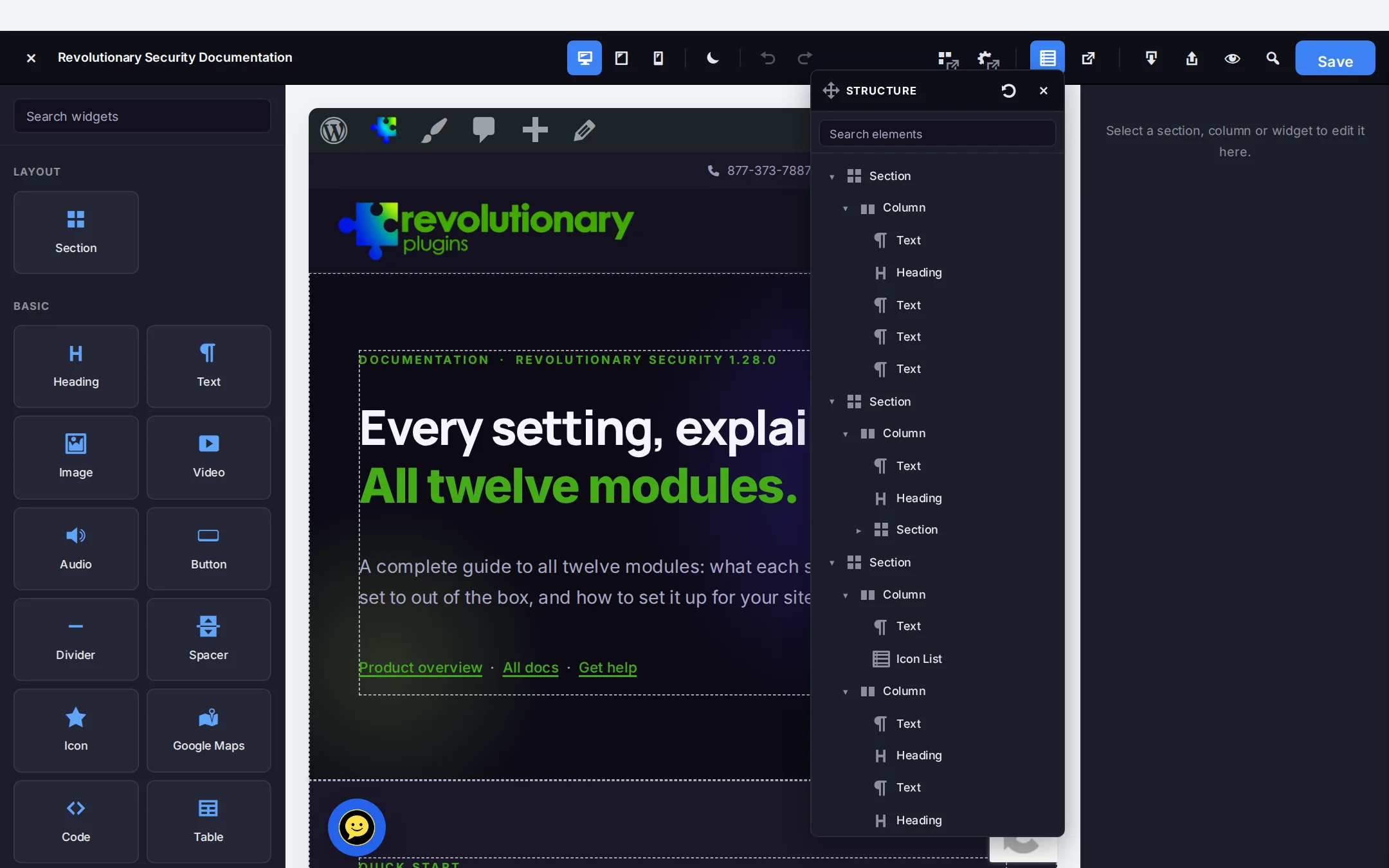
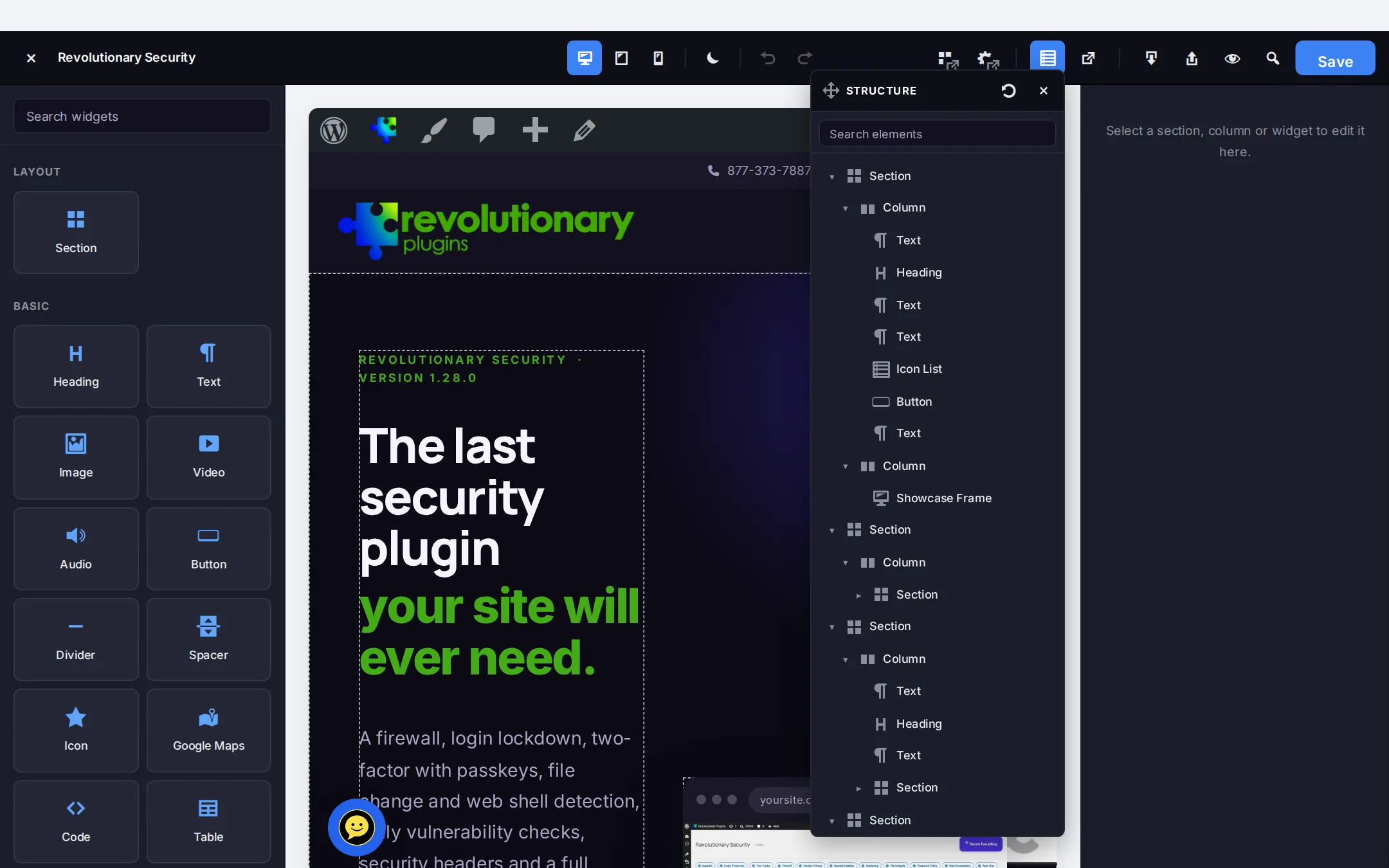
One editor for every page, header and footer.
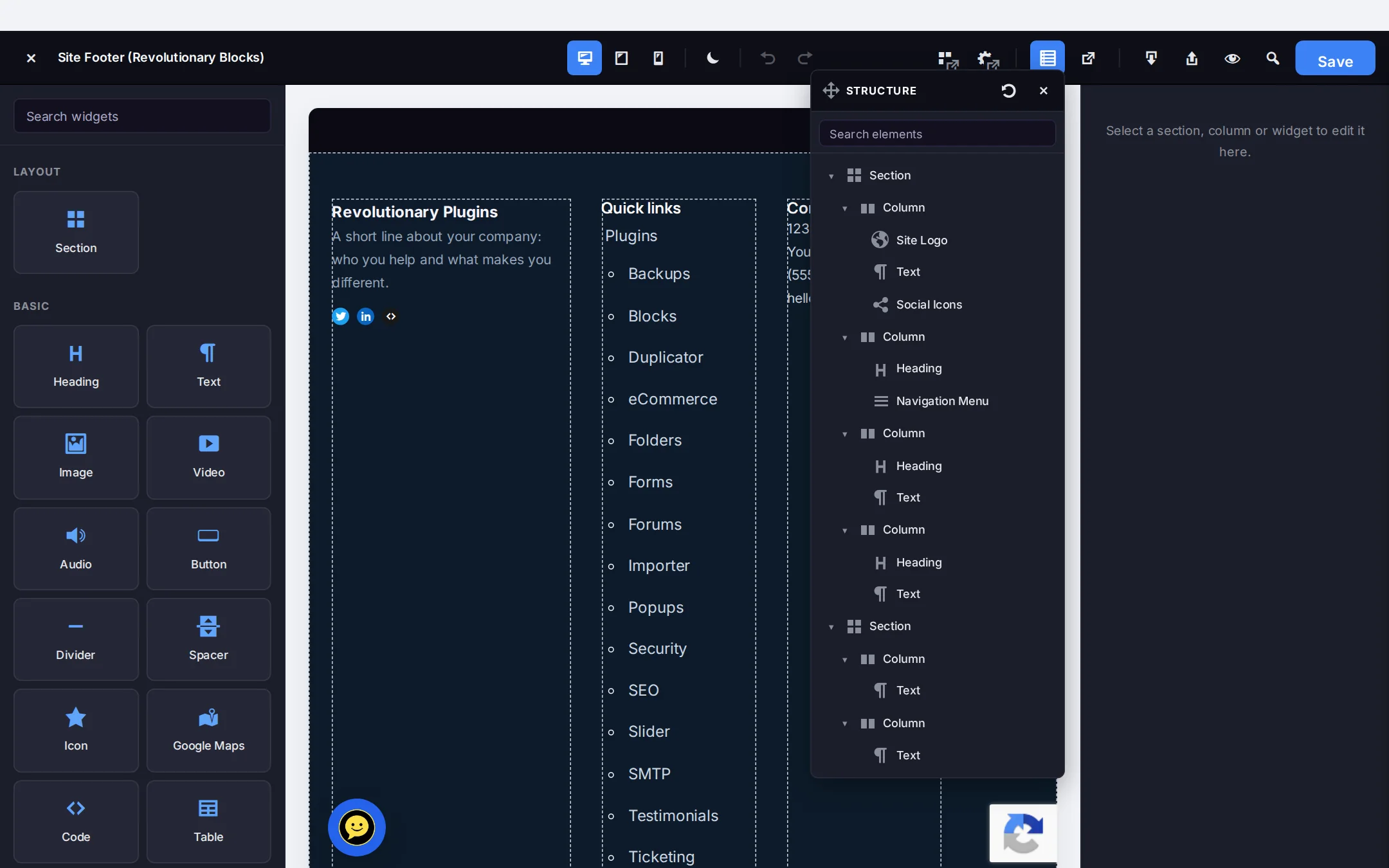
The editor opens full screen with the canvas in the middle, widgets on one side and the inspector on the other. Everything you see here was built in it.
Pillar 1
An editor that keeps up with you
Build fast, change your mind freely, and never lose work.
Pillar 2
72 widgets, no add-on packs
Everything below ships in the one plugin. Developers can register more through the revblocks/register_widgets action.
Pillar 3
Fast pages, light or dark
What visitors download is decided per page, and the theme's color mode reaches all the way into your widgets.
Pillar 4
Move in without starting over
Bring existing pages across and connect Blocks to the rest of the suite.
Screens
Every screen, up close
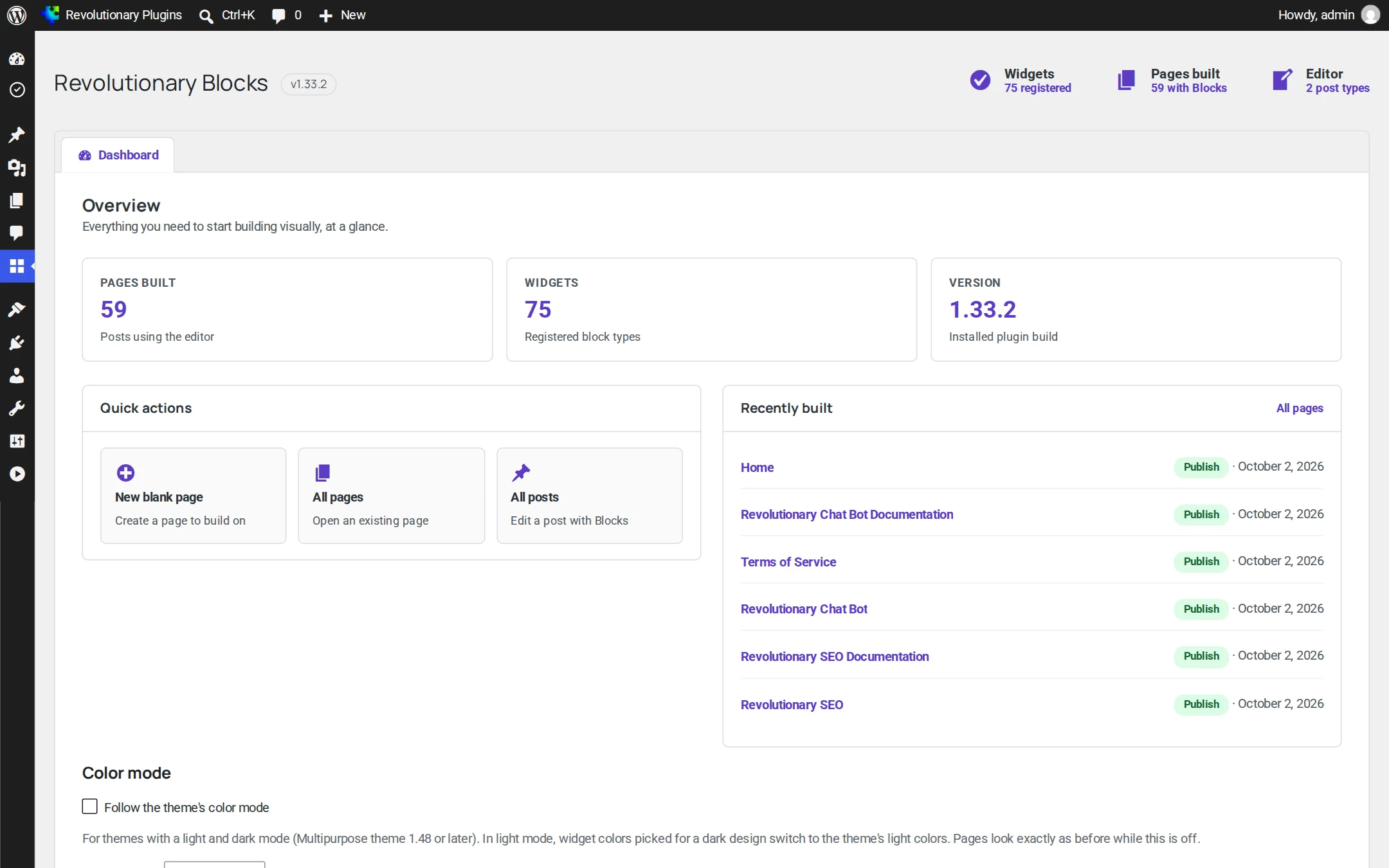
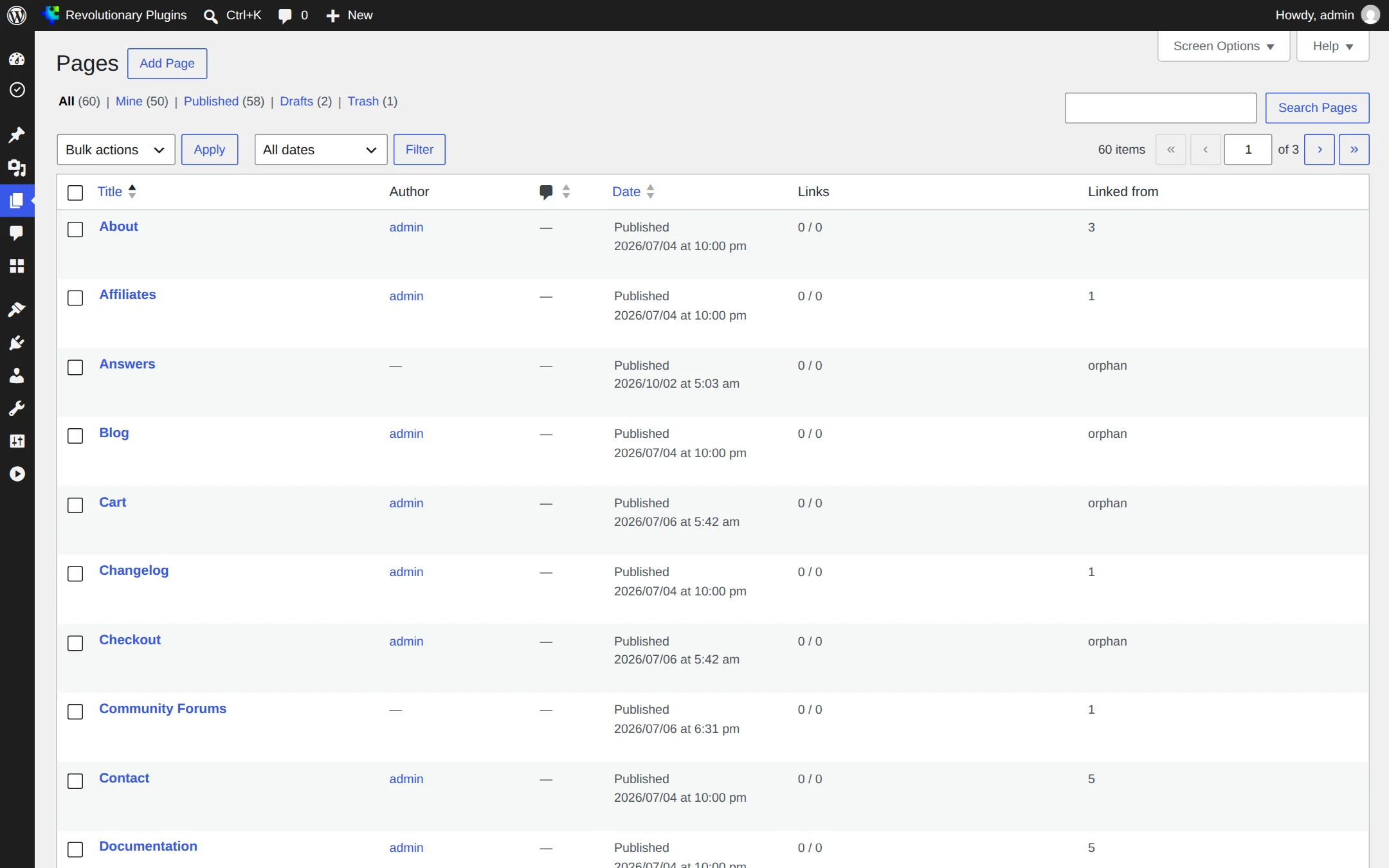
Screenshots are examples; the current interface may differ. Click any screenshot to open it full size.
Release highlights
Selected earlier releases
See the full changelog for the latest releases.
Real image sizes and Priority image
Images now output their true width, height and a responsive srcset, and a Priority image toggle speeds up the first paint.
Testimonials Form widget
Place the Revolutionary Testimonials submission form on any page with a native widget, no shortcode needed.
Follow the theme's color mode
Native widgets switch to the Multipurpose theme's light colors in light mode, with an optional highlight color for accent text.
Only the fonts you use
Each page requests just the Google Fonts its own typography names, and none at all when it uses theme or system fonts.
No. Revolutionary Blocks is a separate editor you open per page or post. The normal WordPress editor keeps working, and you choose which one builds each page.
It is built not to. Each page gets its own small CSS file, scripts load only for the widgets on that page, images lazy-load, and Google Fonts are requested only for the families the page uses.
Yes. Use Convert from Elementor on the Pages or Posts list. The original Elementor data is backed up, and anything that has no direct match keeps its content as HTML.
No, Blocks works with any theme. The Multipurpose theme adds light and dark color mode, the theme button style, and custom headers and footers built as Blocks layouts.
Nothing breaks. For example, the Testimonials Form widget shows a quiet notice to editors and nothing to visitors when Revolutionary Testimonials is not active.
Every feature keeps working. You see an admin notice and stop receiving updates until the license is renewed.
Works well with
Better together
Every plugin shares one license, one look and one support desk.
Build your next page this afternoon.
Revolutionary Blocks is included with every Revolutionary license, together with all sixteen plugins and the Multipurpose theme.