

Revolutionary Security · version 1.32.4
The last security plugin
your site will ever need.
A firewall, login lockdown, two-factor with passkeys, file change and web shell detection, daily vulnerability checks, security headers and a full admin audit trail. Twelve modules, one plugin, one license.
- 14 protections switched on the moment you activate it
- Passkeys, authenticator apps and email codes for two-factor
- Daily checks against the Wordfence Intelligence vulnerability feed
- One Secure Everything button turns on everything else that is safe to automate
Released version 1.32.2
What the current release includes
Protect WordPress with login controls, a firewall, activity records, file checks and spam protection.
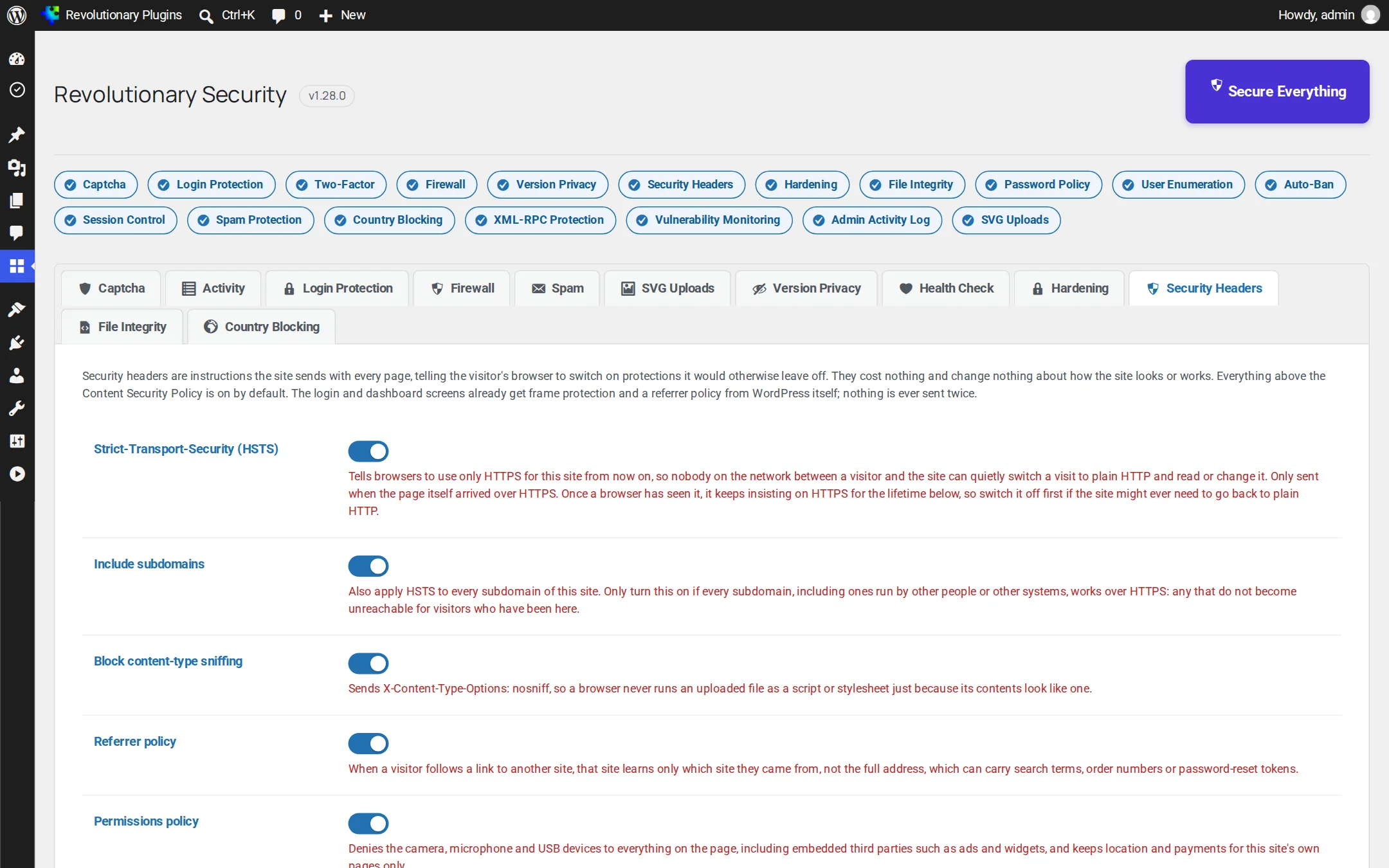
- Security Headers includes optional cross-origin isolation. Test embedded services before enabling it.
- The reCAPTCHA v3 notice can be shown beside protected forms. The setting controls the notice, not whether protection runs.
Why it exists
Most sites run five security plugins. They should run one.
A captcha plugin, a login limiter, a two-factor plugin, a firewall and a file scanner. Five vendors, five settings screens, five upsells, and gaps where they do not talk to each other. Revolutionary Security replaces the stack.
See it in action
Twelve modules. One calm dashboard.
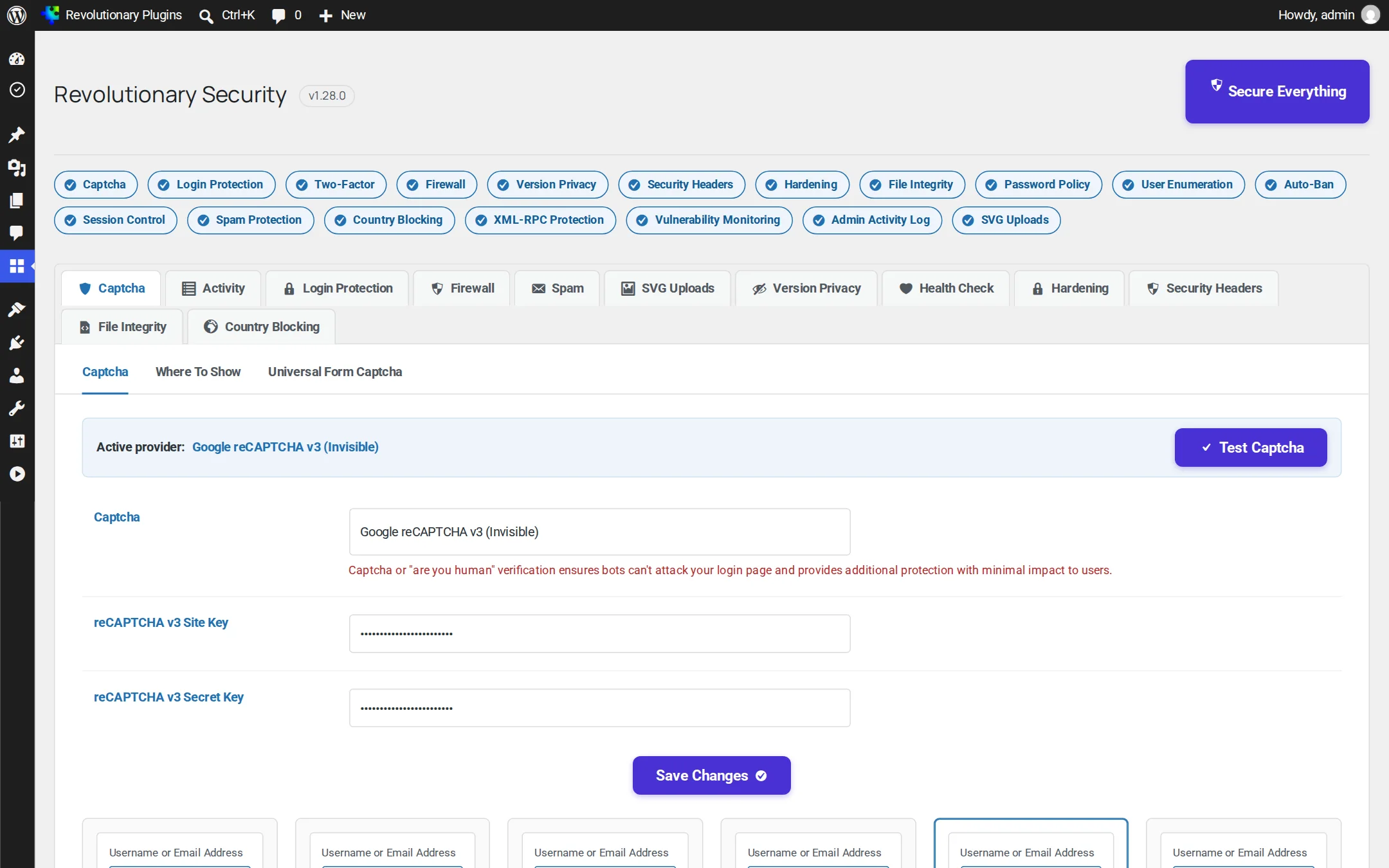
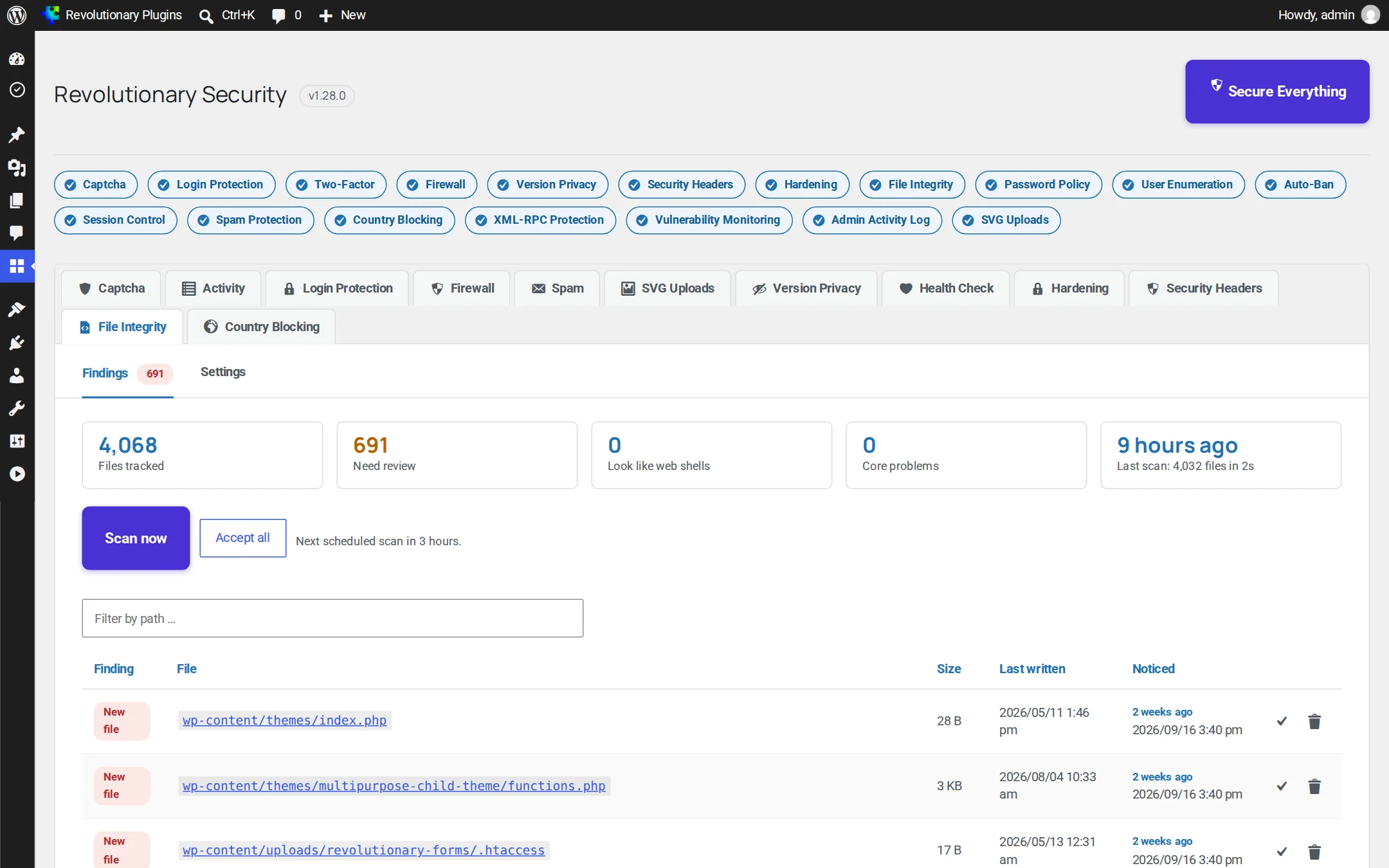
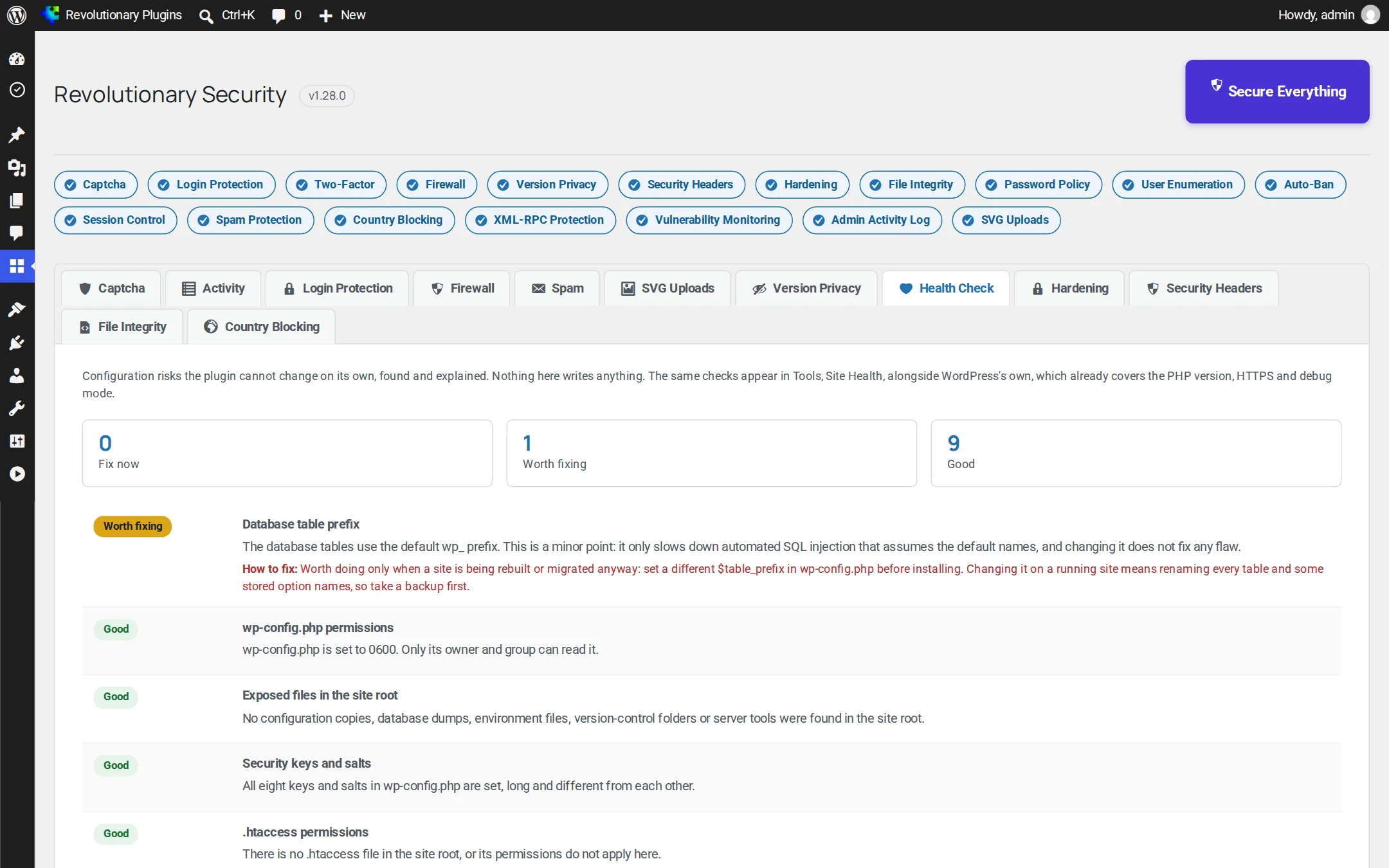
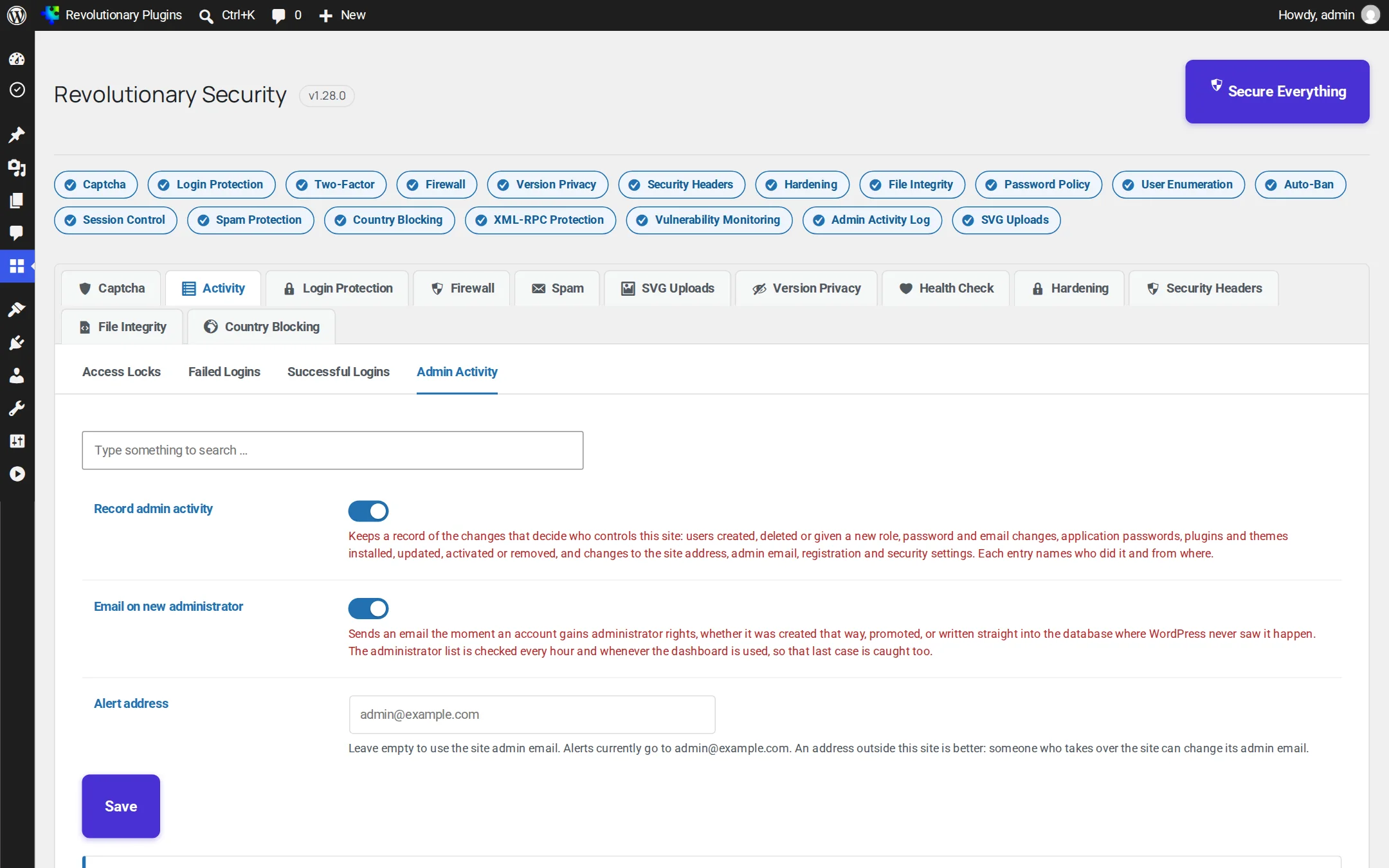
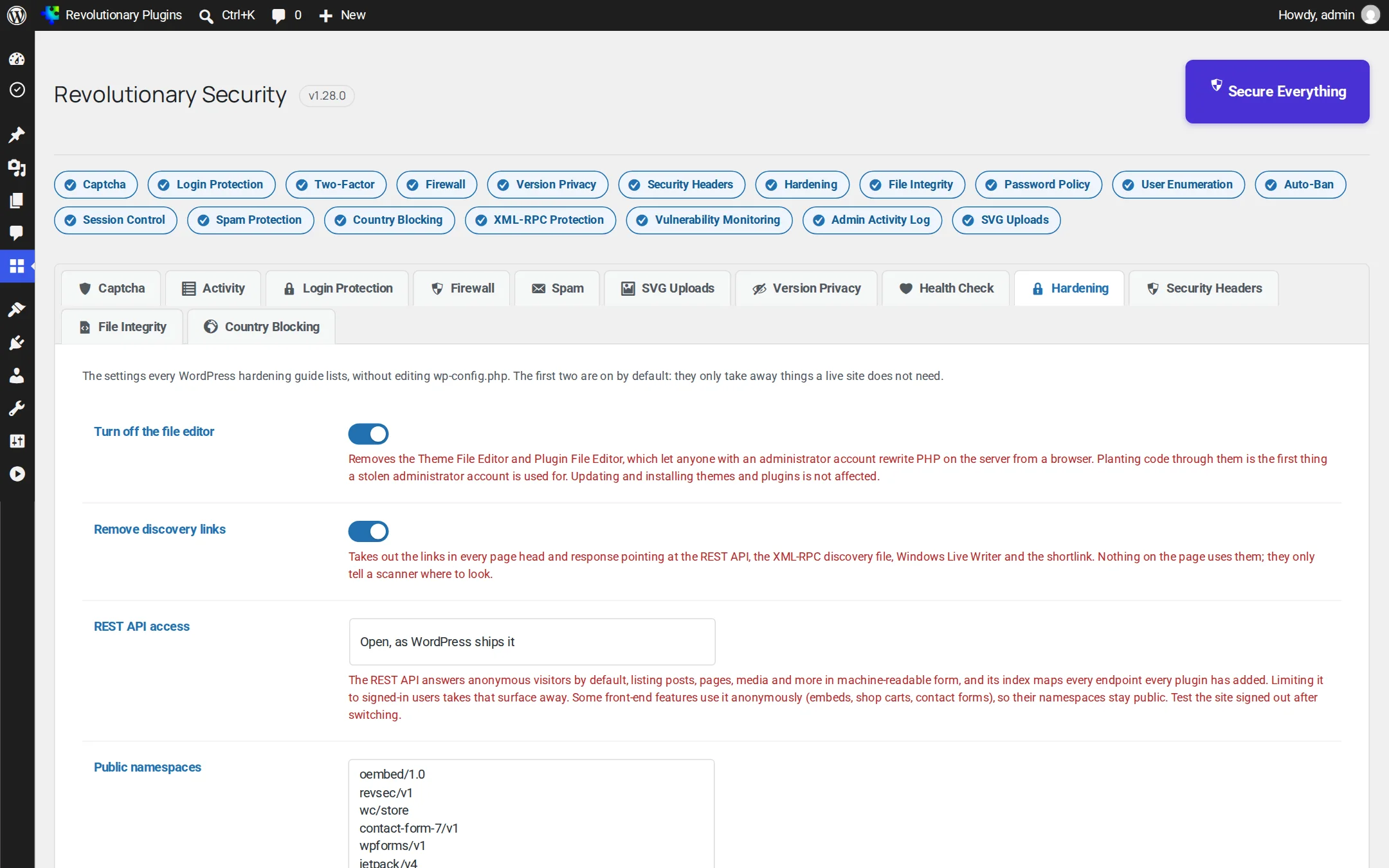
Every module lives on its own tab, with plain-English help next to every switch. A status bar across the top shows whether Captcha, Login Protection, Two-Factor and the Firewall are on, a Secure Everything button turns on every protection that needs no further input, and an at-a-glance grid below it shows all eighteen features' state, each linking straight to its settings.
Pillar 1
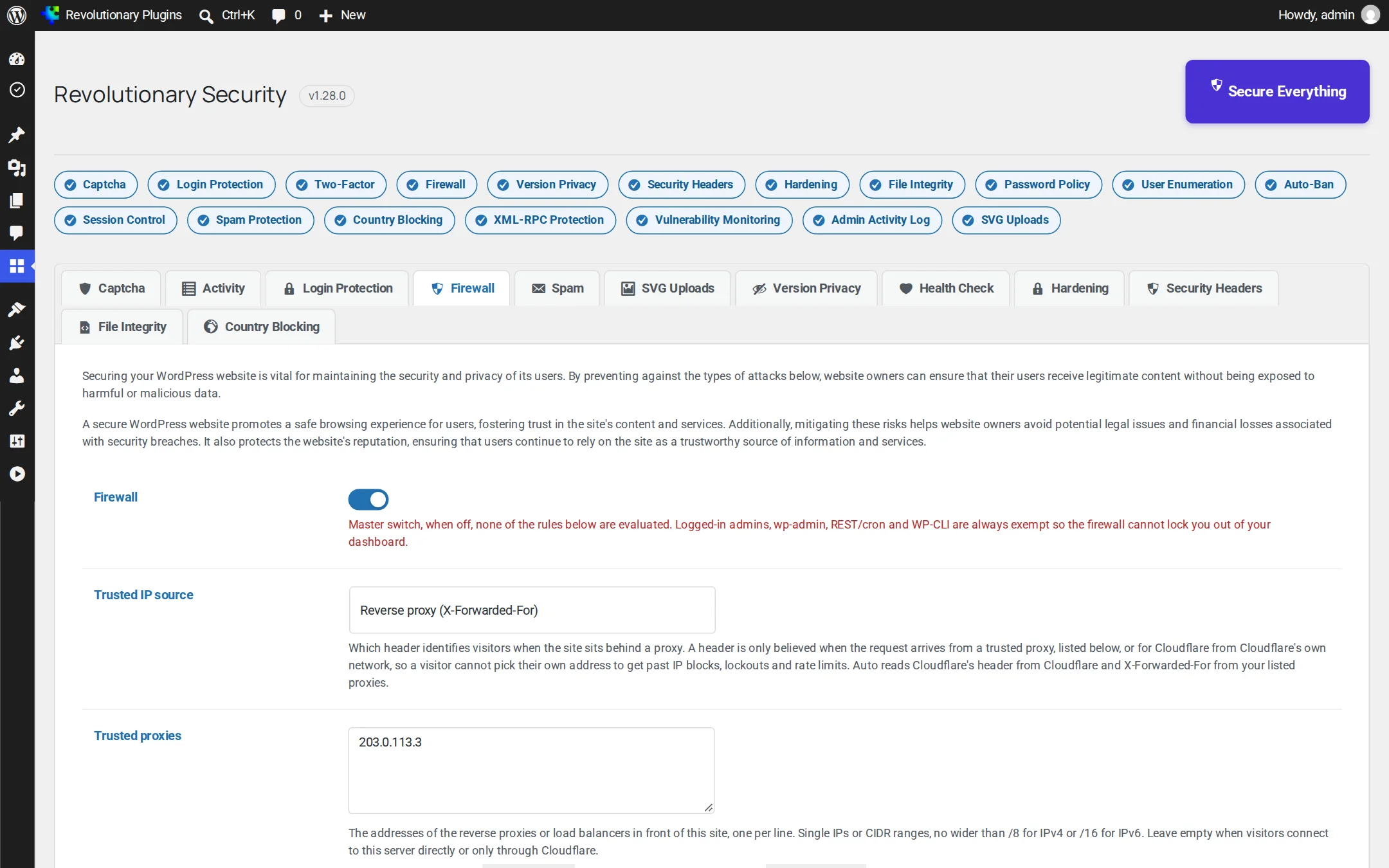
Stop attacks at the door
Most attacks are automated. Revolutionary Security turns them away before they reach a login form or a line of your theme.
Pillar 2
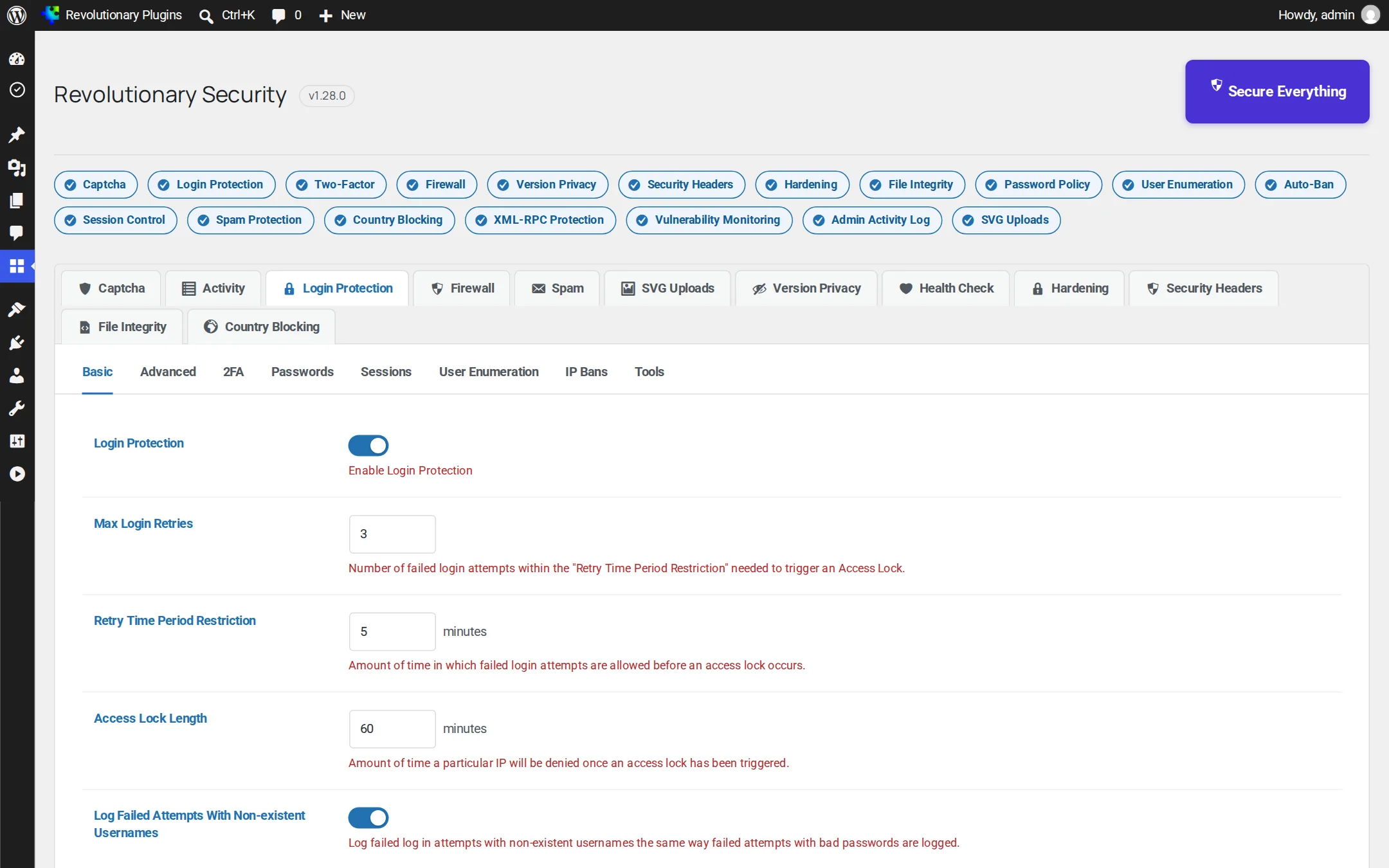
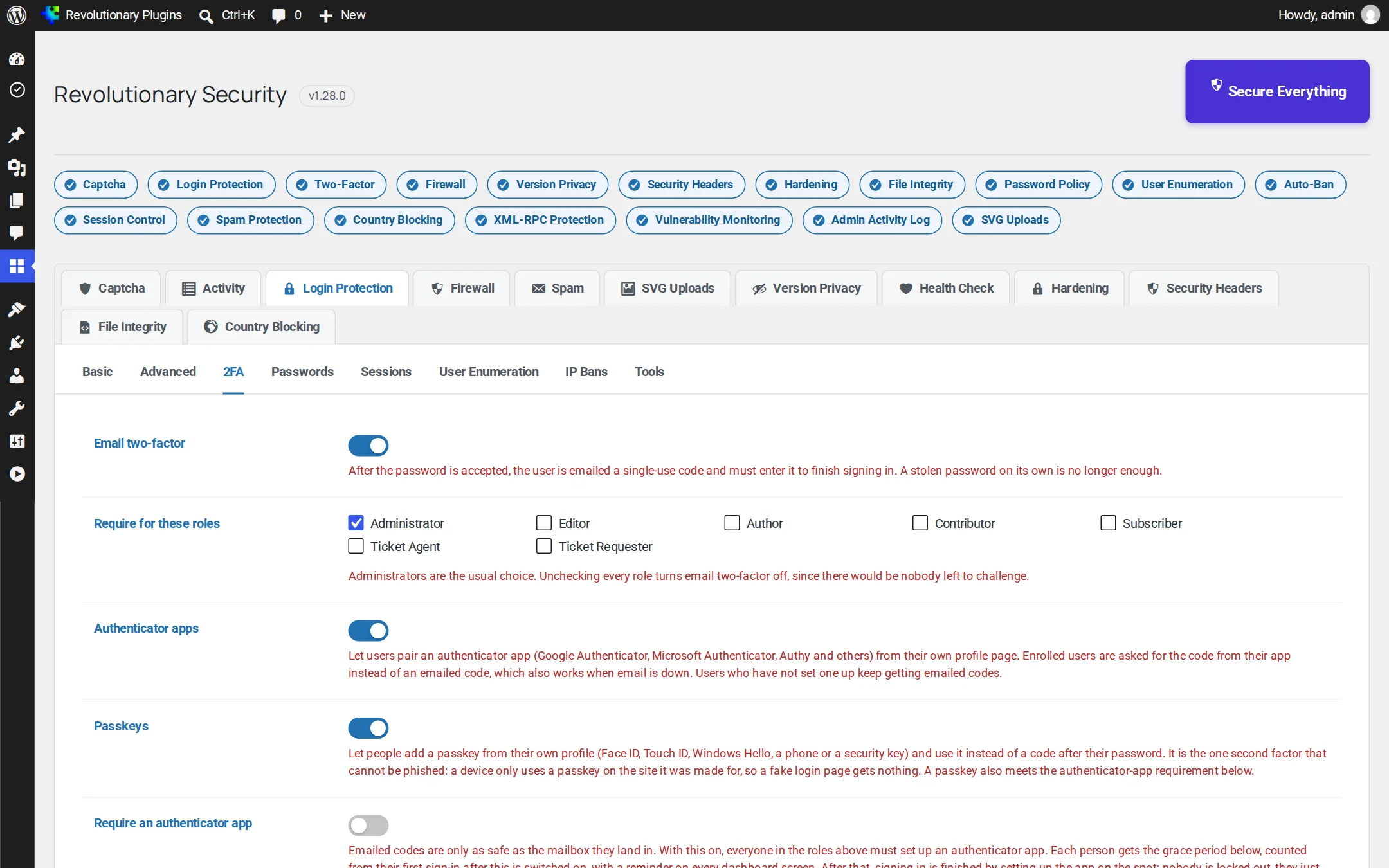
Lock down every login
Stolen and guessed passwords are the number one way into WordPress. Here is every layer between an attacker and your dashboard.
Pillar 3
Know the moment something changes
If something does get in, you hear about it fast, with enough detail to act.
Pillar 4
Harden WordPress itself
Close the doors attackers look for, and prove they are closed.
Pillar 5
See everything, clearly
Security you can read. Every event, every lockout, every change, in one place.
Screens
Every screen, up close
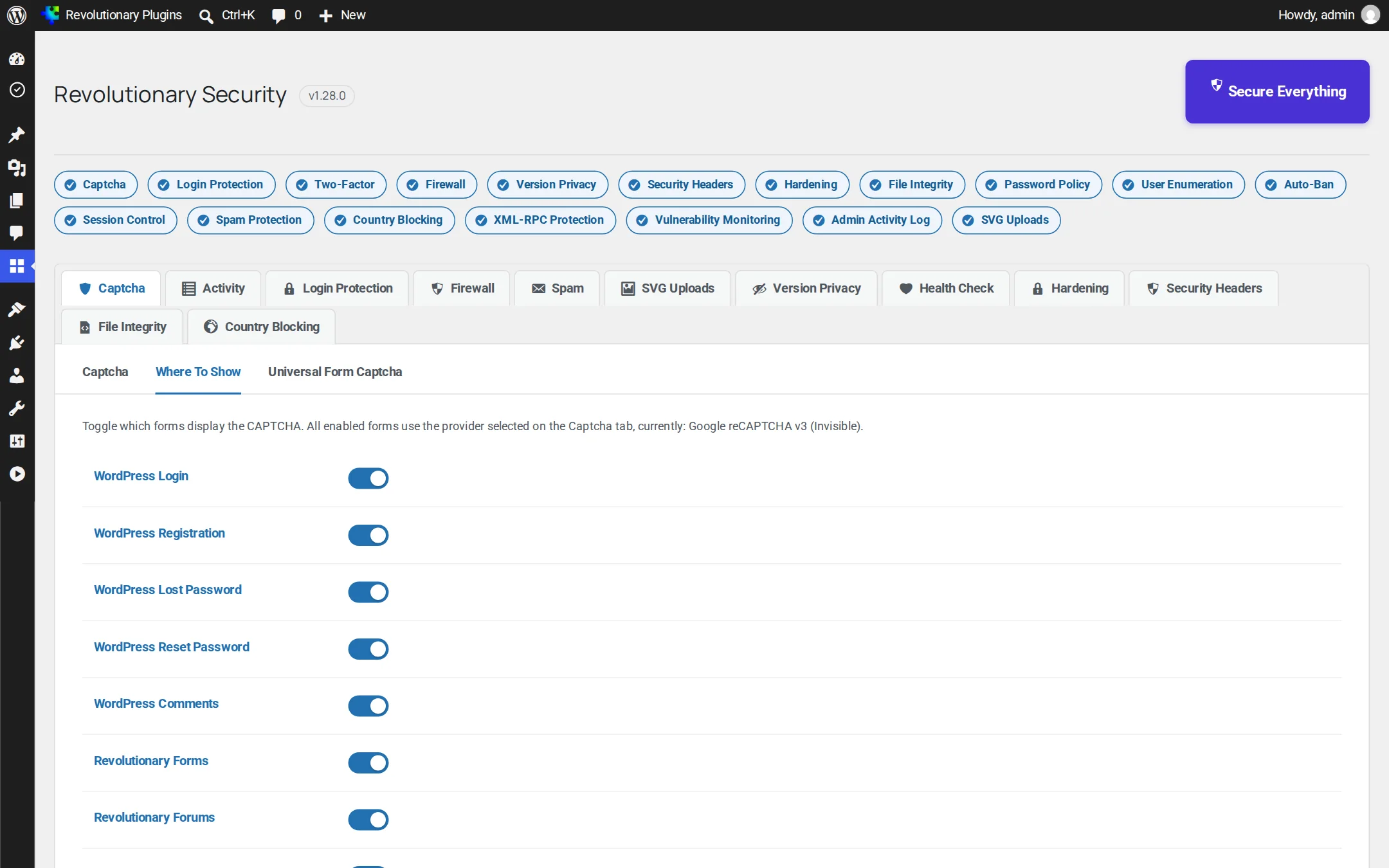
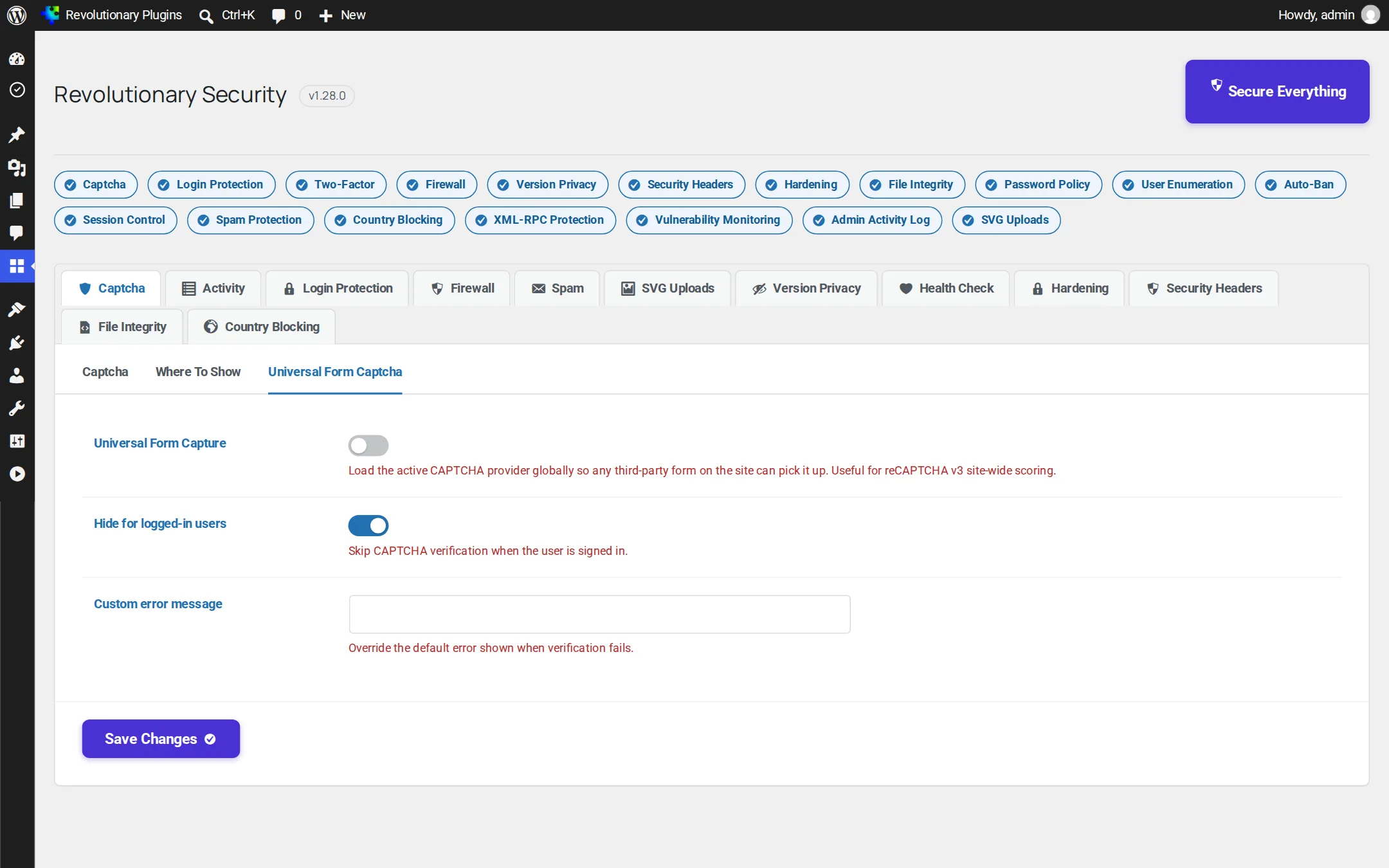
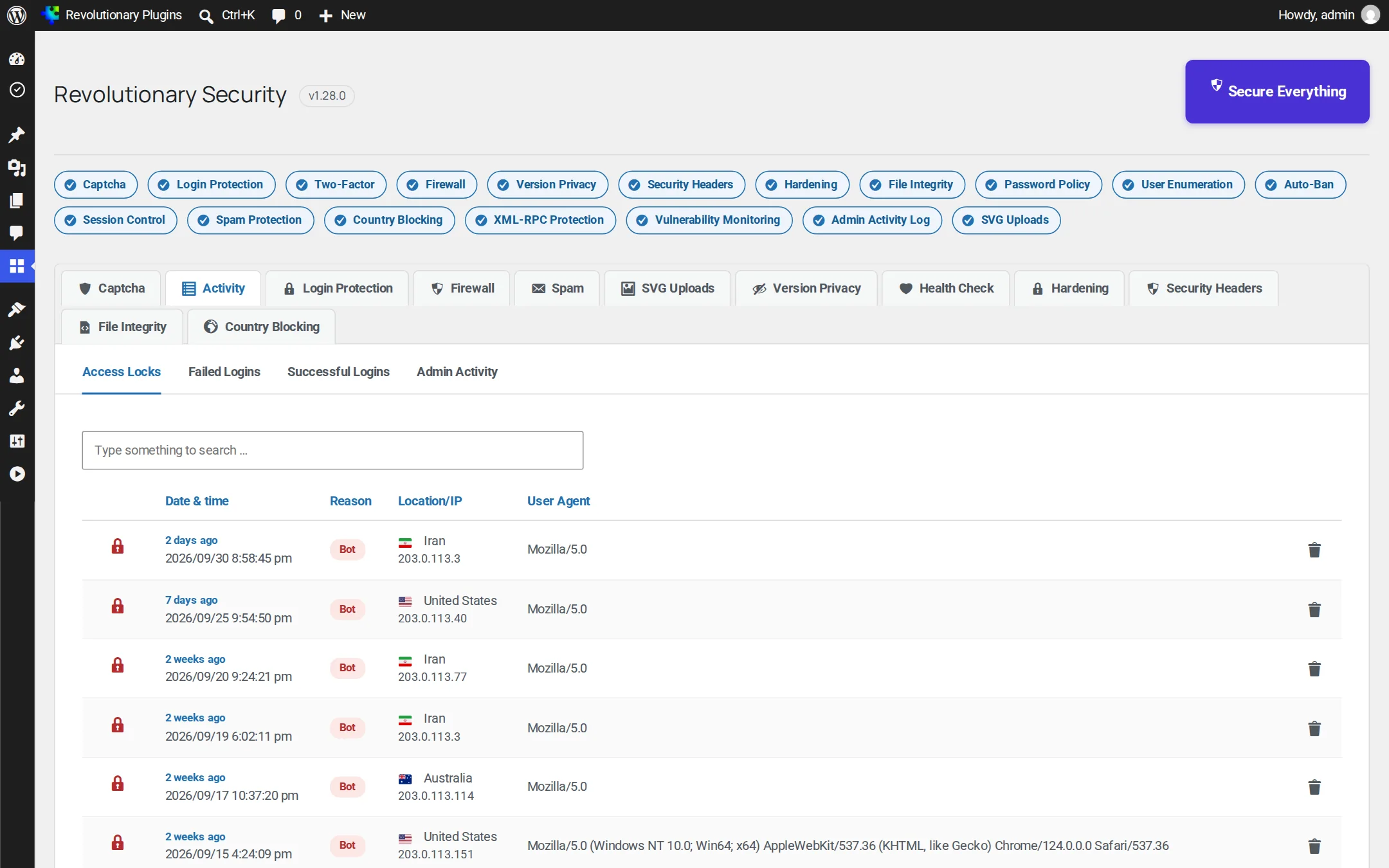
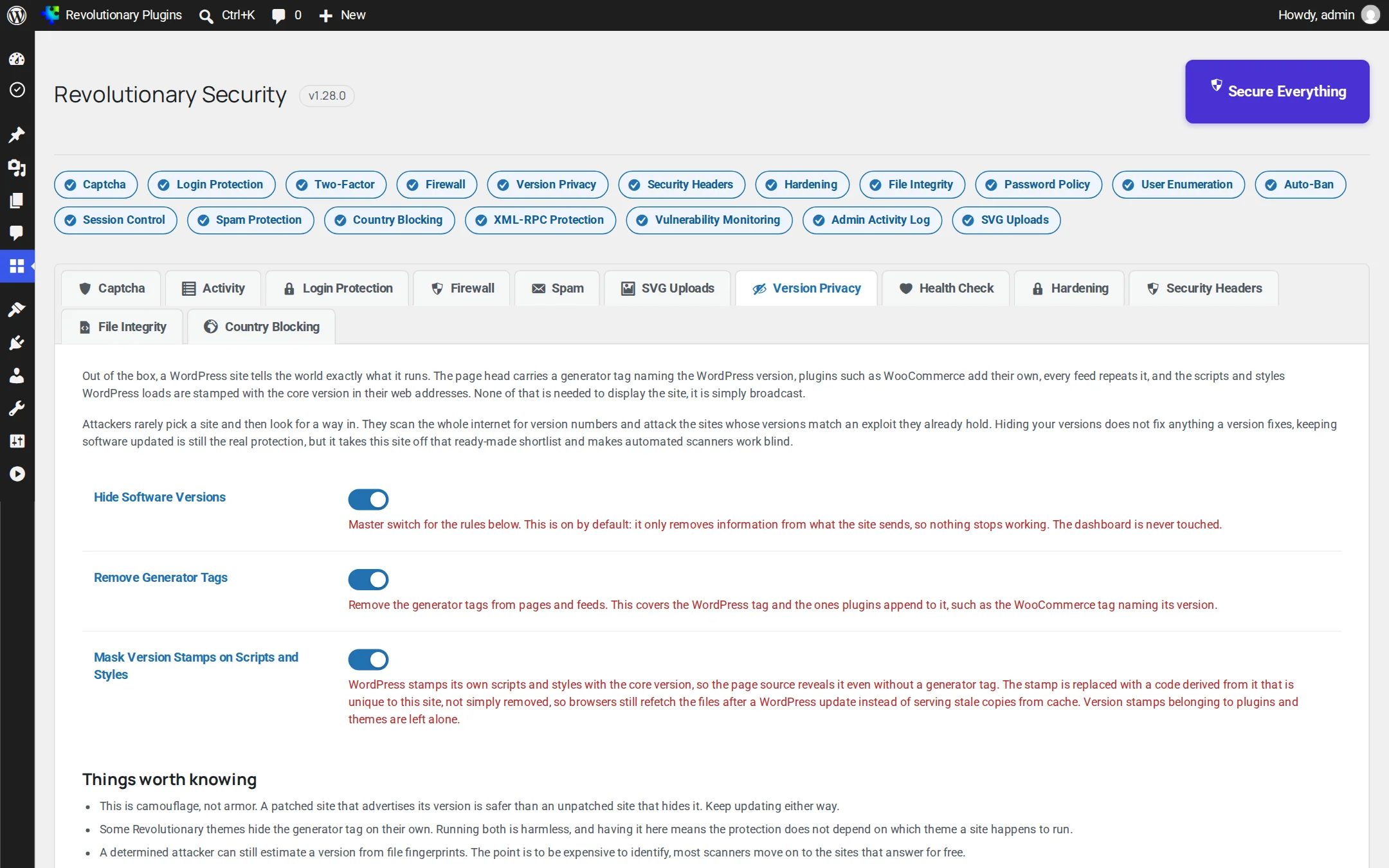
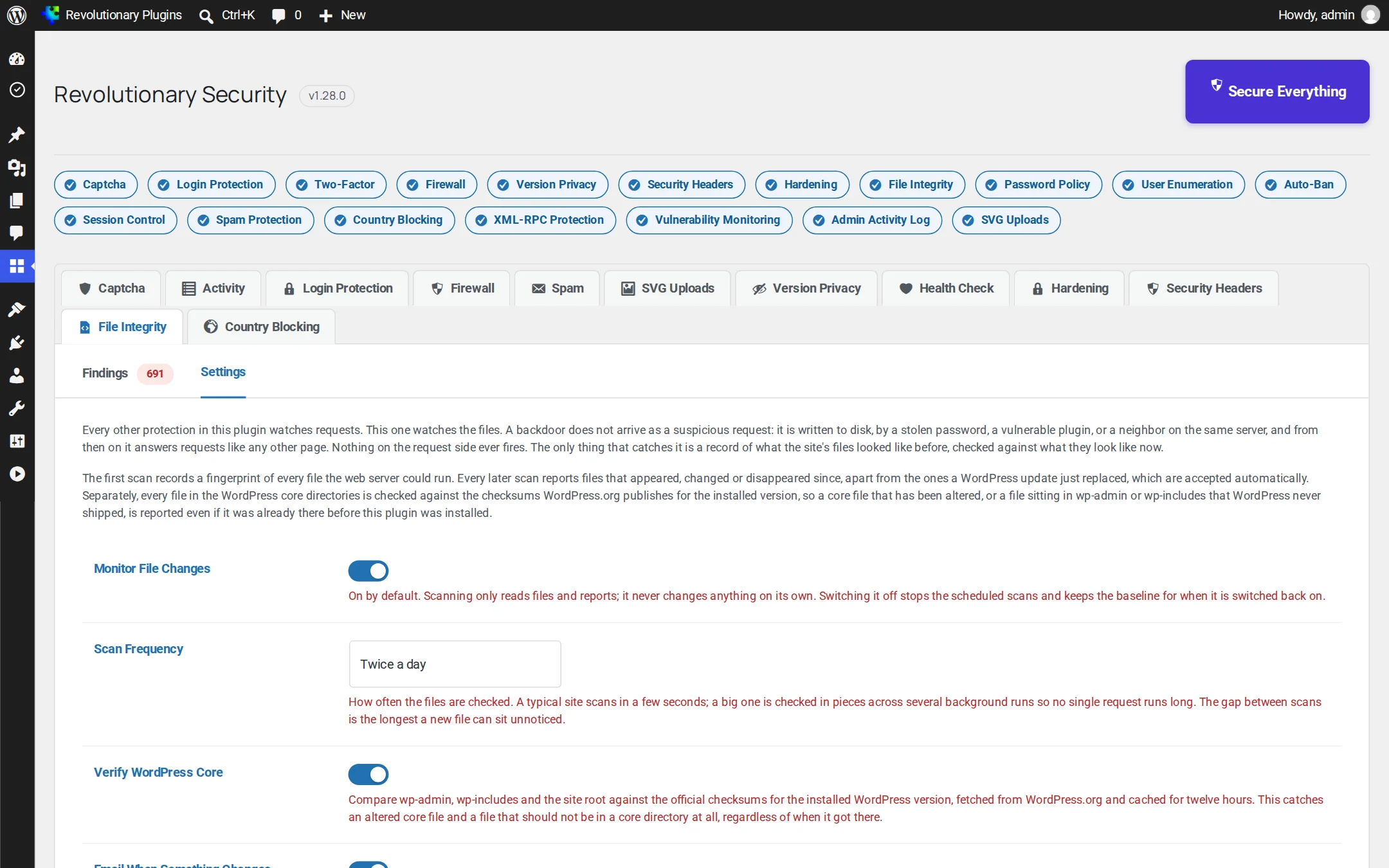
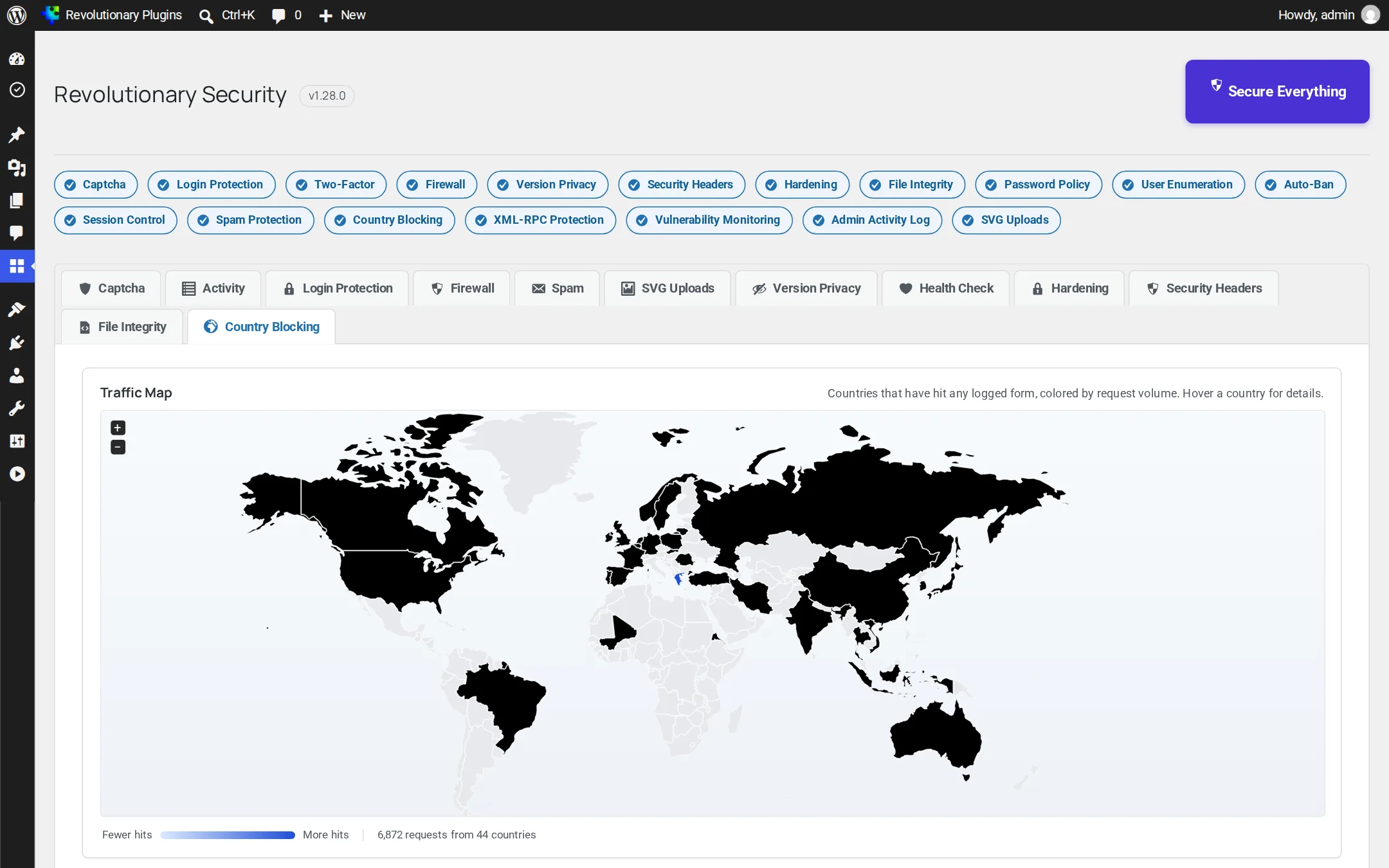
Screenshots are examples; the current interface may differ. Click any screenshot to open it full size.
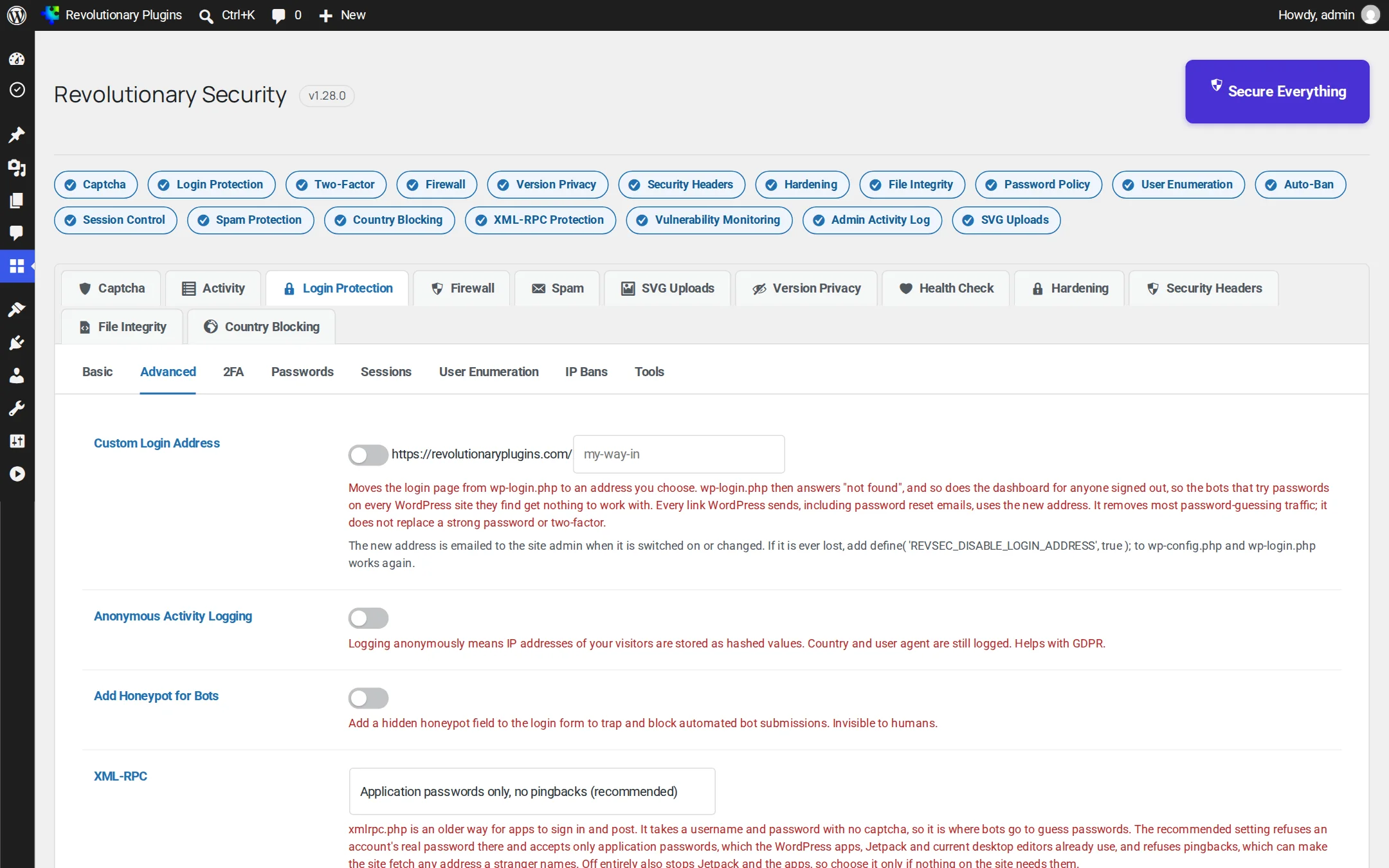
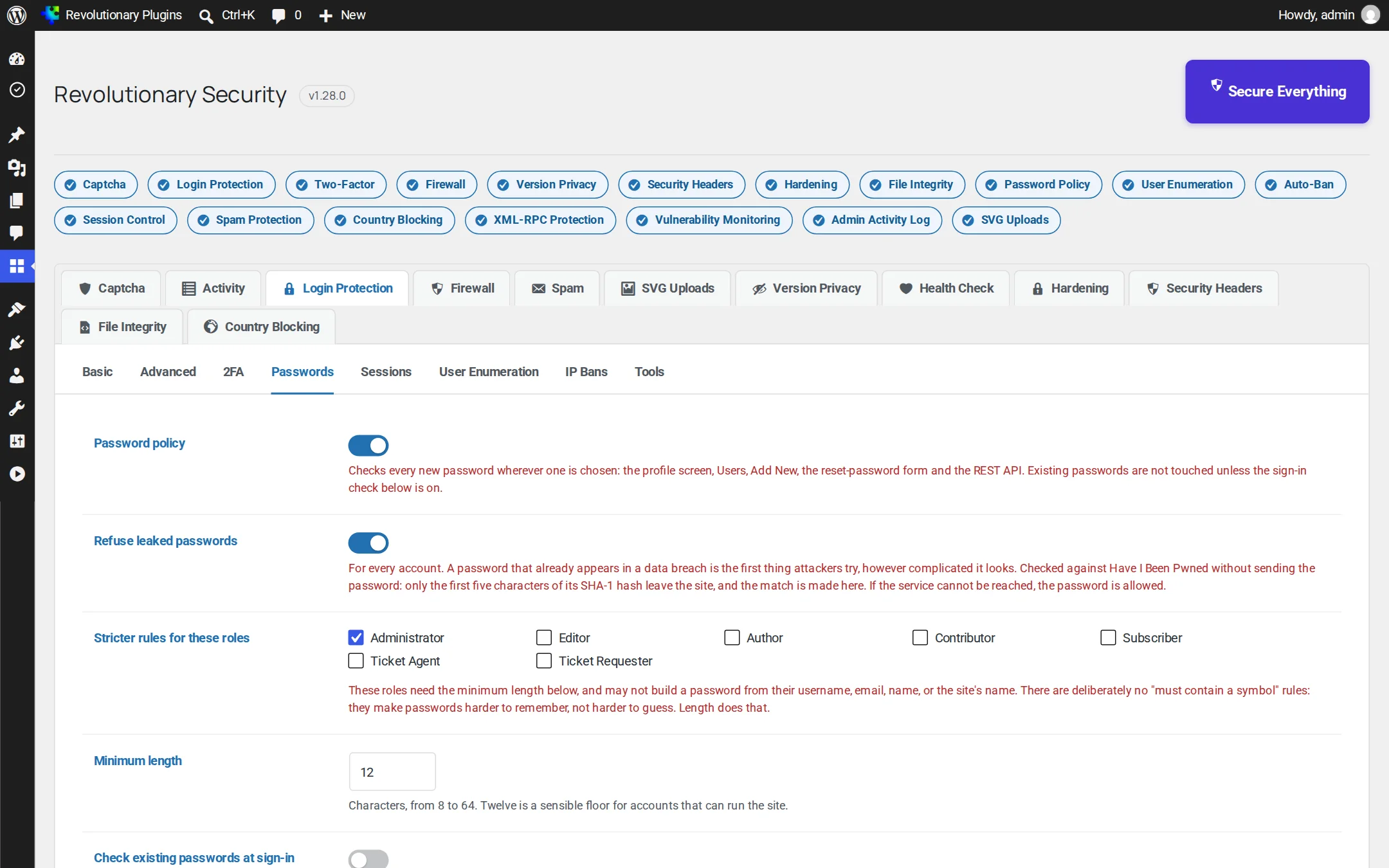
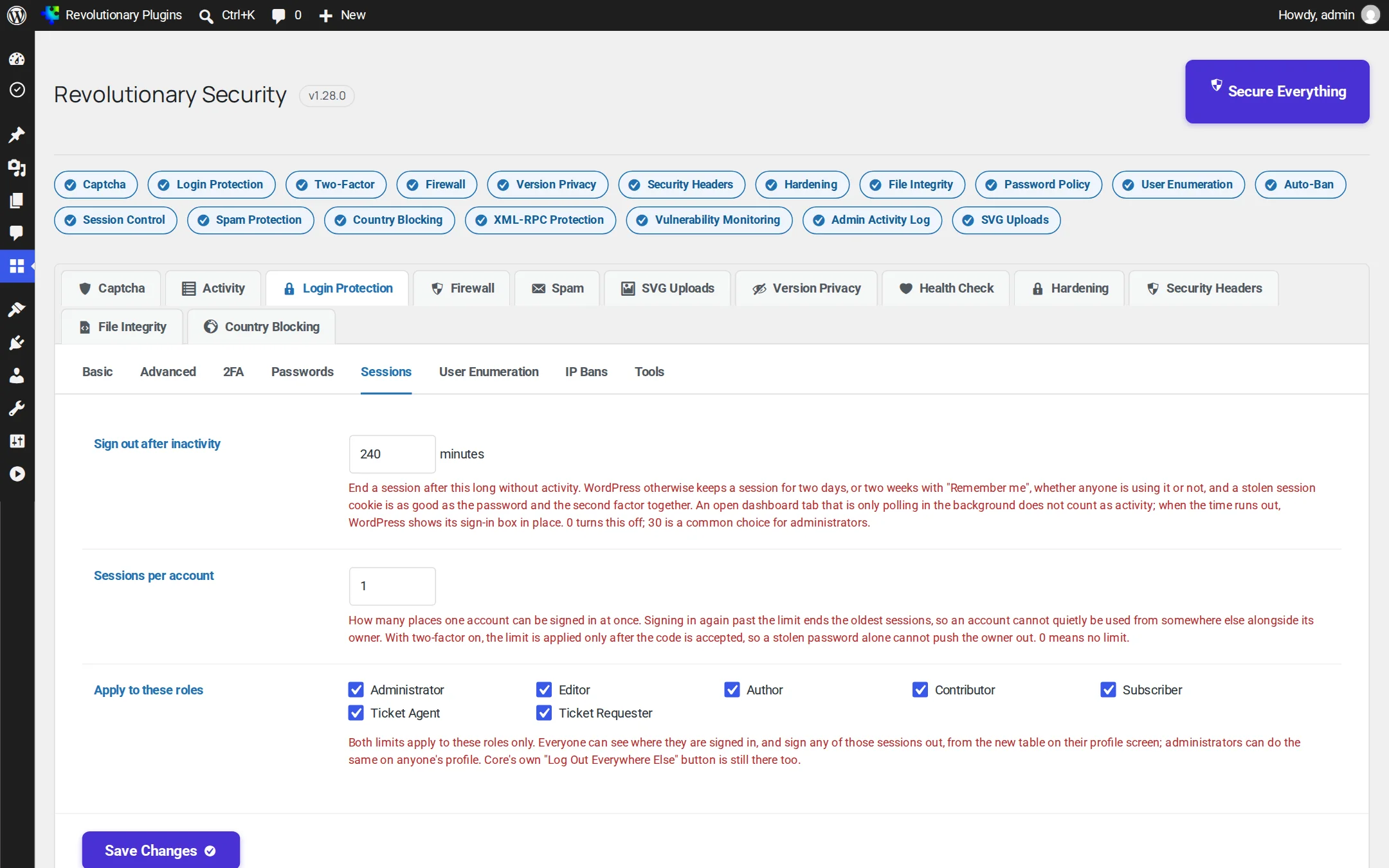
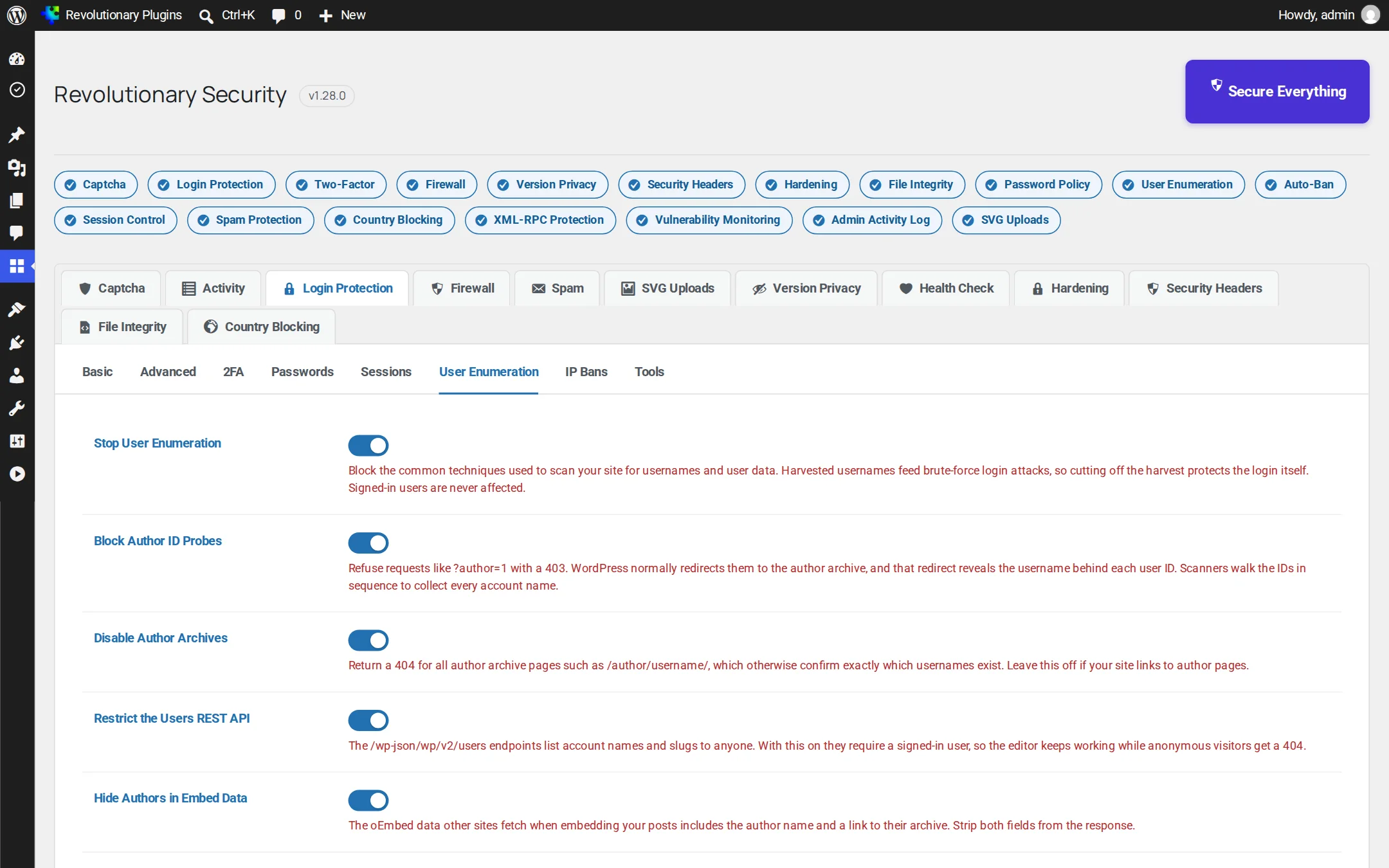
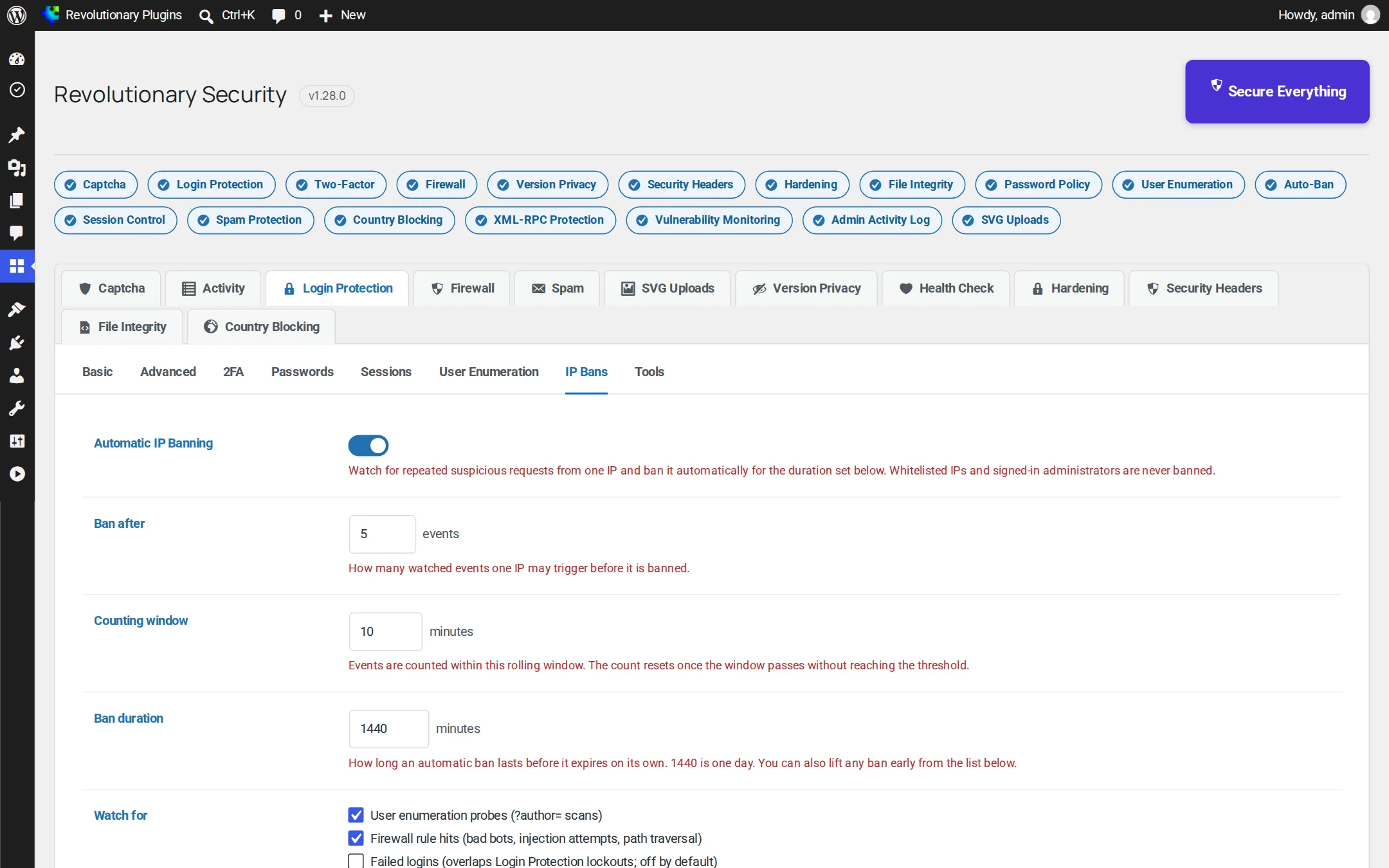
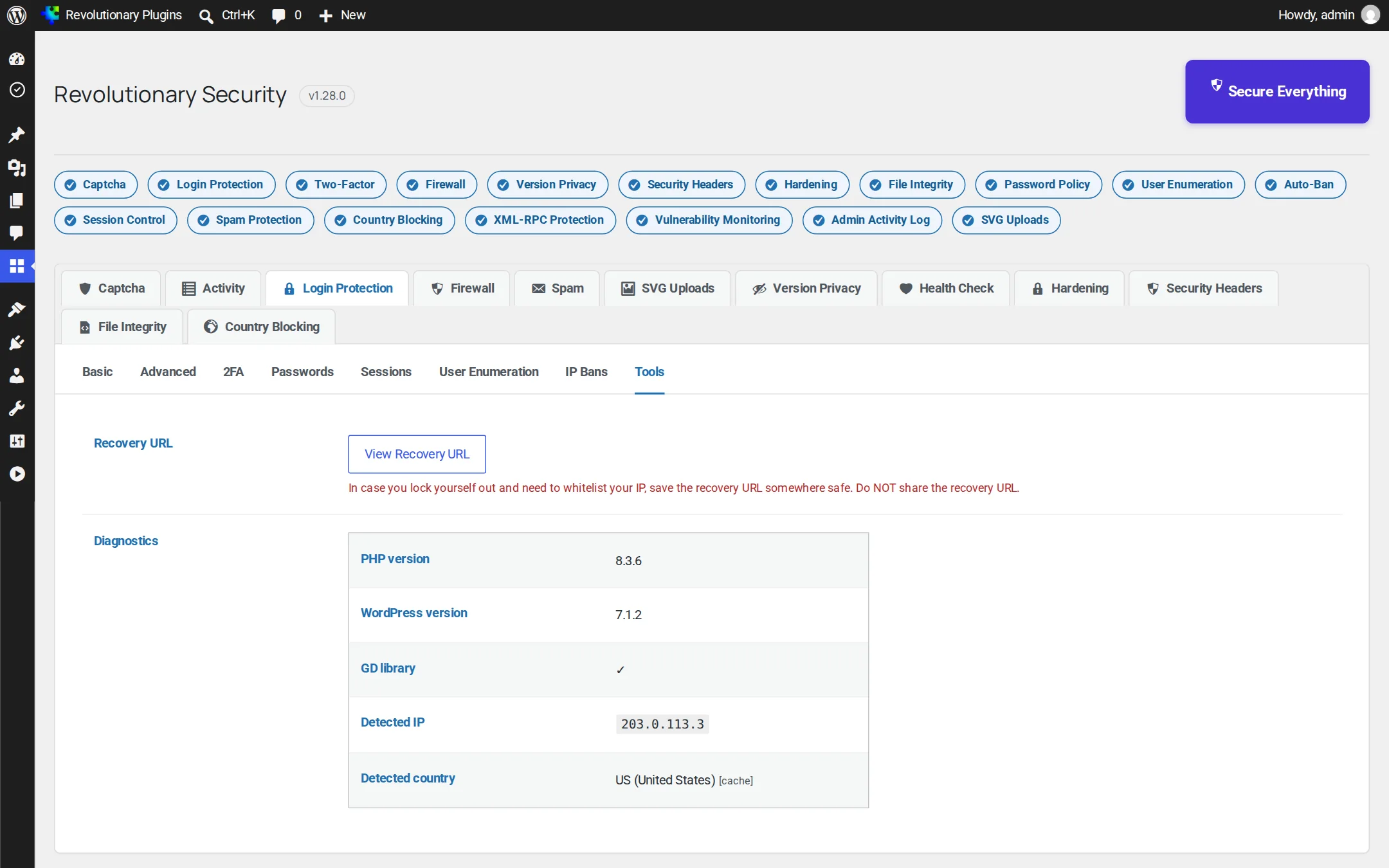
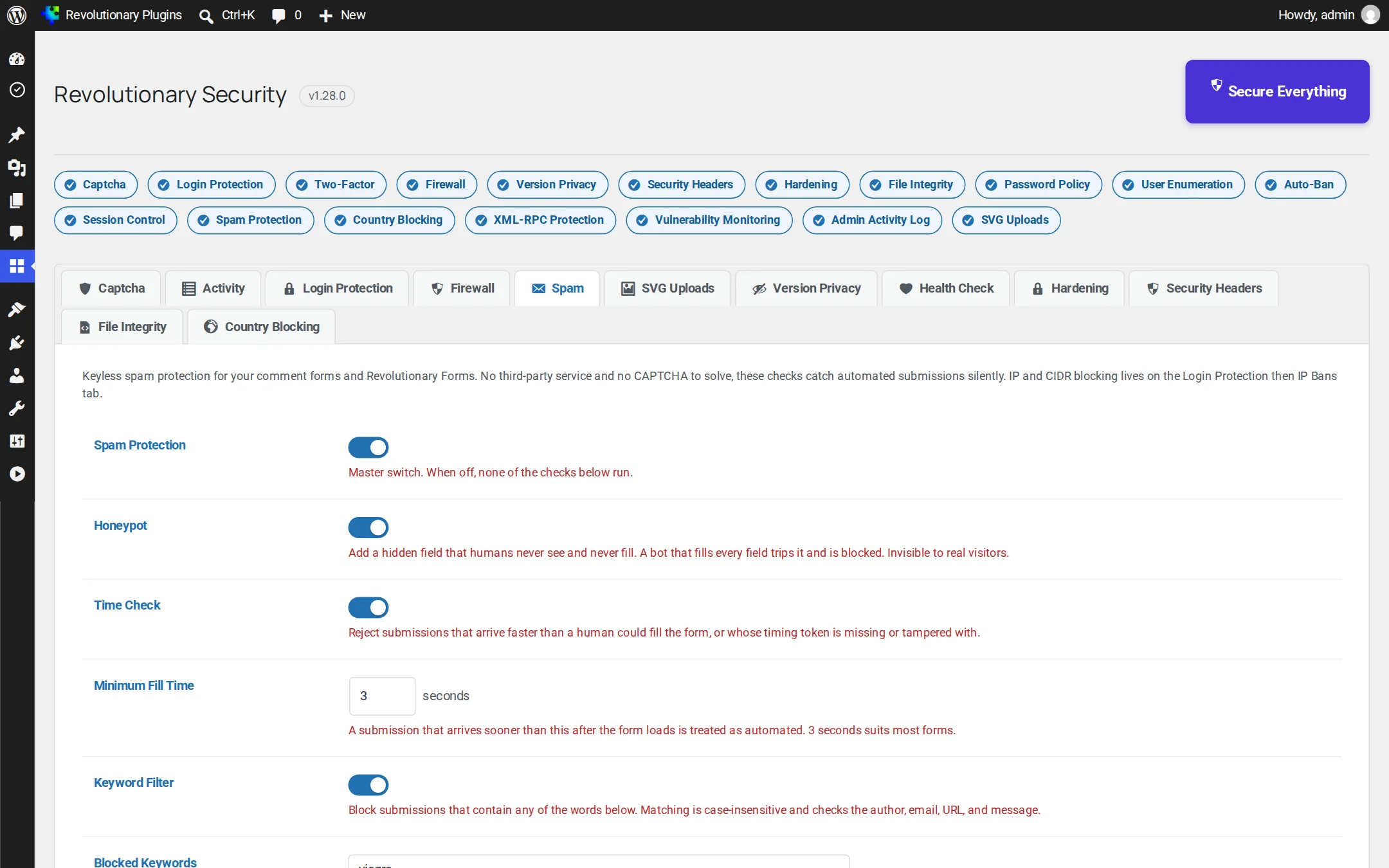
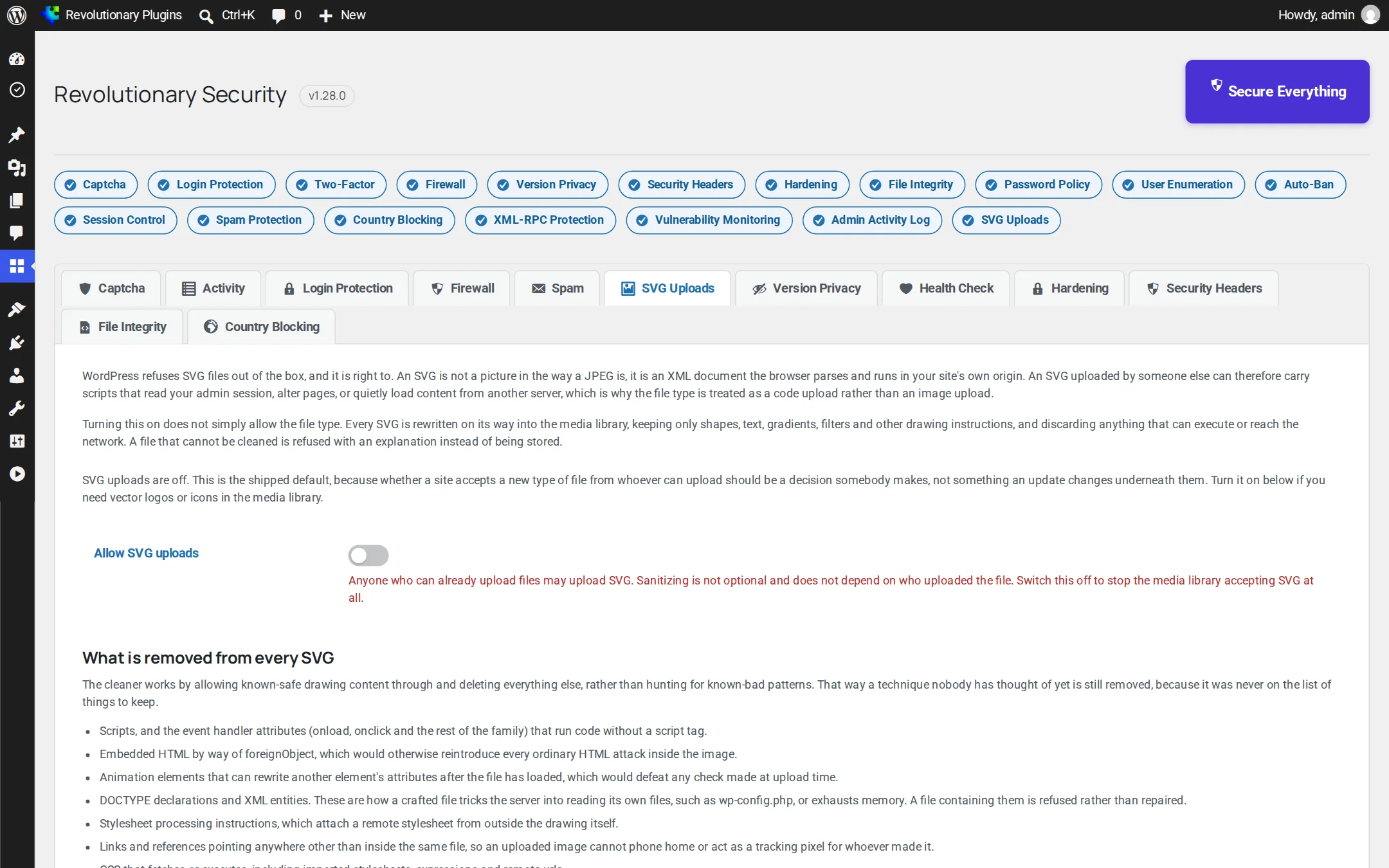
Release highlights
Selected earlier releases
See the full changelog for the latest releases.
Directory listing blocked everywhere
Keeps Options -Indexes in the site's root .htaccess so wp-content, every plugin and theme folder, and wp-includes are covered by one rule, not only the uploads folder. Health Check now tests all of them and names exactly which one is exposed.
Secure Everything, one click
A Secure Everything button turns on every protection that needs no further input, and an at-a-glance grid shows all eighteen features' state across the dashboard, each linking straight to its settings.
The WordPress version, actually hidden
Blocks readme.html and license.txt at the site root, the two places that still gave scanners an exact WordPress version after generator tags and asset stamps were already masked, then adds a live Health Check that tests the site the way a scanner would instead of trusting a setting.
Successful logins, listed
Every completed sign-in now appears next to Failed Logins: the account, how it signed in, location, IP address and browser. Failed Logins also gained wrong passwords and unknown usernames, not just failed captchas.
Passkeys and known vulnerability checks
Face ID, Touch ID, Windows Hello and security keys as a phishing-proof second factor, verified in-house with no third-party library, plus a daily match of core, plugins and themes against the Wordfence Intelligence feed.
Hardening, headers, sessions and the audit log
Custom login address, web shell detection, security headers with CSP reporting, session controls, password policy, and the admin activity log with new-admin alerts.
No. Firewall rules are simple pattern checks that run once per request, scans run on a schedule in small batches, and nothing loads on the front end that a module does not need.
It is designed so you cannot. Admins, wp-admin, cron and WP-CLI are exempt from bans, your IP can be whitelisted, a private recovery link re-whitelists you, and required 2FA always gives a grace period. The custom login address also has an emergency override constant.
Yes. Choose Cloudflare, X-Forwarded-For or X-Real-IP as the trusted source and list your proxies. Forwarded headers are only believed from real proxies, so visitors cannot spoof an address.
It finds it. File integrity monitoring, core verification and web shell detection tell you exactly which files changed and which lines look malicious, and you can delete unexpected files from the dashboard. It is not a cleanup service.
Not yet. Instead, users can register more than one method (email, an app and one or more passkeys), and the Email me a code link is available as a fallback for app users.
Yes. It uses the Revolutionary update server and its daily copy of the Wordfence Intelligence feed, which is included with every Revolutionary license.
Yes. It also adopts the settings, bans and logs from Revolutionary Captcha automatically when you upgrade.
Works well with
Better together
Every plugin shares one license, one look and one support desk.
Put one guard on every door.
Revolutionary Security is included with every Revolutionary license, together with all sixteen plugins and the Multipurpose theme.