

Revolutionary SEO · version 0.4.6
Everything search engines read, set from one panel.
Titles, descriptions, social cards, structured data and an XML sitemap, with live SEO and readability scores on every post. Redirects, a 404 monitor and a broken link checker keep the site healthy after you publish.
- An SEO panel on every post, page and public post type
- Nine rich-result schema types with a built-in validator
- Optional AI suggestions through the provider configured in the Multipurpose theme
Released version 0.4.4
What the current release includes
Manage search titles, descriptions, social cards, structured data, sitemaps and redirects.
- AI keys and models come from the Multipurpose Dashboard AI tab. Metadata and schema suggestions are previewed before you choose what to apply.
- AI image descriptions can suggest alt text, titles and captions. Review the suggestions before applying them.
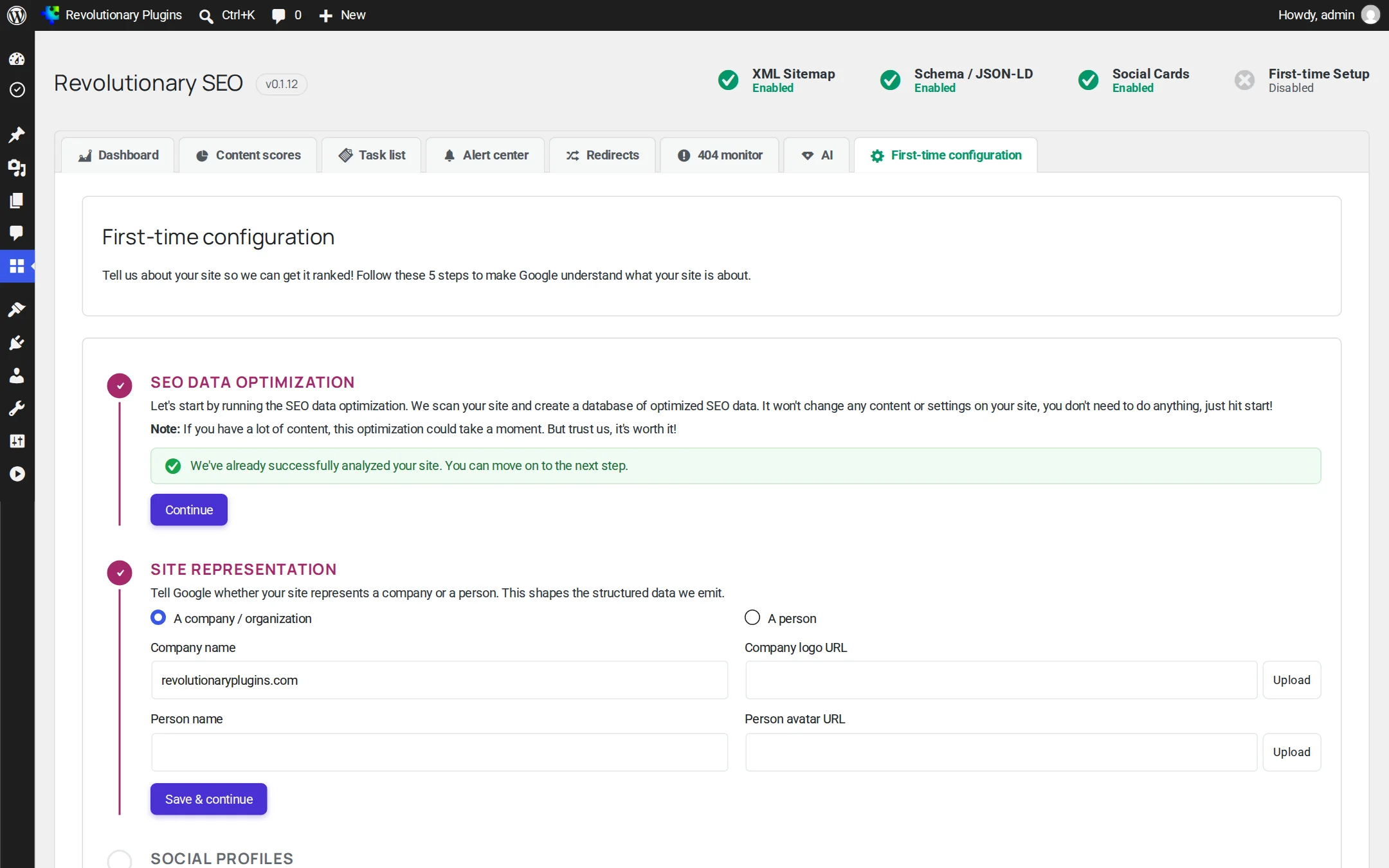
- The First-time configuration tab exports and imports supported settings. Omitted settings are preserved during import.
Why it exists
Good SEO is mostly housekeeping. This plugin does the housekeeping.
Most ranking problems are not clever ones. A page with no description, a moved URL that now 404s, a sitemap that lists drafts, a share card with no image. Revolutionary SEO finds those gaps, tells you in plain words, and gives you a one-click way to close them.
See it in action
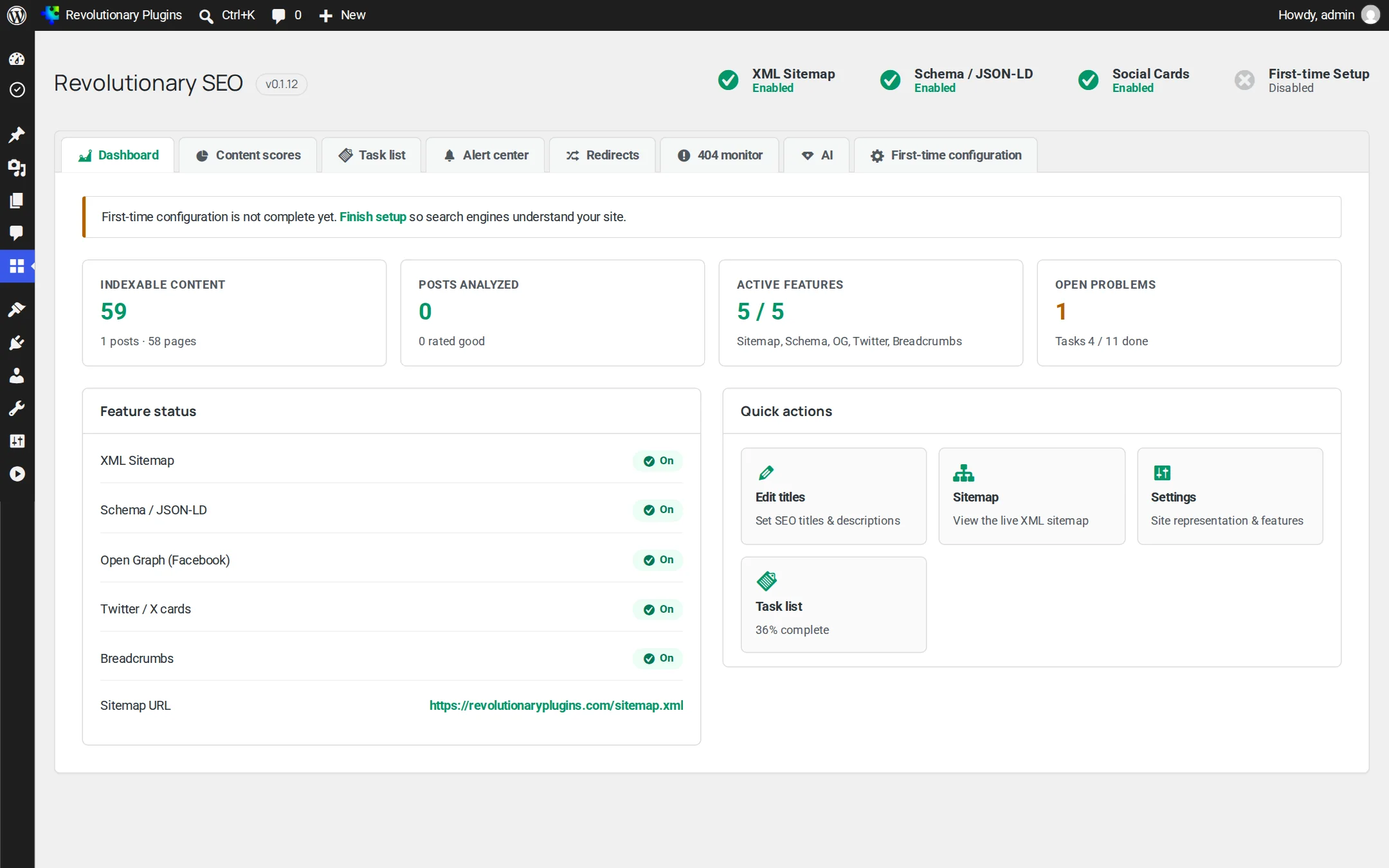
One dashboard for the whole site.
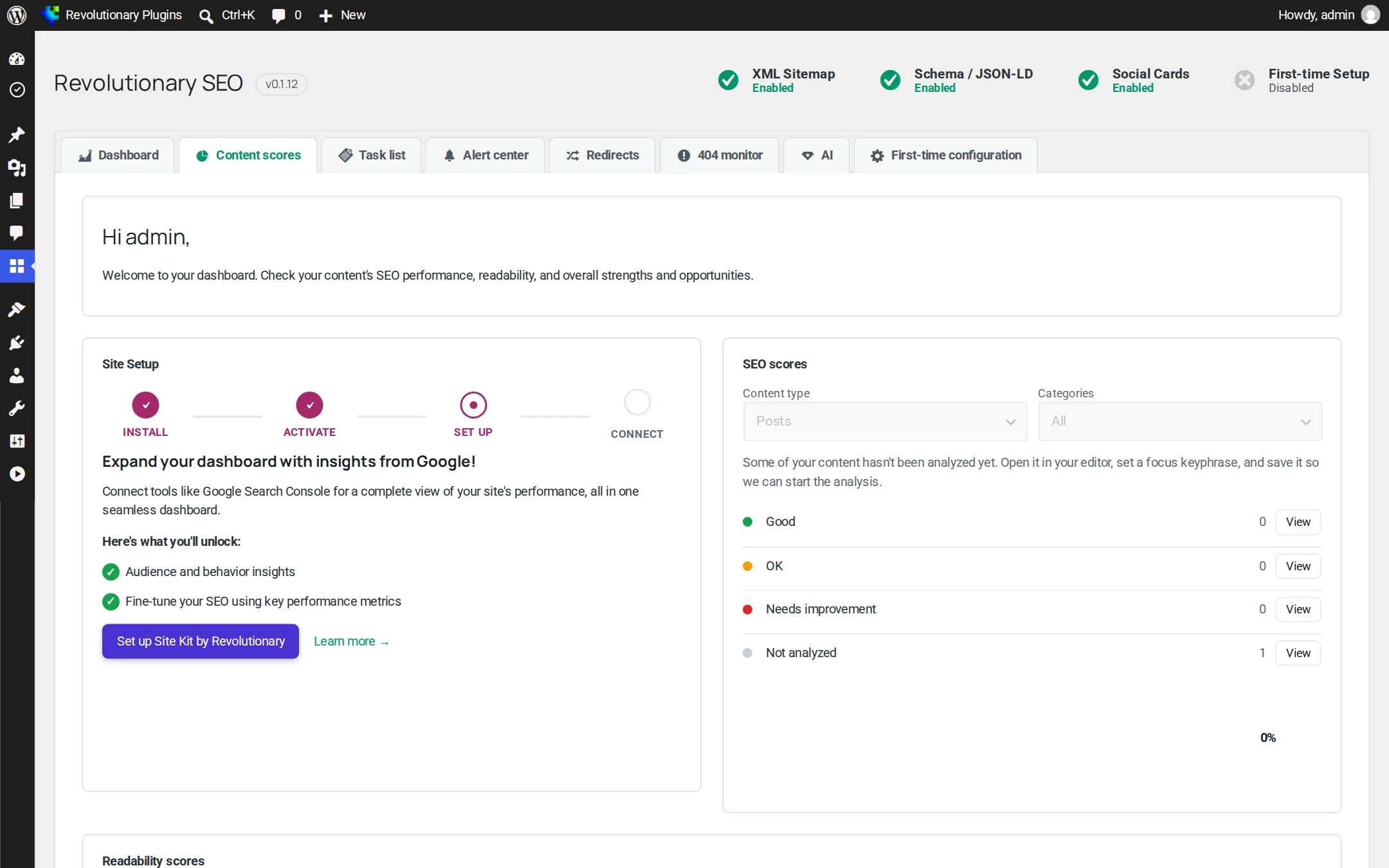
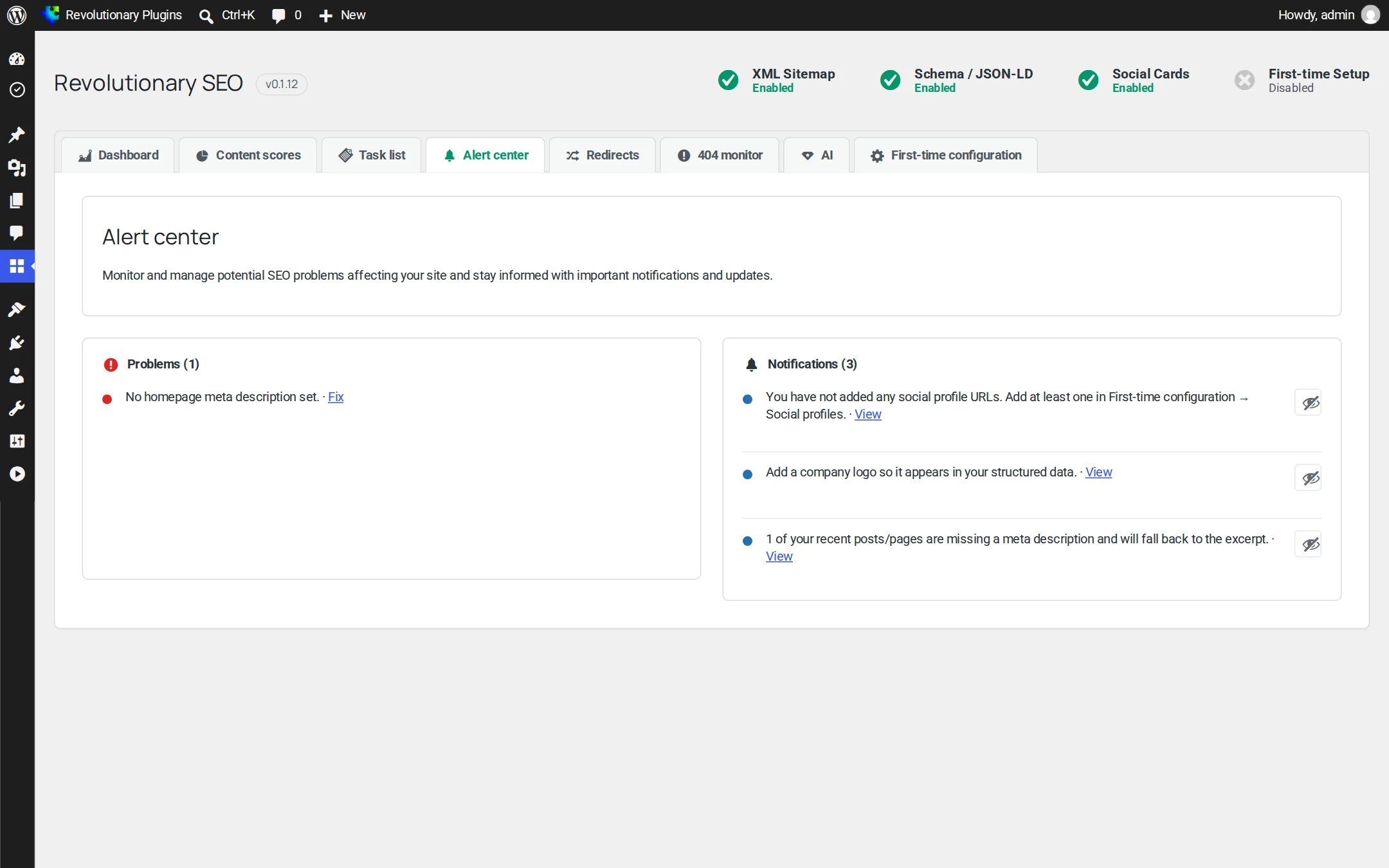
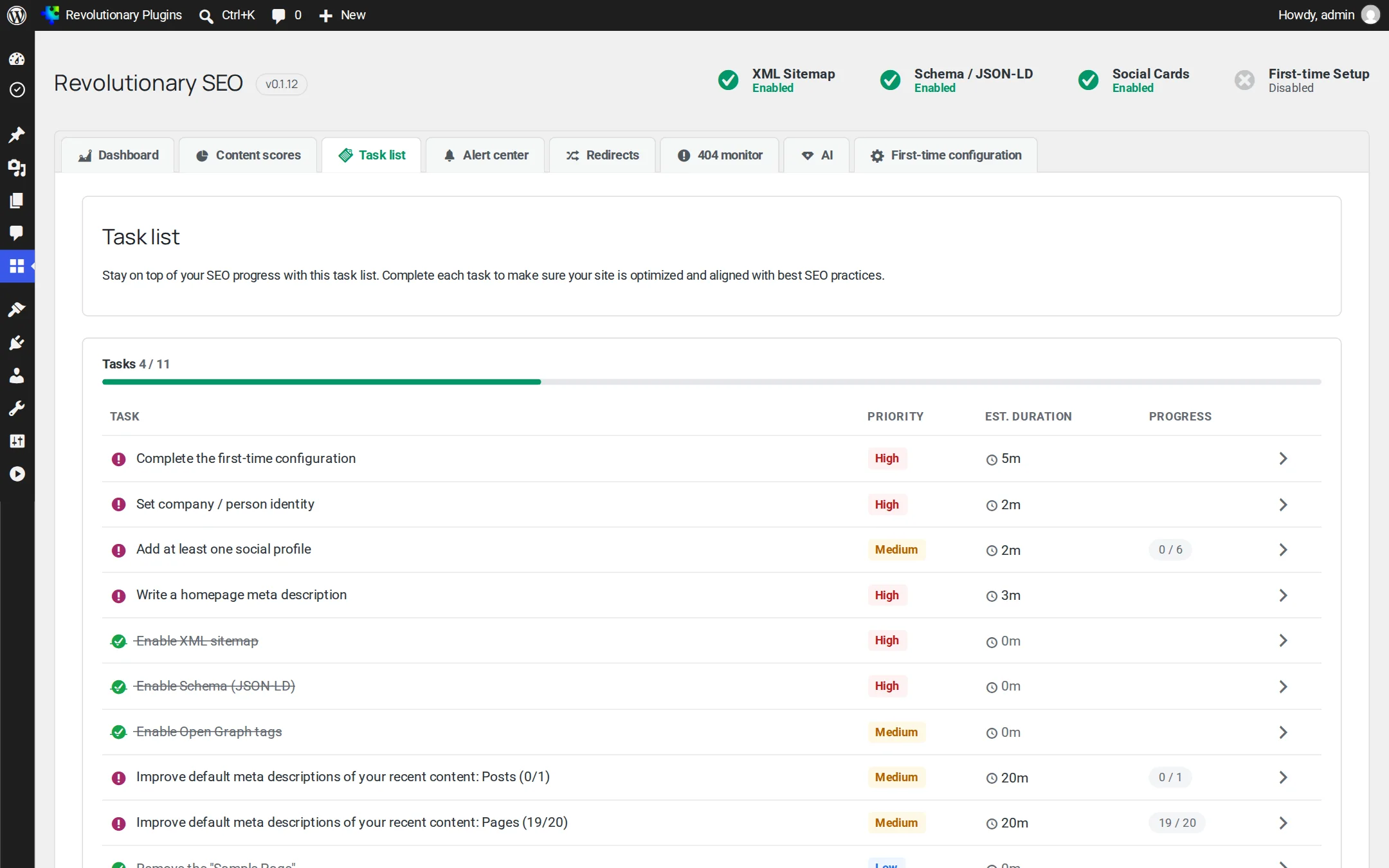
Everything lives under Revolutionary Plugins, SEO, in eight tabs. The per-post work happens in the Revolutionary SEO panel under the editor.
Pillar 1
Optimize every page as you write
The Revolutionary SEO panel sits under the editor on every public post type, with four tabs: SEO, Readability, Schema and Social.
Pillar 2
Structured data and social cards
Search engines and social networks read markup, not layout. Revolutionary SEO writes it for you.
Pillar 3
Keep the site healthy after you publish
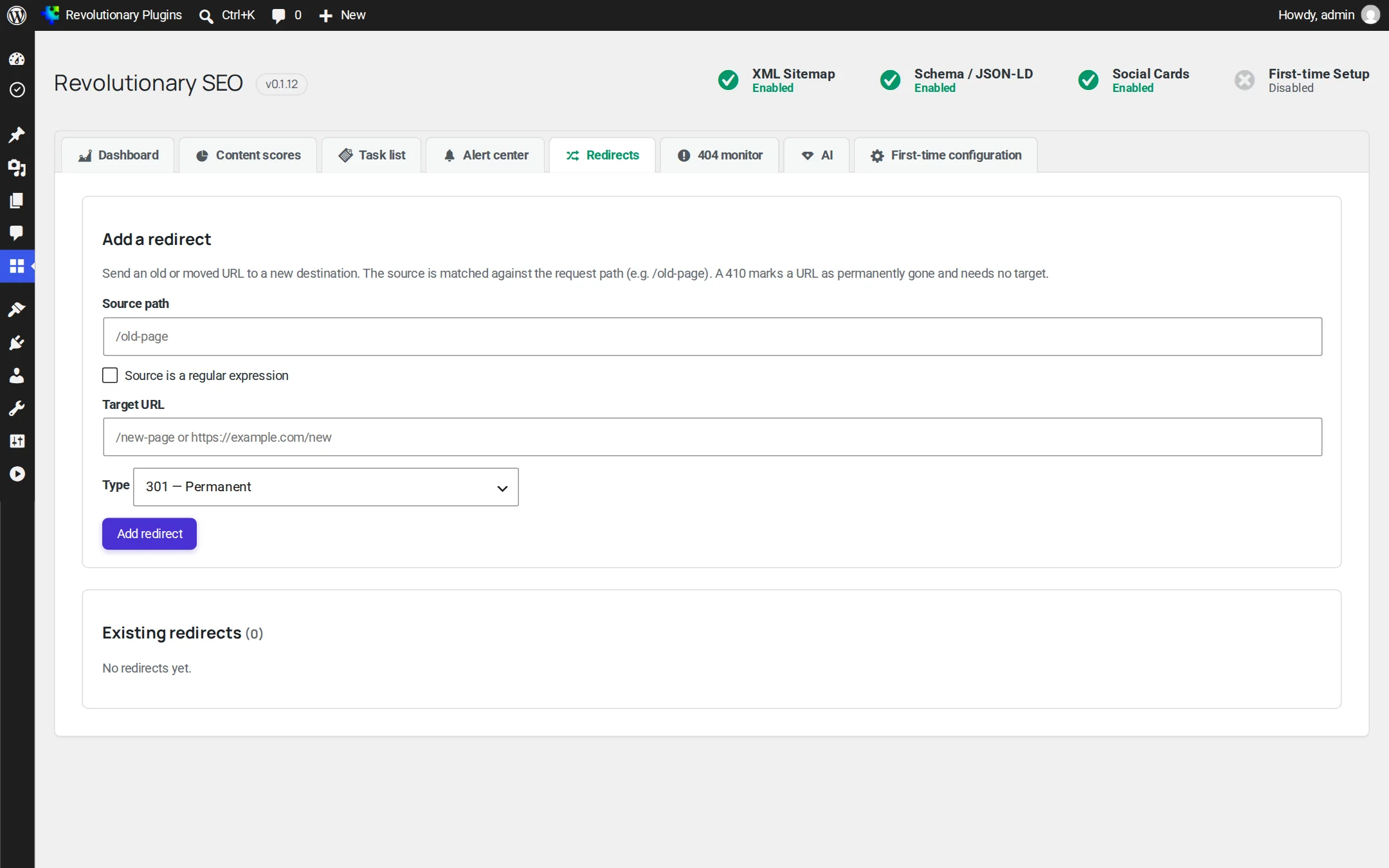
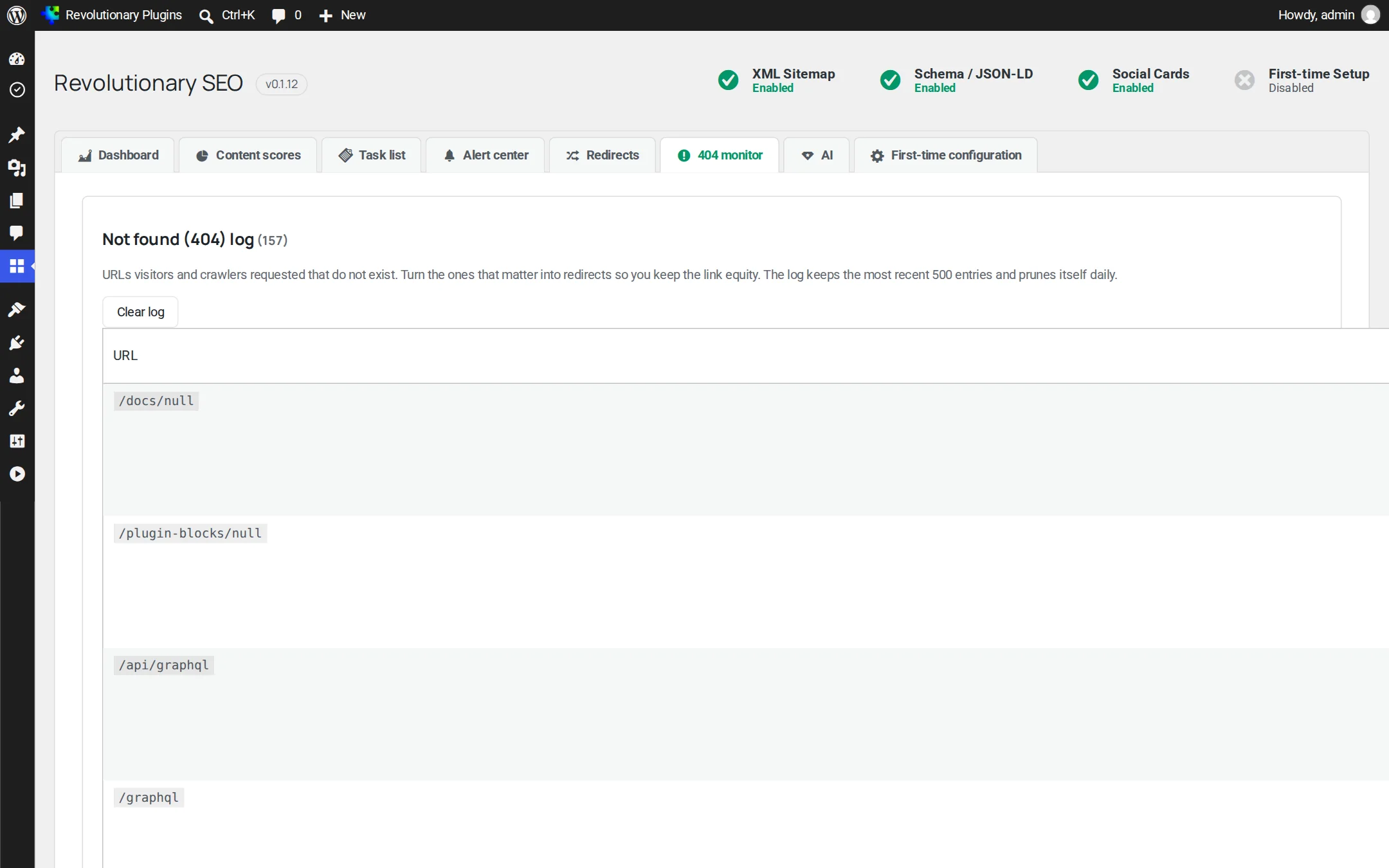
URLs move, pages get deleted and outbound links rot. These tools catch it.
Breadcrumbs
Show a breadcrumb trail anywhere with the shortcode. BreadcrumbList is also part of the schema graph.
Pillar 4
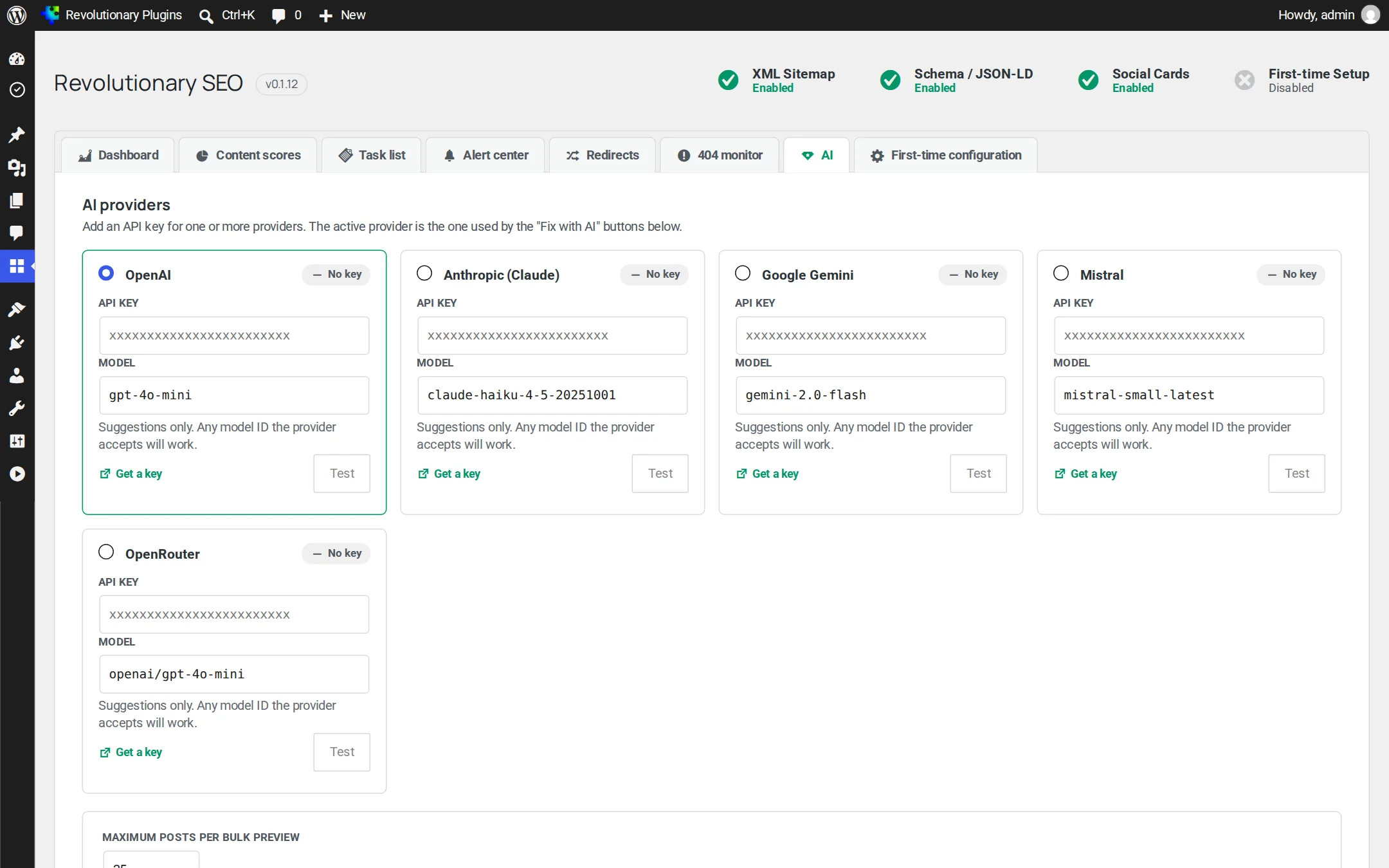
Optional AI, on your own key
Optional AI uses the shared provider selected in the Multipurpose theme. Requests send the task content to that provider on your account.
Screens
Every screen, up close
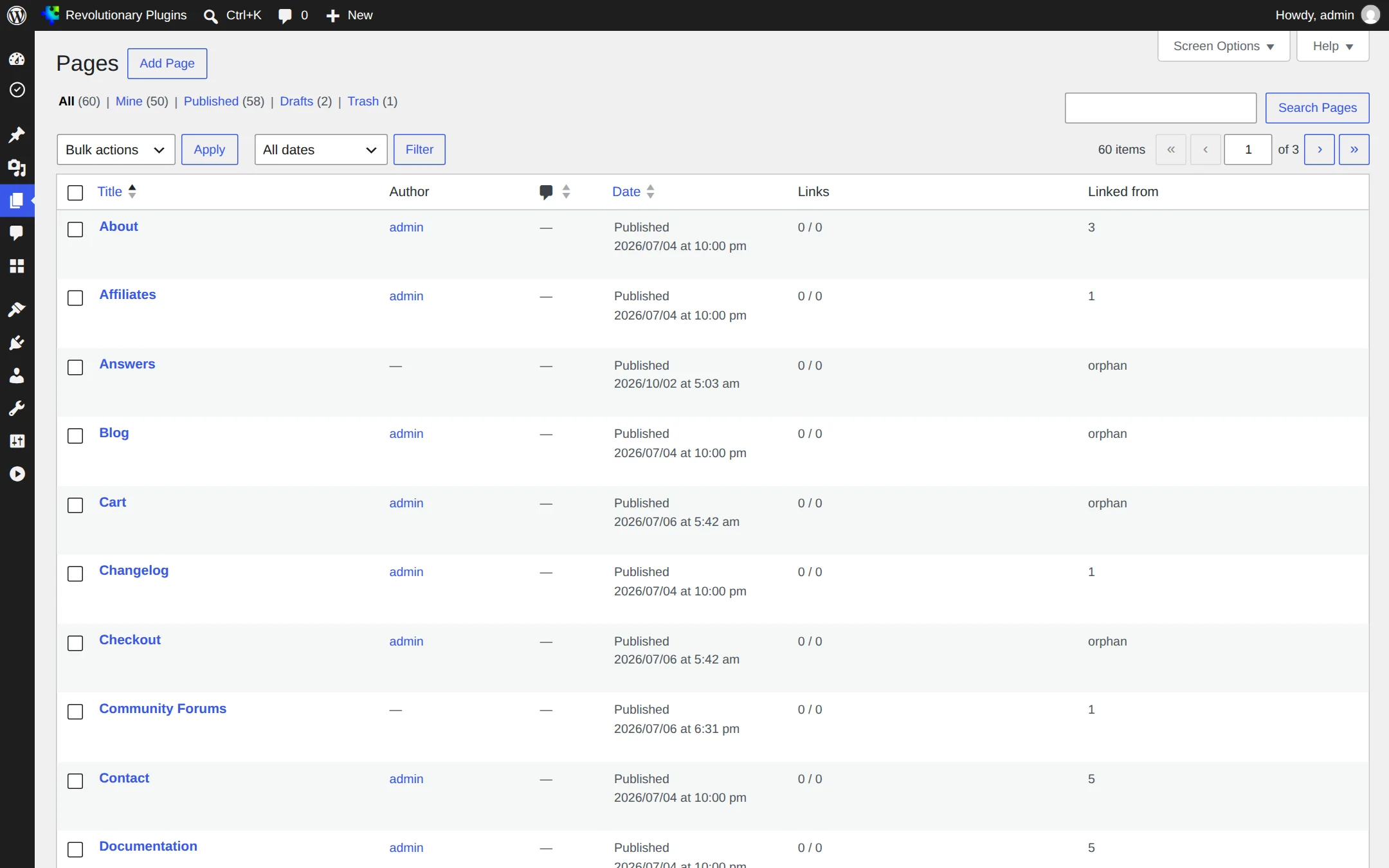
Screenshots are examples; the current interface may differ. Click any screenshot to open it full size.
Release highlights
Selected earlier releases
See the full changelog for the latest releases.
Reliable installs
Release zips now always unpack to a single revolutionary-seo folder. A packaging bug in the two releases before this one could install a second, inactive copy and leave the real plugin on an old version while reporting success.
Reviewable AI suggestions and an accessibility check
AI SEO and schema suggestions now open as reviewable previews with per-field apply and guarded undo, instead of writing straight to the post. A new Accessibility tab flags missing alt text, skipped heading levels, and links, buttons and form fields with no accessible name.
SoftwareApplication schema
A new rich-result type for software and SaaS pages, including quote-based offers without a price. Ratings are only output when real values are given.
Usernames kept out of the sitemap
The author sitemap is now off by default, because author slugs reveal login names. Older cached sitemaps are discarded.
Security hardening
Changes from our house code audit: score output escaping and documented nonce and capability checks.
Cleaner browser tab titles
An empty title variable no longer leaves a stray separator in the browser tab.
Not at the same time, since two SEO plugins output duplicate tags. Use Revolutionary Importer to bring their data across, then deactivate them.
Standard SEO tools work without AI. Optional suggestions use the provider selected for SEO on the Multipurpose Dashboard AI tab. The plugin has no separate key fields.
You pay your AI provider directly with your own key. Repeat runs on unchanged content are served from cache, and the AI tab shows token usage per provider.
No. They fill the title and description from a fixed template so you have a starting point. The AI features live on the AI tab.
No. When you change the slug of a published post, a 301 redirect from the old address is created automatically.
At /sitemap.xml on your site. If it returns a 404, open Settings, Permalinks in WordPress and click Save to refresh the rewrite rules.
No feature is locked. The Revolutionary license, entered once in the Multipurpose Dashboard, turns on automatic updates for the whole suite.
Works well with
Better together
Every plugin shares one license, one look and one support desk.
Fix what search engines see.
Revolutionary SEO is included with every Revolutionary license, together with all sixteen plugins and the Multipurpose theme.