

Revolutionary Folders · version 0.5.1
Real folders for your Media Library.
Revolutionary Folders creates actual folders inside wp-content/uploads, not virtual tags. Pick a folder and new uploads land there. Move, copy or rename files and WordPress keeps pointing at the right place.
- Folders you can see over FTP, not labels in the database
- Uploads go straight into the folder you pick
- Moves and renames update the stored image paths
Released version 0.4.6
What the current release includes
Organize the Media Library in real folders on disk.
- Folder organization changes media storage rather than merely adding virtual tags.
- The latest release refreshes the translation template without changing the folder workflow.
Why it exists
Year and month is not a filing system.
WordPress drops every upload into a folder named after the date. Most folder plugins only add labels on top, so the files on disk stay a mess. Revolutionary Folders organizes the files themselves.
See it in action
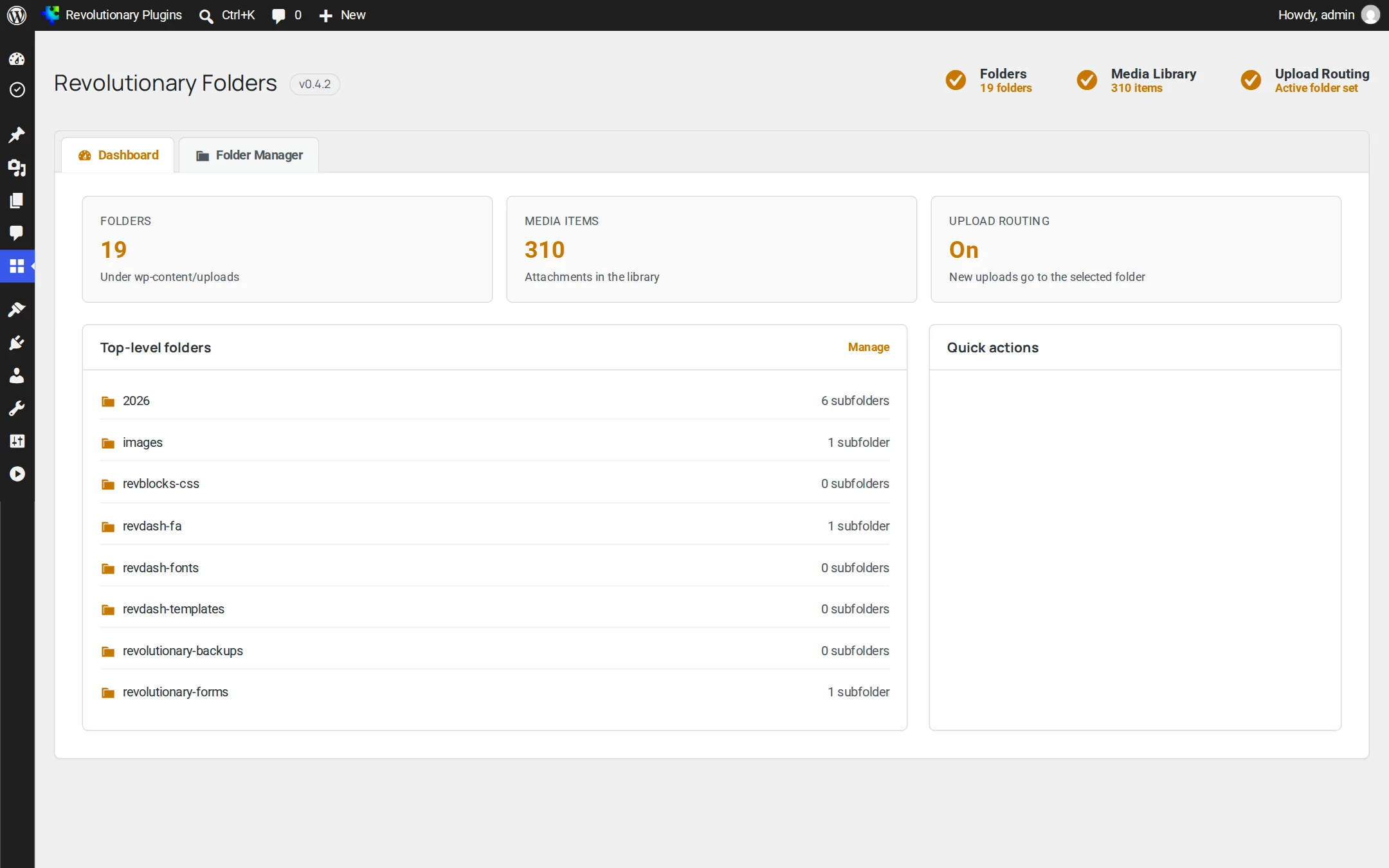
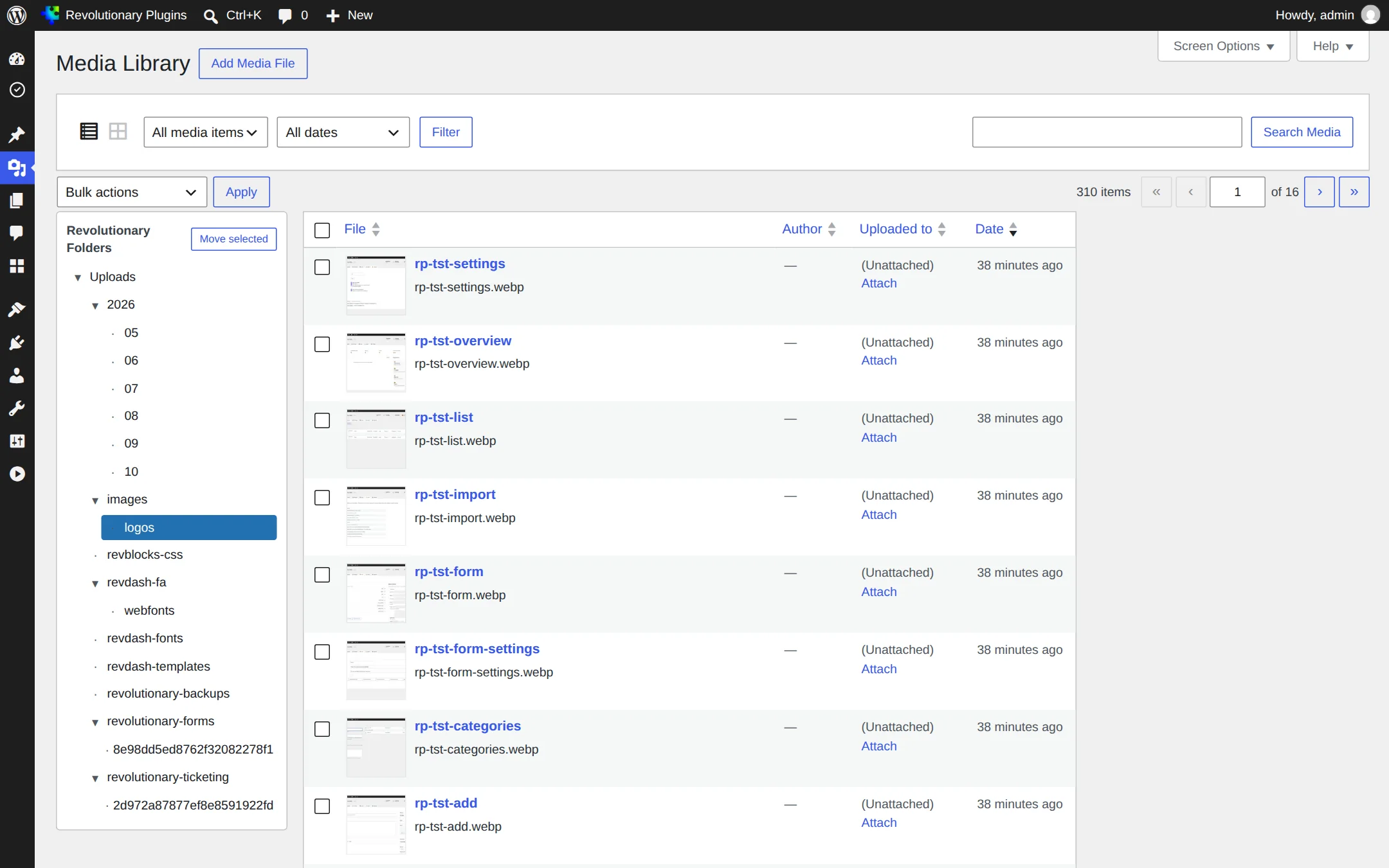
A file manager inside WordPress.
A folder tree on the left, your files on the right, and a toolbar for everything in between.
Pillar 1
Organize files the way you think
Everything you expect from a desktop file manager, working on your real uploads folder.
Pillar 2
Uploads and maintenance
Keep new files organized from the start, and bring stray files into the library.
Pillar 3
Built for developers too
Script your folder structure or build on it.
Screens
Every screen, up close
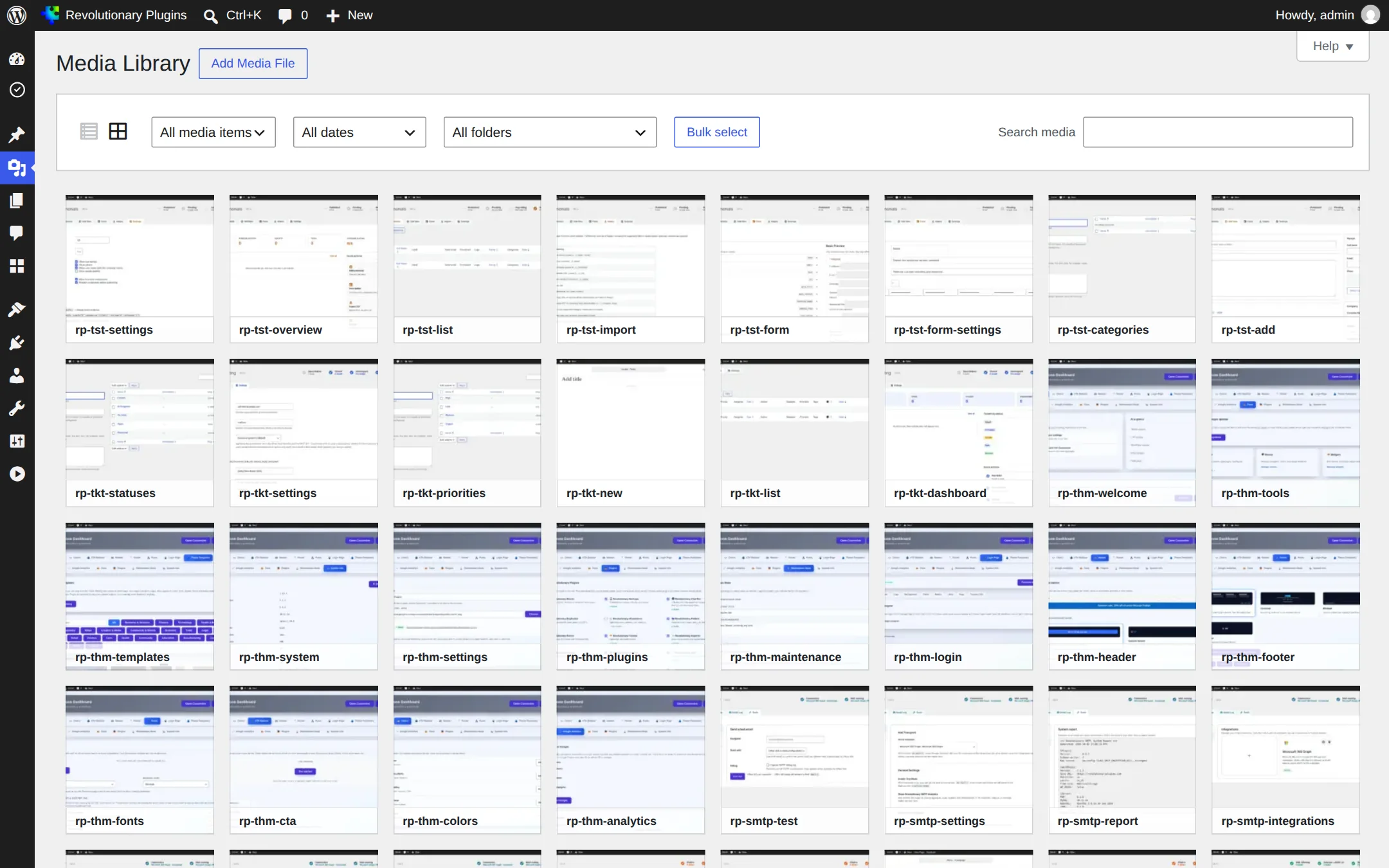
Screenshots are examples; the current interface may differ. Click any screenshot to open it full size.
Release highlights
Selected earlier releases
See the full changelog for the latest releases.
Media Library panel fixed
The folder panel now sits beside the table in the Media Library's list view.
Tighter permissions
Renaming a folder needs edit rights on every item inside, Sync is administrators only, and Regenerate checks rights for each item.
SVG files, safely
SVGs can be organized when Revolutionary Security is active. Sync and Regenerate sanitize them and name any they refuse.
REST API, WP-CLI and the block editor
A REST API, WP-CLI commands, a folder picker in the block editor media window, breadcrumbs, a collapsible tree and deep links.
Yes. They are directories under wp-content/uploads, visible over FTP and in your host's file manager.
Not for images inserted from the Media Library. Their stored path, image sizes and address are updated. Links typed into post content by hand are not rewritten.
No. Each person selects their own folder.
The Media Library items inside it are permanently deleted, and then the folder is removed. Move anything you want to keep first.
No. Folders works only in the admin, and it adds no shortcodes, blocks or widgets.
Works well with
Better together
Every plugin shares one license, one look and one support desk.
Put every file in its place.
Revolutionary Folders is included with every Revolutionary license, together with the rest of the plugin suite and the Multipurpose theme.