

Revolutionary Duplicator · version 0.1.8
Start the next page from the one you already built.
Revolutionary Duplicator adds a Duplicate link to your pages, posts and chosen custom post types. The copy brings its content, custom fields, categories, template and featured image, and lands as a draft ready to edit.
- Duplicate from the list, the edit screen or the admin bar
- Copies are drafts by default, owned by whoever made them
- People can only copy content they are allowed to edit
Released version 0.1.6
What the current release includes
Copy a page, post or supported custom post type with control over its status and copied fields.
- A copy requires permission to edit its source. Another author's private post or draft is not made available just because duplication is enabled.
- A user without publish permission receives Pending Review when the selected copy status requires publication rights.
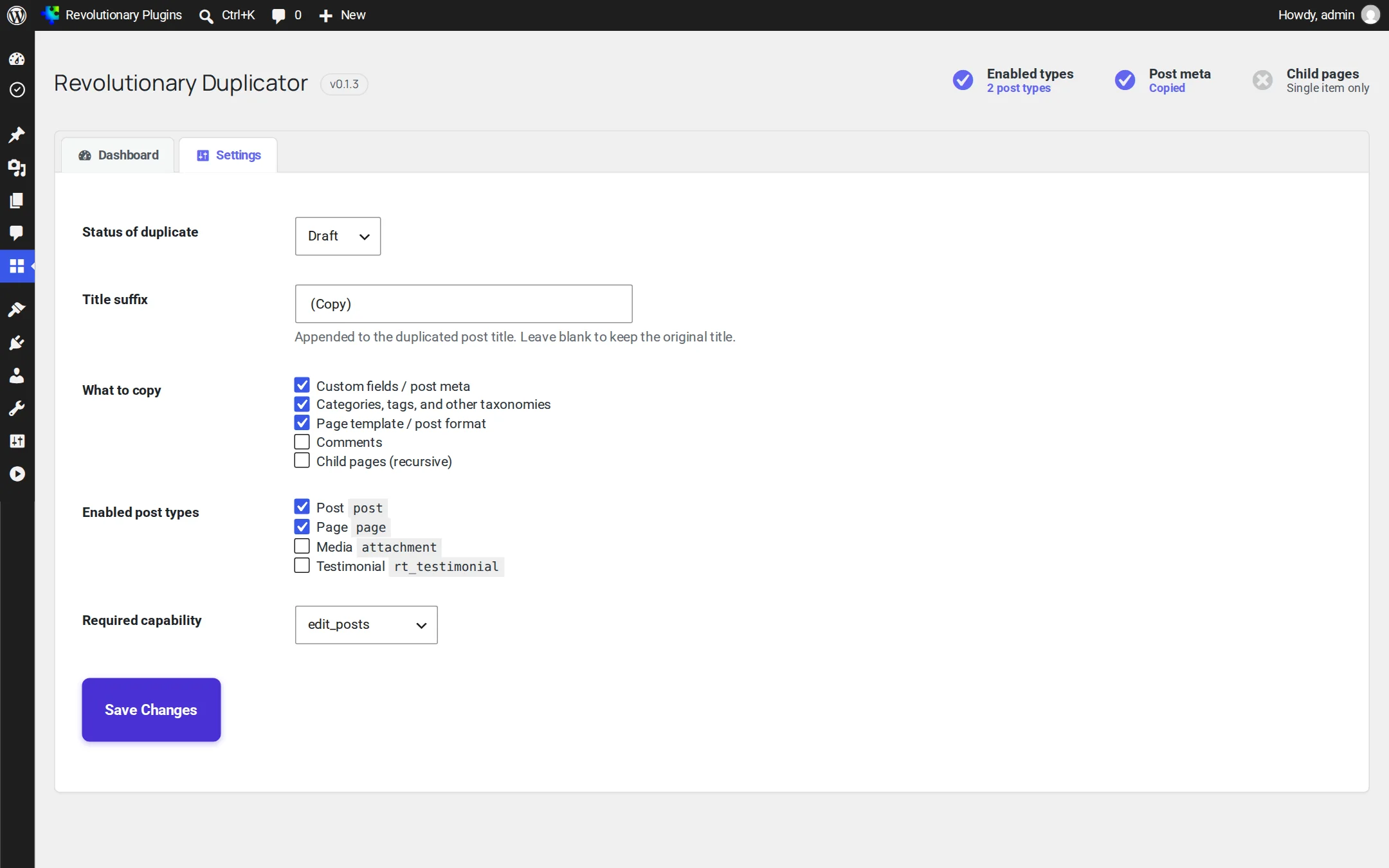
- Settings includes a title prefix, suffix tokens and custom fields to skip. The duplication notice offers Undo for the new copy.
Why it exists
Rebuilding a page by hand is a waste of an afternoon.
Landing pages, service pages and product posts often share most of their layout. Copying one should take a click, not a round of copy and paste that drops the template, the SEO fields and the featured image along the way.
See it in action
Right where you already work.
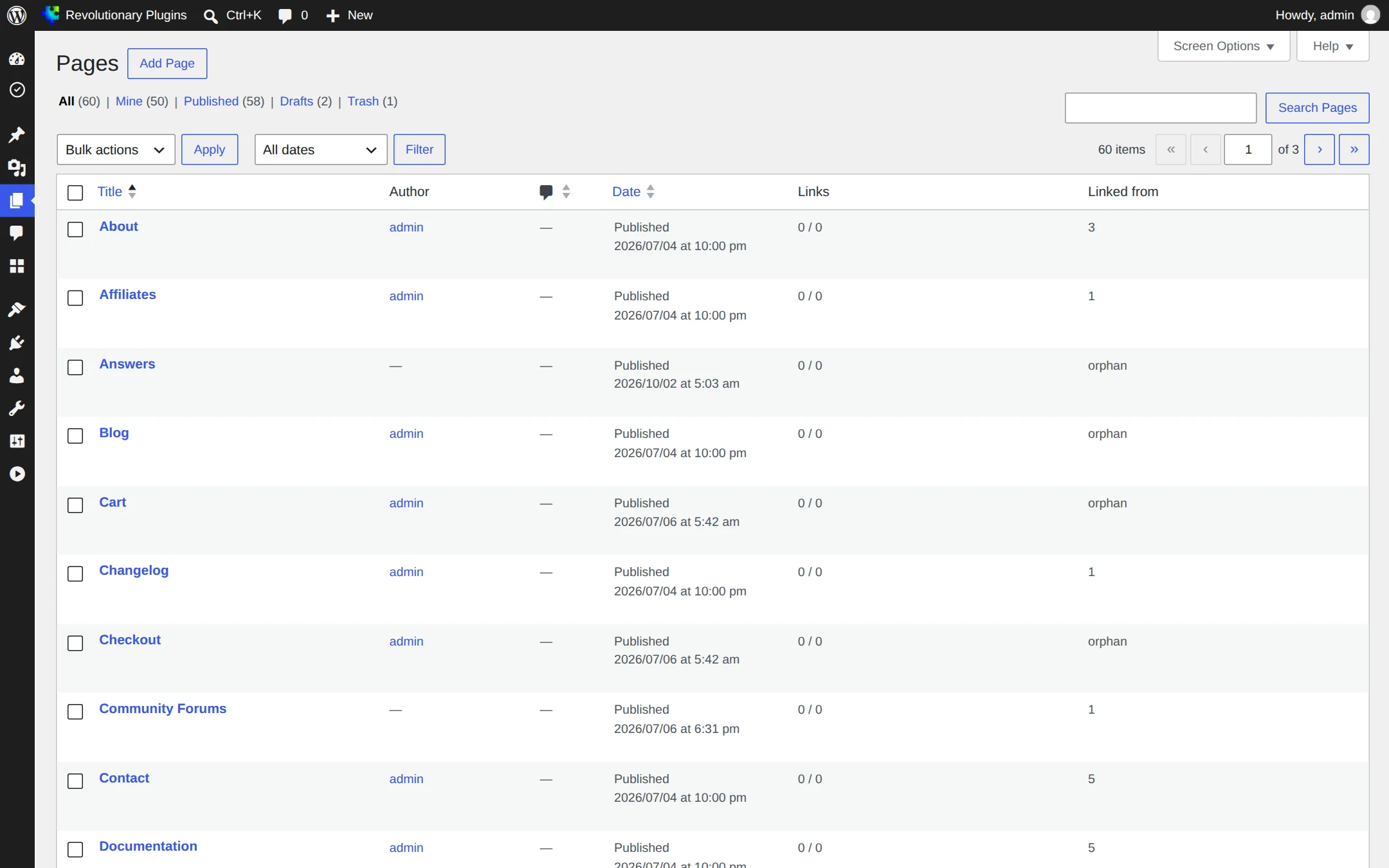
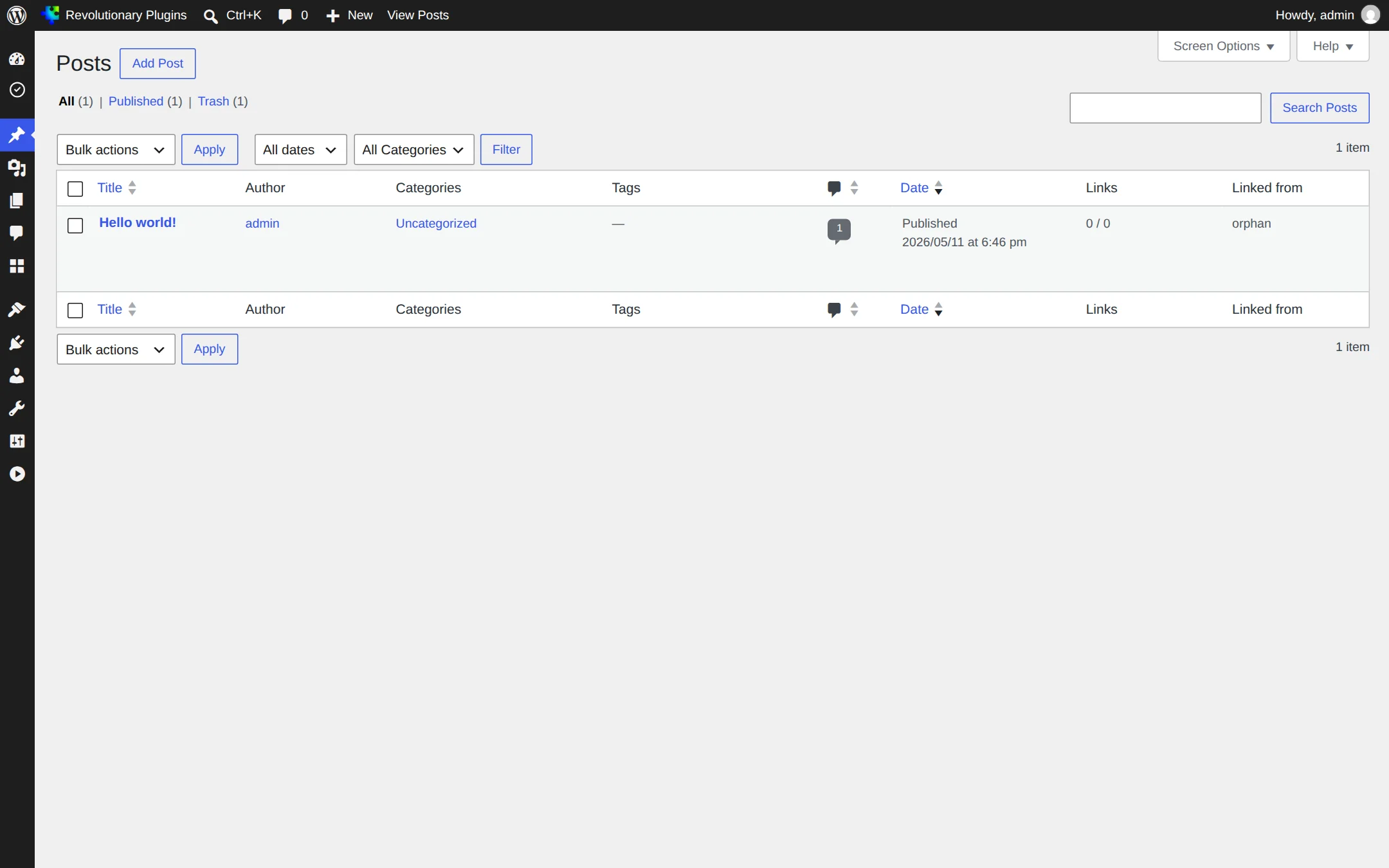
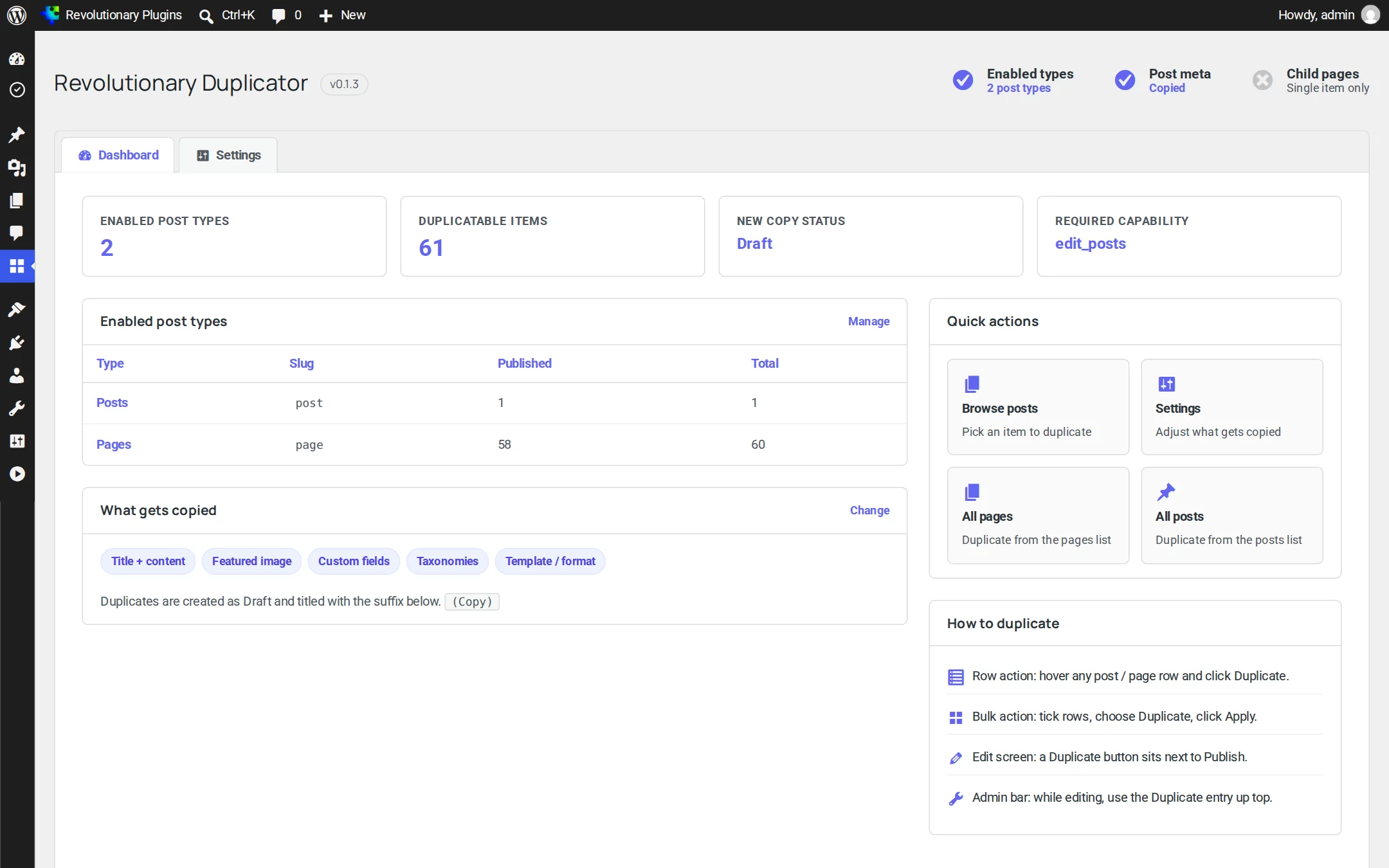
There is nothing new to learn. Duplicate shows up on the screens you use every day, and two small tabs hold the settings.
Pillar 1
Duplicate from anywhere
Four ways in, all leading to the same result: a copy in your list, ready to edit.
Pillar 2
Copy exactly what you want
Everything that makes a page work comes along, and you decide on the extras.
Pillar 3
Control who copies what
Useful on sites with several editors and contributors.
Screens
Every screen, up close
Screenshots are examples; the current interface may differ. Click any screenshot to open it full size.
Release highlights
Selected earlier releases
See the full changelog for the latest releases.
Tighter permissions
You must be able to edit the source item to duplicate it, copies set to Published or Private fall back to Pending for people who cannot publish, and child pages you cannot edit are skipped.
Matches your theme
Admin headings use the heading font of your active Revolutionary theme.
Shared plugin menu
New plugin artwork, and Duplicator now sits under the shared Revolutionary Plugins menu.
Yes, when copying custom fields is on, which is the default.
Yes. The row action and bulk action work everywhere, and the admin bar item shows in the block editor when fullscreen mode is off. The Publish box button belongs to the classic editor.
Your role cannot publish that post type, so the copy is held for review instead.
Not unless they can edit it. You can only duplicate items you are already allowed to edit.
No. Duplicator copies individual pages, posts and custom post type items. For full site copies, use Revolutionary Backups.
Works well with
Better together
Every plugin shares one license, one look and one support desk.
Build it once. Reuse it everywhere.
Revolutionary Duplicator is included with every Revolutionary license, together with the rest of the plugin suite and the Multipurpose theme.