

Revolutionary Forms · version 0.12.6
Build the form. Collect the entries. Book the meeting.
Drag fields onto a canvas that looks like your live site, send as many email notifications as you need, and keep every submission in a searchable inbox. Add a Meeting Booking field and any form becomes a scheduler on your own site.
- 18 field types, including address, file upload and Question and Answer
- Meeting booking with time zones, buffers, holds and calendar invites
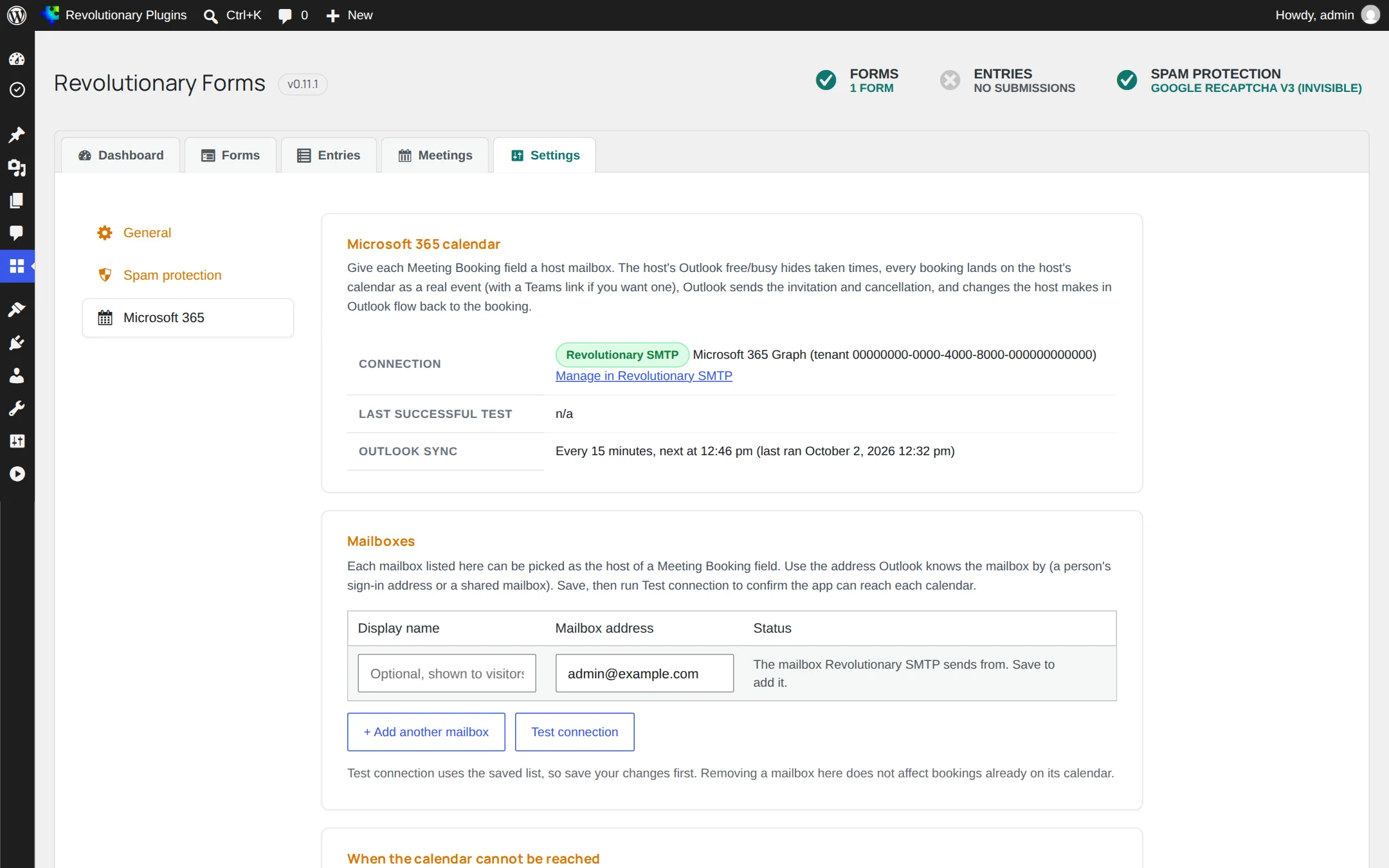
- Books straight into Outlook, with optional Teams meetings, through Microsoft 365
Released version 0.12.4
What the current release includes
Build forms, review entries and book meetings through the Microsoft 365 integration.
- Conditional fields show and hide as visitors type and are excluded from submission when hidden.
- New uploaded files use protected storage and an authorized entry download. Older uploads retain their original public URLs and require separate review.
- Use Conditional logic in each field inspector to show or hide fields. Entry details include the notification trail and Resend controls.
Why it exists
A contact form and a scheduler should not be two subscriptions.
Most sites pay for a form plugin, then pay again for a booking service that lives on someone else's domain. Revolutionary Forms does both on your site, and keeps the entries in your own database.
See it in action
Forms, entries and bookings in one place.
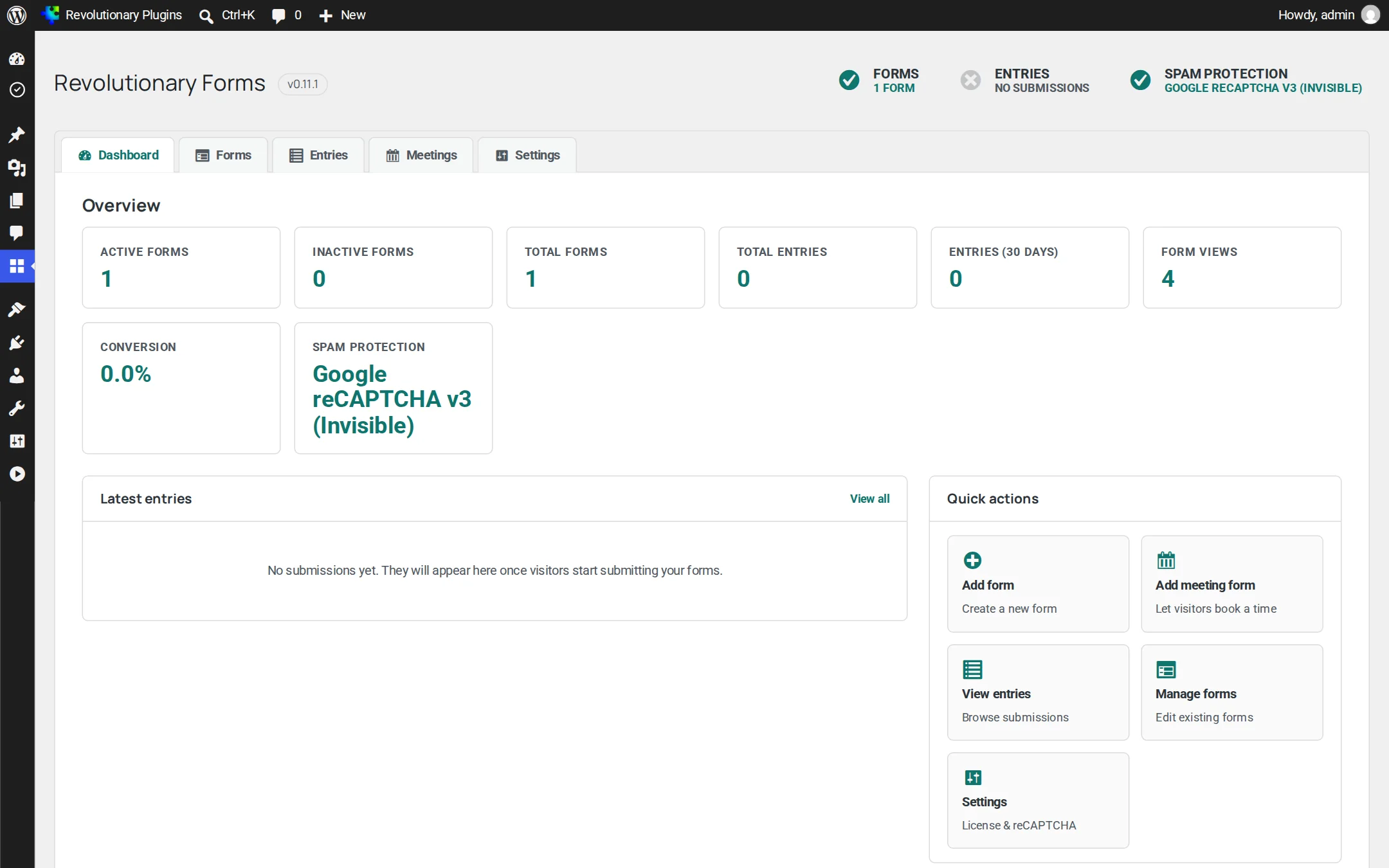
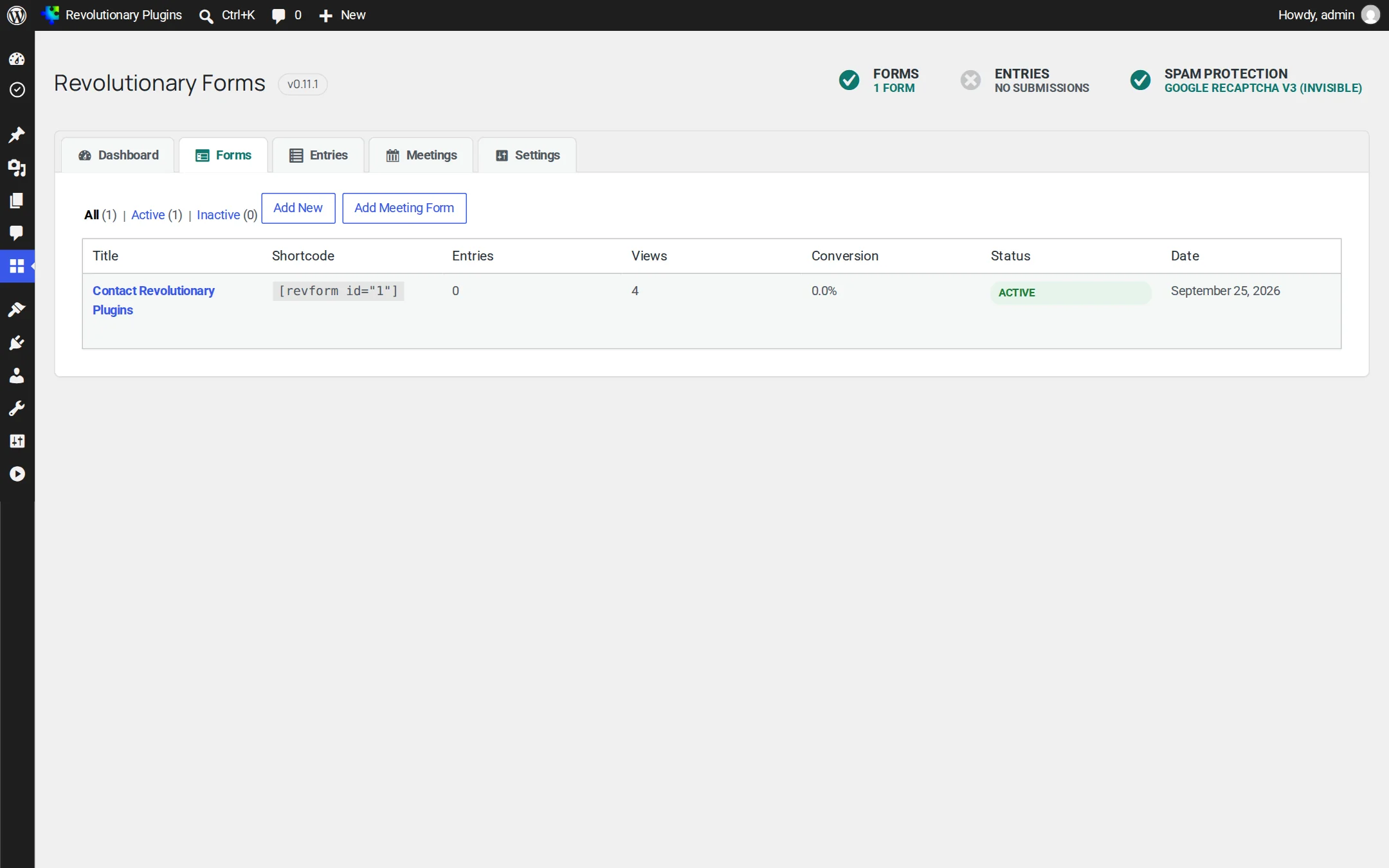
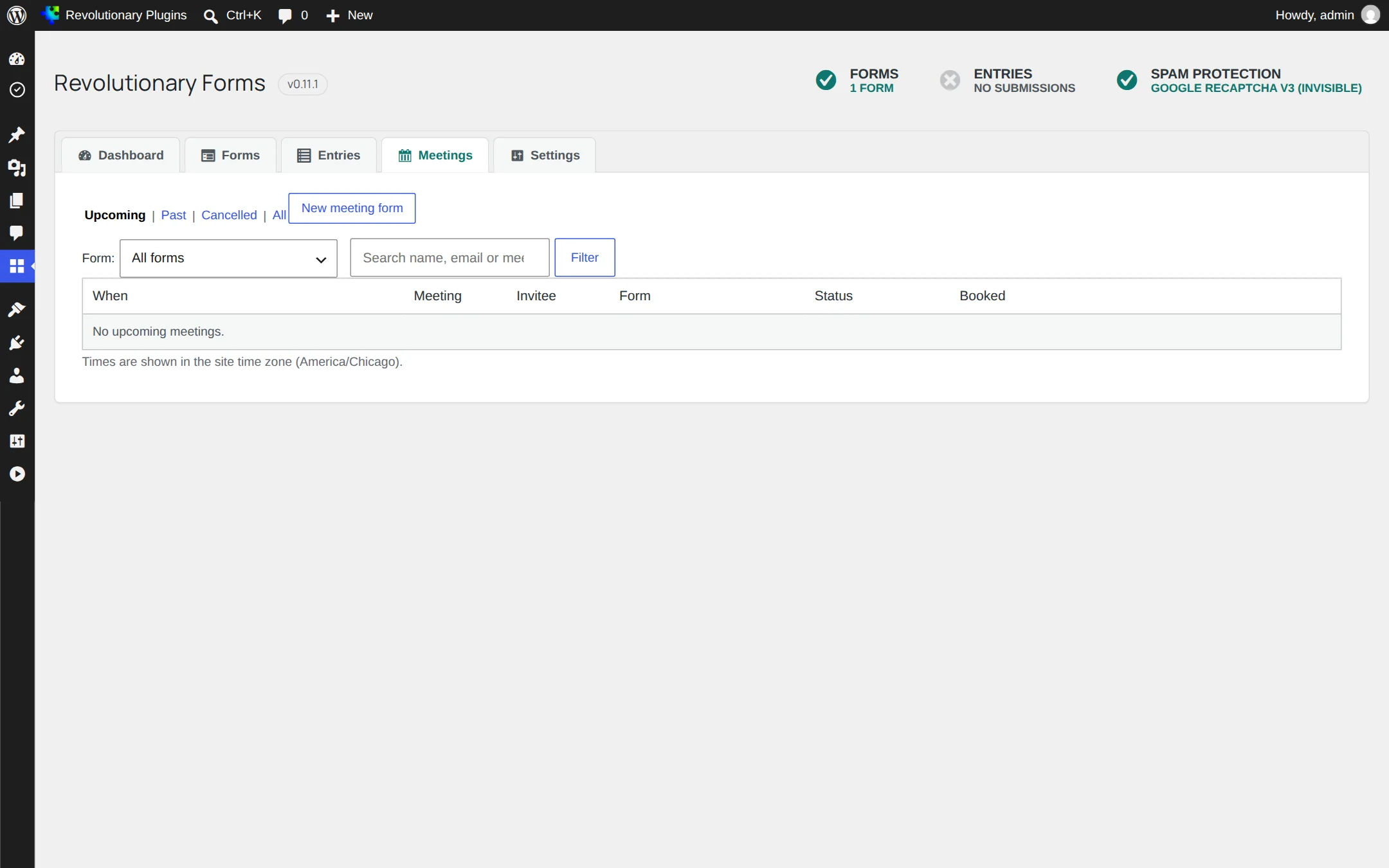
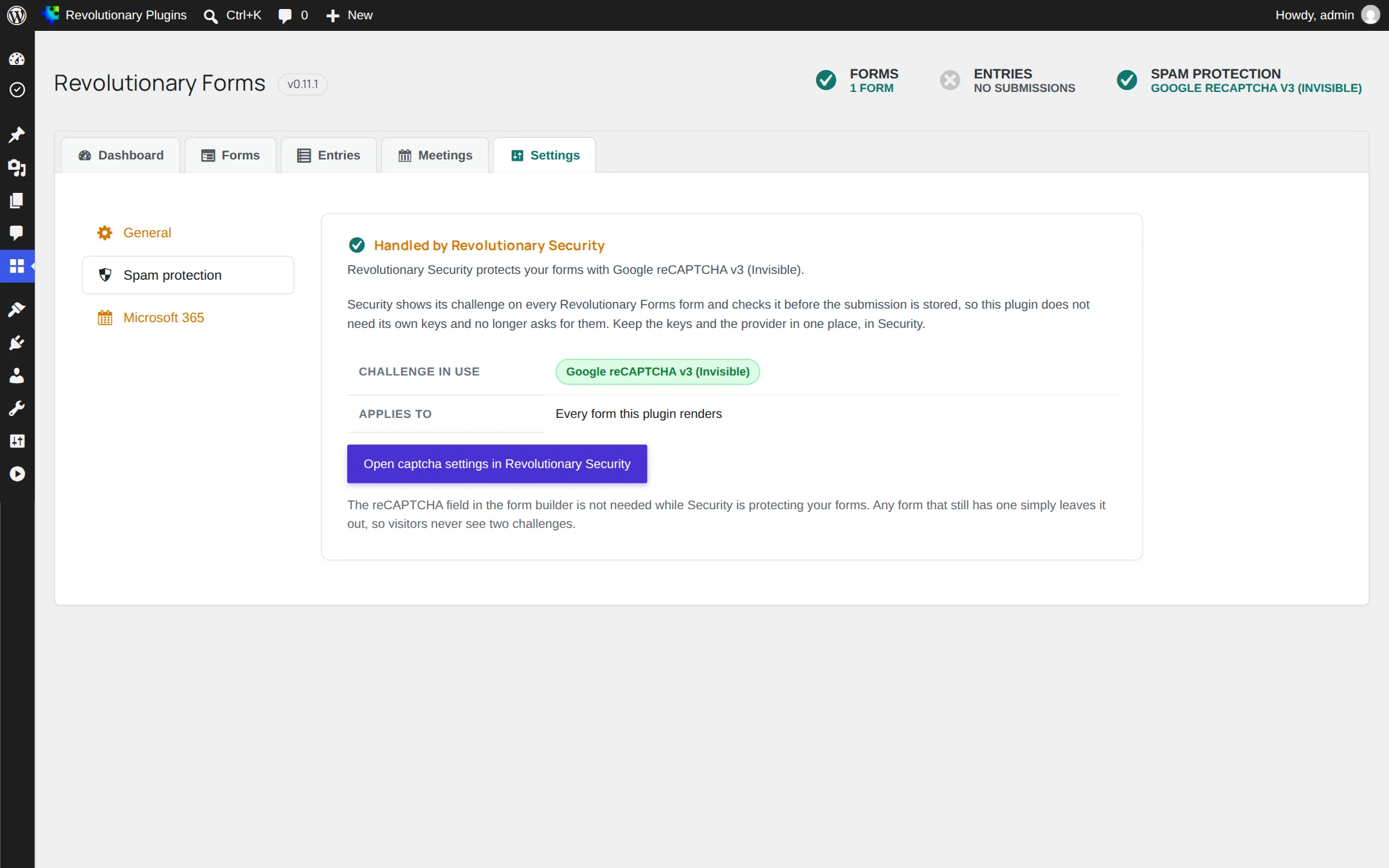
Everything sits under Revolutionary Plugins, Forms, with a tab bar across the top for the dashboard, forms, entries, meetings and settings.
Builder
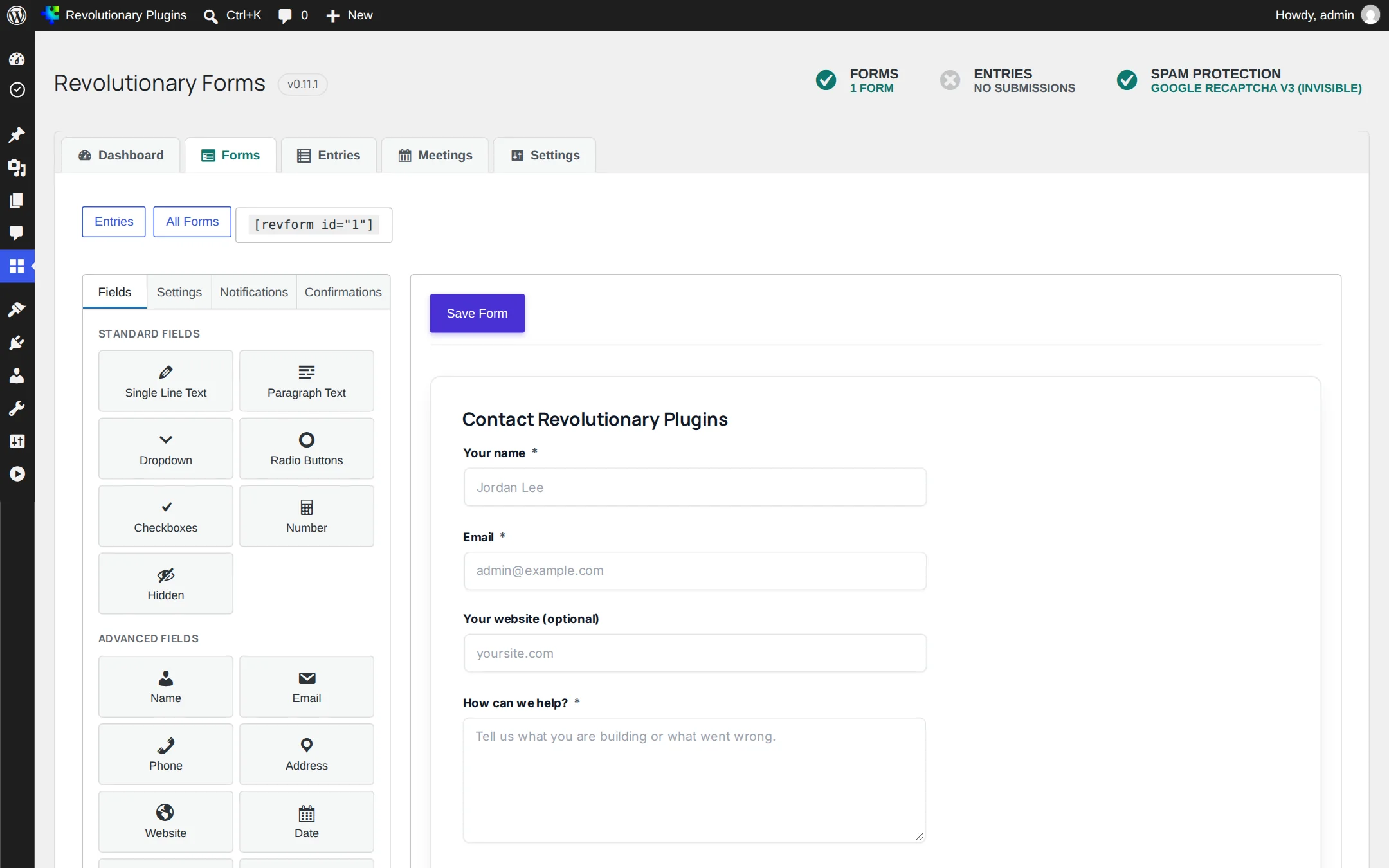
Build any form by dragging fields
From a two-field contact form to a detailed intake form, without writing code.
Entries
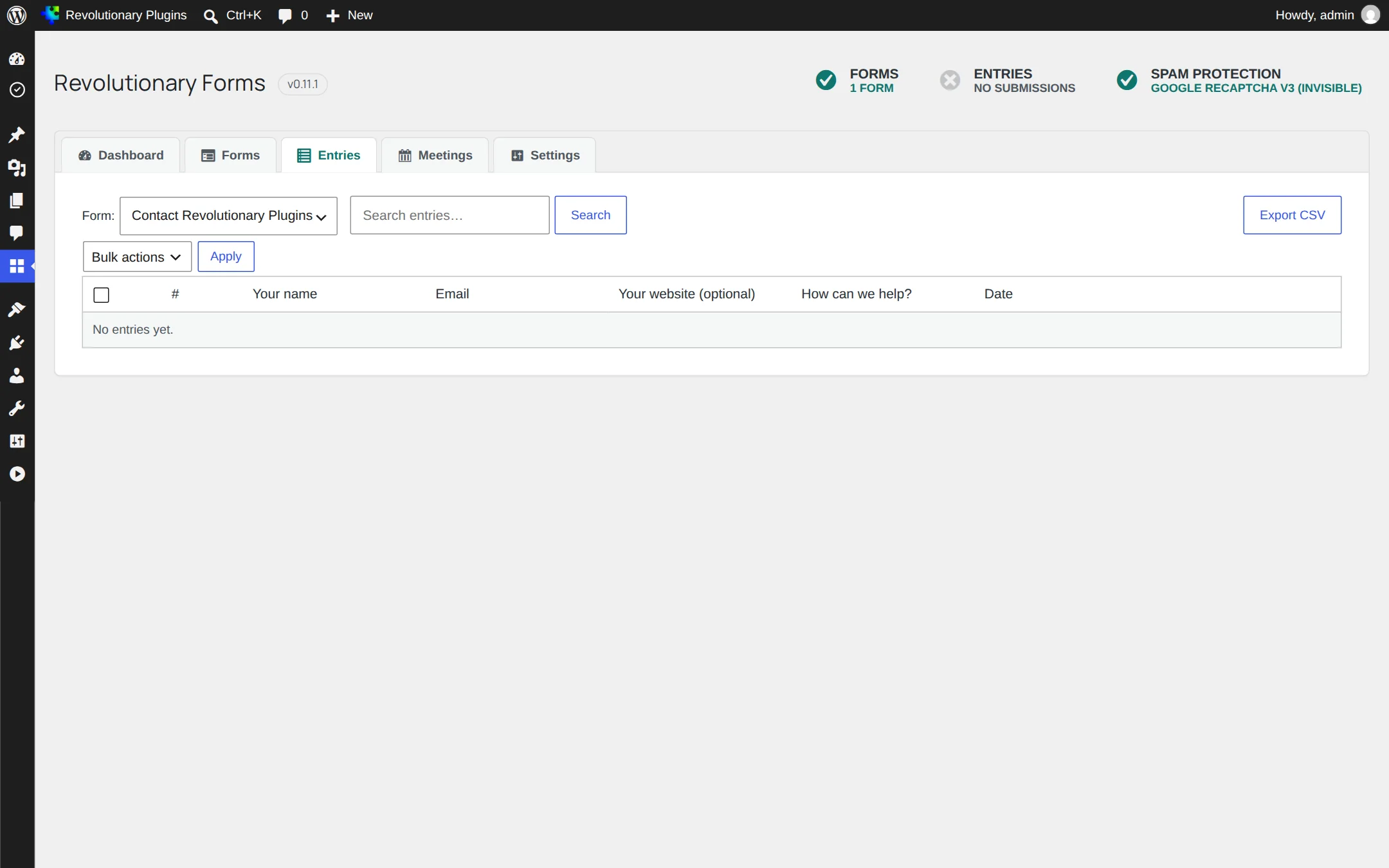
Never miss a submission
What happens after someone clicks Submit.
Meetings
Let visitors book time with you
Add a Meeting Booking field to any form and it becomes a scheduler.
Screens
Every screen, up close
Screenshots are examples; the current interface may differ. Click any screenshot to open it full size.
Release highlights
Selected earlier releases
See the full changelog for the latest releases.
Light and dark color mode
Forms follow the theme's light and dark color mode, with new CSS variables for your own adjustments.
Prefill, topics and accessibility
Prefill any field from the link, a topic chooser above the form, a linked error summary, announced confirmations, and a default value for Hidden fields.
One Microsoft 365 connection, and hardening
Microsoft 365 credentials now come from Revolutionary SMTP, so the Forms tab only lists host mailboxes. Security hardening for file uploads, CSV export and booking limits.
Question and Answer field
A new field for a list of questions, now with multiple choice answers.
Paste its shortcode, such as [revform id="123"], into any page. With Revolutionary Blocks, use the Form widget and pick the form from a list.
Yes. The Meeting Booking field works on its own, with your weekly hours, holds, invites and cancel links. Microsoft 365 adds Outlook free and busy times, calendar events and Teams links.
Yes. The form refreshes its security token when the page loads and retries once if needed.
A hidden honeypot field and a limit of 10 submissions per minute from one address are on by default. For a captcha, add Revolutionary Security, which protects every form.
In your own WordPress database, in the plugin's entries tables. Bookings have their own table. Nothing is sent to an outside service unless you connect Microsoft 365.
Yes. Add a User Confirmation notification. It goes to the address entered in the form's Email field.
Works well with
Better together
Every plugin shares one license, one look and one support desk.
Start collecting and booking today.
Revolutionary Forms is included with every Revolutionary license, together with all sixteen plugins and the Multipurpose theme.